







Question: IMPORTANT: Please make sure to write the program in such a way that only the process ID and the process NAME is displayed like the
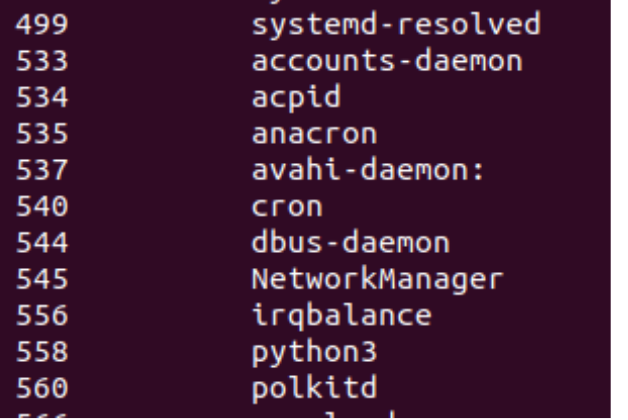
IMPORTANT: Please make sure to write the program in such a way that only the process ID and the process NAME is displayed like the sample output. NOT The whole path.
for example for : only
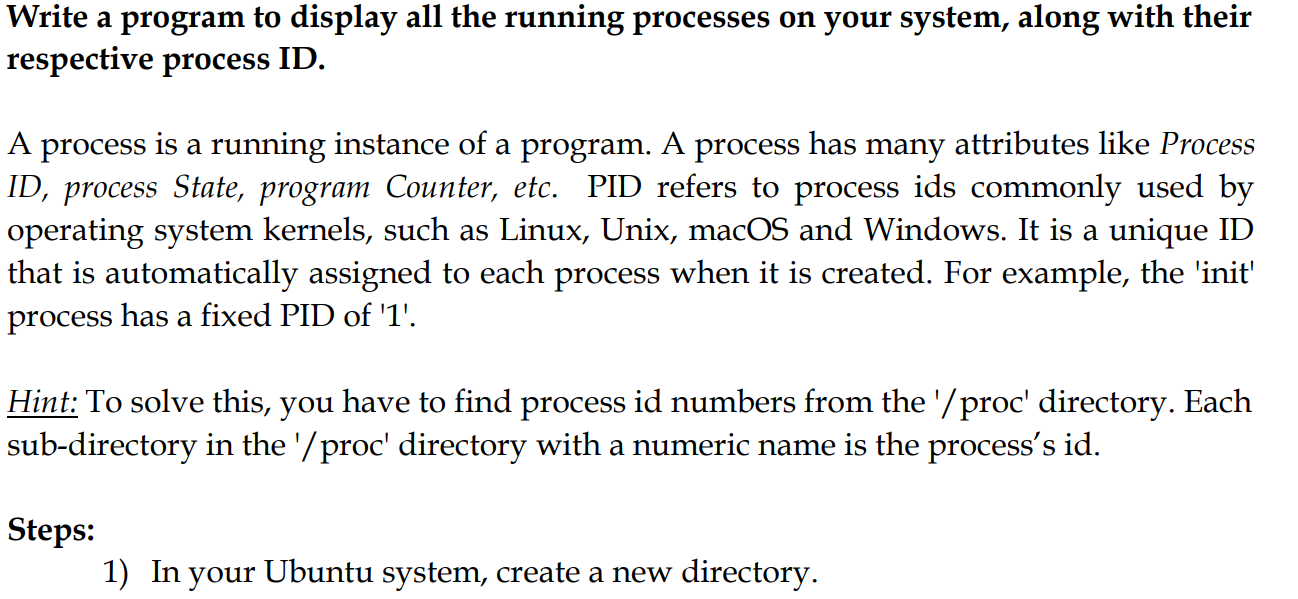
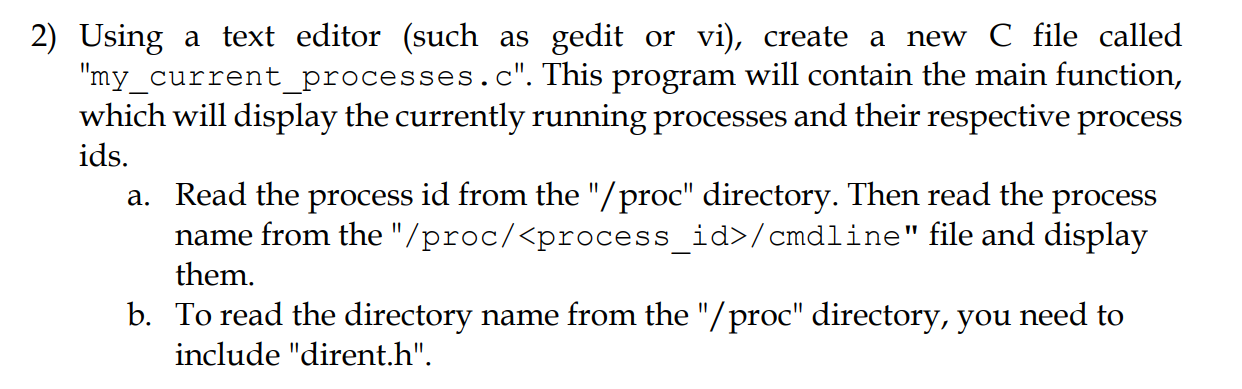
Write a program to display all the running processes on your system, along with their respective process ID. A process is a running instance of a program. A process has many attributes like Process ID, process State, program Counter, etc. PID refers to process ids commonly used by operating system kernels, such as Linux, Unix, macOS and Windows. It is a unique ID that is automatically assigned to each process when it is created. For example, the 'init' process has a fixed PID of '1'. Hint: To solve this, you have to find process id numbers from the '/proc' directory. Each sub-directory in the '/proc' directory with a numeric name is the process's id. Steps: 1) In your Ubuntu system, create a new directory. 2) Using a text editor (such as gedit or vi), create a new C file called "my_current_processes.c". This program will contain the main function, which will display the currently running processes and their respective process ids. a. Read the process id from the "/proc" directory. Then read the process name from the "/proc/
Step by Step Solution
There are 3 Steps involved in it

Get step-by-step solutions from verified subject matter experts
 Study Help