







Question: In a new worksheet called Directors, create your pivot and filter it by: Year = 2010 and Country = USA. Include the director_name as your
In a new worksheet called "Directors", create your pivot and filter it by: Year = 2010 and Country = USA. Include the director_name as your first column and additional column names for each of the years from 2010 - 2015. Next bring in the Primary Key field (that you created in Step 1) as your value to be counted for each director in each year respectively. Create a Total column and Total row to sum the data accordingly.
Attached are pics of the pivot table fields and all the headers/categories.
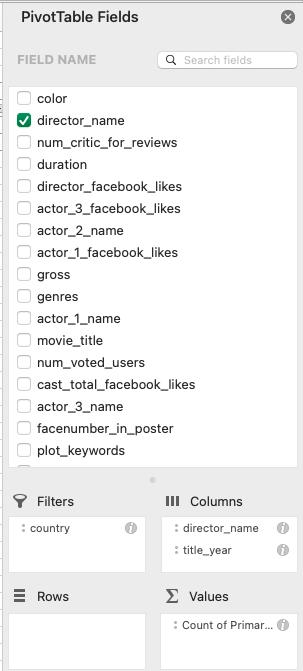
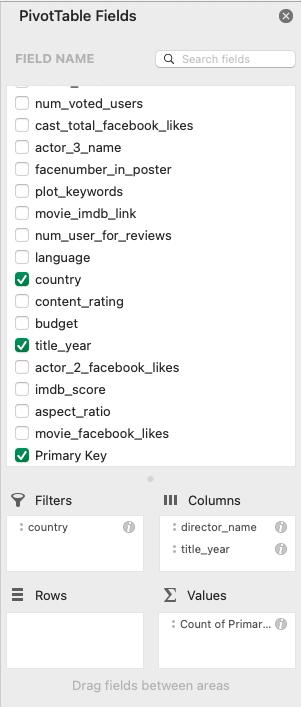
PivotTable Fields FIELD NAME 0 0 0 0 0 0 0 0 0 000 000 color director_name num_critic_for_reviews duration director_facebook_likes actor_3 facebook_likes actor_2_name actor_1_facebook_likes gross genres Q Search fields: actor_1_name movie title num_voted_users cast_total facebook_likes actor_3_name facenumber_in_poster plot keywords Filters : country E Rows III Columns : director_name : title_year values : Count of Primar...
Step by Step Solution
There are 3 Steps involved in it
Since I cannot view attached images Ill provide you with instructions on how to create the pivot tab... View full answer

Get step-by-step solutions from verified subject matter experts
 Study Help