







Question: in C Command-Line Arguments Read in the command-line arguments and verify that there are three parameters: (1) the program name, (2) an input file that
in C
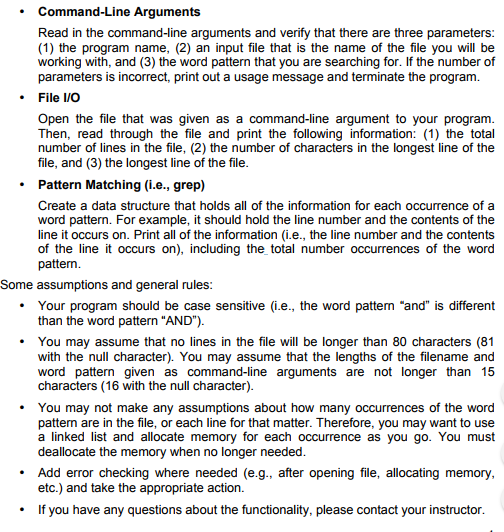
Command-Line Arguments Read in the command-line arguments and verify that there are three parameters: (1) the program name, (2) an input file that is the name of the file you will be working with, and (3) the word pattern that you are searching for. If the number of parameters is incorrect, print out a usage message and terminate the program. File I/O Open the file that was given as a command-line argument to your program. Then, read through the file and print the following information: (1) the total number of lines in the file, (2) the number of characters in the longest line of the file, and (3) the longest line of the file. Pattern Matching (i.e., grep) Create a data structure that holds all of the information for each occurrence of a word pattern. For example, it should hold the line number and the contents of the line it occurs on. Print all of the information (i.e., the line number and the contents of the line it occurs on), including the total number occurrences of the word pattern. Some assumptions and general rules: Your program should be case sensitive (i.e., the word pattern "and" is different than the word pattern "AND"). You may assume that no lines in the file will be longer than 80 characters (81 with the null character). You may assume that the lengths of the filename and word pattern given as command-line arguments are not longer than 15 characters (16 with the null character). You may not make any assumptions about how many occurrences of the word pattern are in the file, or each line for that matter. Therefore, you may want to use a linked list and allocate memory for each occurrence as you go. You must deallocate the memory when no longer needed. Add error checking where needed (e.g., after opening file, allocating memory etc.) and take the appropriate action. If you have any questions about the functionality, please contact your instructor
Step by Step Solution
There are 3 Steps involved in it

Get step-by-step solutions from verified subject matter experts
 Study Help