







Question: In C# Need code from GUI step by step The text boxes and buttons are named in properties as follows: Account Name: accountName Account Number:
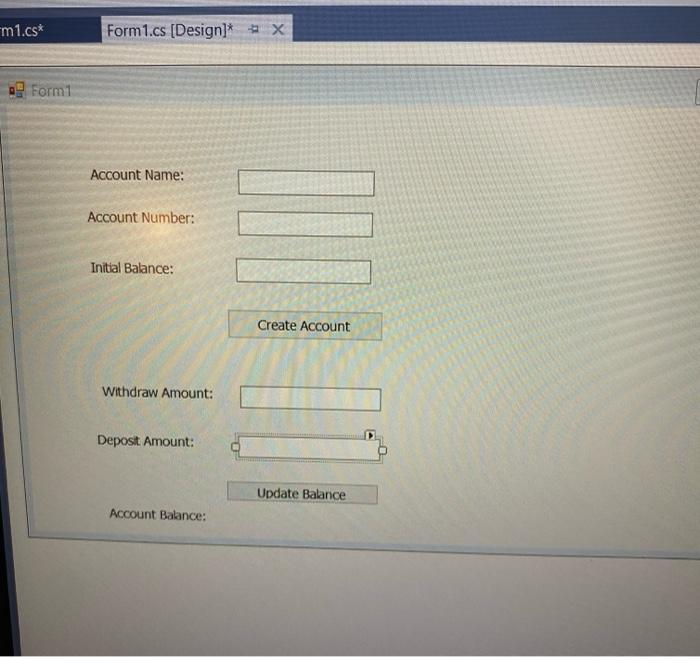
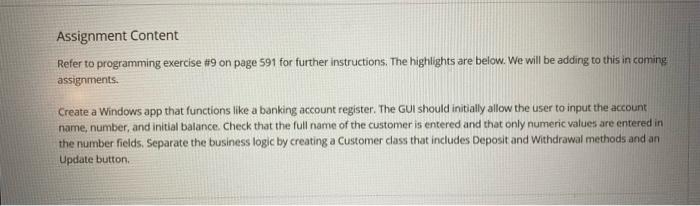
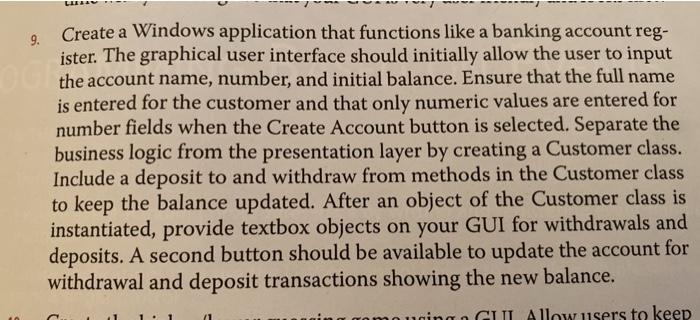
m1.cs* | Form1.cs (Design)*X o Form1 Account Name: II Account Number: Initial Balance: Create Account Withdraw Amount: Deposit Amount: Update Balance Account Balance: Assignment Content Refer to programming exercise #9 on page 591 for further instructions. The highlights are below. We will be adding to this in coming assignments. Create a Windows app that functions like a banking account register. The GUI should initially allow the user to input the account name, number, and initial balance. Check that the full name of the customer is entered and that only numeric values are entered in the number fields, Separate the business logic by creating a Customer class that includes Deposit and Withdrawal methods and an Update button 9. Create a Windows application that functions like a banking account reg- ister. The graphical user interface should initially allow the user to input o is entered for the customer and that only numeric values are entered for number fields when the Create Account button is selected. Separate the business logic from the presentation layer by creating a Customer class. Include a deposit to and withdraw from methods in the Customer class to keep the balance updated. After an object of the Customer class is instantiated, provide textbox objects on your GUI for withdrawals and deposits. A second button should be available to update the account for withdrawal and deposit transactions showing the new balance. GUL Allow users to keep
Step by Step Solution
There are 3 Steps involved in it

Get step-by-step solutions from verified subject matter experts
 Study Help