







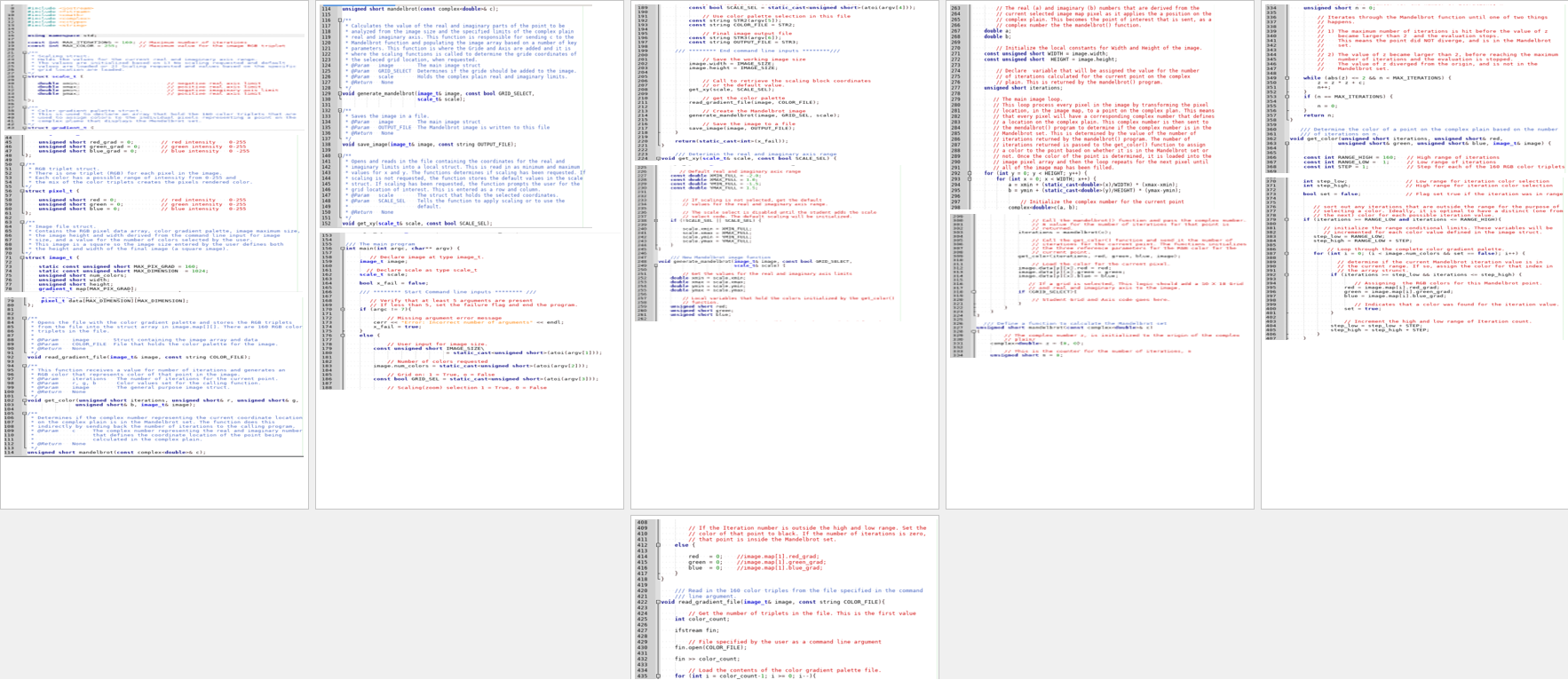
Question: in C + + : You will use this code as a basis for your modifications for the addition of the Grid mode and Scale
in C: You will use this code as a basis for your modifications for the addition of the Grid mode and Scale mode.
Mandelbrot Program Specifications
The structs
You will use the following struct definitions and declaration in your program to create and manipulate your image:
pixelt
struct pixelt
unsigned short red;
unsigned short green;
unsigned short blue;
;
Members:
Pixel RGB color triplet
imaget
struct imaget
static const unsigned short MAXPIXGRAD ;
static const unsigned short MAXDIMENSION ;
unsigned short width;
unsigned short height;
gradientt mapMAXPIXGRAD;
pixelt dataMAXDIMENSIONMAXDIMENSION;
;
Members:
MAXPIXGRAD: maximum size of array that holds the RGB colors from the file colorgradient.txt There are colors in the file.
MAXDIMENSION: Sets the maximum size of an image to display.
width and height: Dimensions of the image entered by the user in the command line.
MAP: Array of type gradientt that stores the values of the gradient color palette read in from the file colorgradient.txt
data: Array of type pixelt that holds the pixel color map for the image.
gradientt
struct gradientt
unsigned short redgrad;
unsigned short greengrad;
unsigned short bluegrad;
;
Members:
RGB color triplet for the gradient color palette.
scalet
struct scalet
double xmin;
double xmax;
double ymin;
double ymax;
;
Members:
x and y coordinates for the grid pattern.
Declaring a struct data type.
The statement below declares the new struct identifier image of type imaget
imaget image; Image file struct declaration.
Included Functions:
Function generatemandelbrot
This function is responsible for populating the image pixel array. It sets up and calls the mandelbrot function and is returned the number of iterations for the point in the complex plane being calculated. This is also a pixel location in the image. It calls the getcolor function to assign an RGB triplet for that pixel and that is based on the number of colors entered in the command line. The maximum number of colors is This color triplet is then stored in the image map. This continues for every pixel location in the image. There is a fair amount of explanation in the code comments, so make sure you read them.
void generatemandelbrotimaget& image, const bool GRIDSELECT
Function mandelbrot
This function is called and receives the complex number c from generatemandelbrot and returns the number of iterations for that point.
unsigned short mandelbrotconst complex& c;
Function getcolor
This function is called by generatemandelbrot and is passed the number of iterations for a point and calculates and sets the RGB colors for that pixel based on the number of iterations and the number of colors selected, from the available palettefile for that image.
void getcolorunsigned short iterations, unsigned short& red, unsigned short& green,
unsigned short& blue, imaget& image
Function readgradientfile
Stores the RGB triples for the color gradient file. This is currently RGB colors.
void readgradientfileimaget& image;
Function getxy
Deterimines the real and imaginary axis x and y range. This is where the scaling logic resides. Your objective is to add this logic to the program. The scaling is set to the default in the sample full Mandelbrot image program.
void getxyscalet& scale, const bool SCALESEL
Default parameters in the sample run:
The sample program sets the coordinate size for the Mandelbrot calculations as constants. You will need to change these to variables when you add the scaling feature. There is a table of scaling values provided in the file scale.txt You will use this for the scaling feature.
Sample program values:
xmin
xmax
ymin
ymax
The max iterations of the Mandelbrot function is set to to match the maximum number of colors in the color gradient file. You can add more if you want later.
Inputs:
Command Line Arguments are used.
Included in the sample program.
argc An integer that represents the number of arguments to be passed.
argv An array of string arguments. Actually an array of pointers that point to the character arrays that hold the strings redirected from the command line
Color gradient palette file.
Included in the sample program.
Contains colors that are used to represent the value of iterations within the Mandelbrot image. The first number is used as an index to read the set into an array of type gradientt
Copy this from:
homesharedcsjpristaspabcolorgradient.txt
Step by Step Solution
There are 3 Steps involved in it
1 Expert Approved Answer
Step: 1 Unlock

Question Has Been Solved by an Expert!
Get step-by-step solutions from verified subject matter experts
Step: 2 Unlock
Step: 3 Unlock
 Study Help