







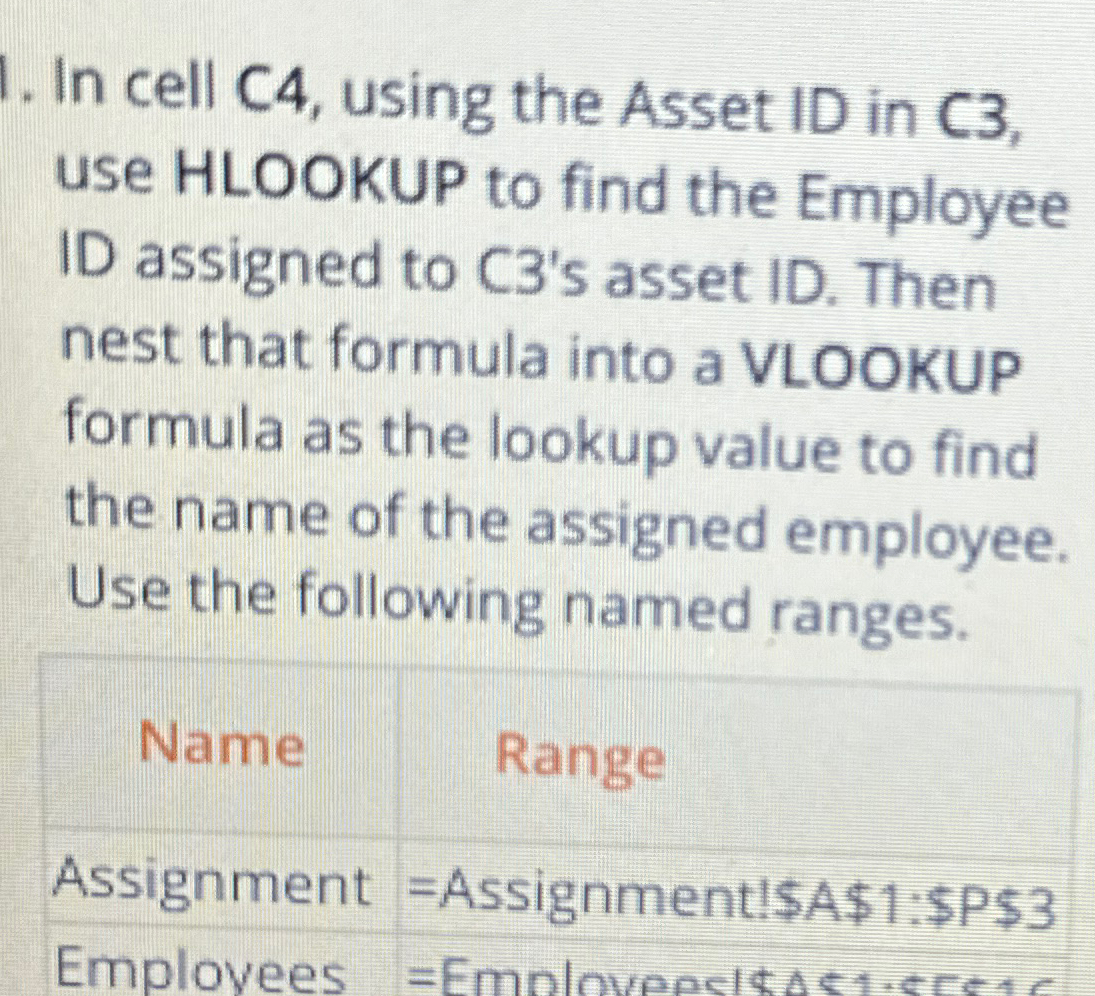
Question: In cell C 4 , using the Asset ID in C 3 , use HLOOKUP to find the Employee ID assigned to C 3 '
In cell C using the Asset ID in C use HLOOKUP to find the Employee ID assigned to Cs asset ID Then nest that formula into a VLOOKUP formula as the lookup value to find the name of the assigned employee. Use the following named ranges.
Name
Range
Assignment Assignment$A$:$P$
Emplovees
Step by Step Solution
There are 3 Steps involved in it
1 Expert Approved Answer
Step: 1 Unlock

To solve the question follow these steps in Excel Step 1 Use HLOOKUP to Find the Employee ID HLOOKUP ... View full answer
Question Has Been Solved by an Expert!
Get step-by-step solutions from verified subject matter experts
Step: 2 Unlock
Step: 3 Unlock
 Study Help