







Question: In cells C 4 7 - G 4 7 insert a Clustered Column Chart to show the distribution of the registered ( Yes / No
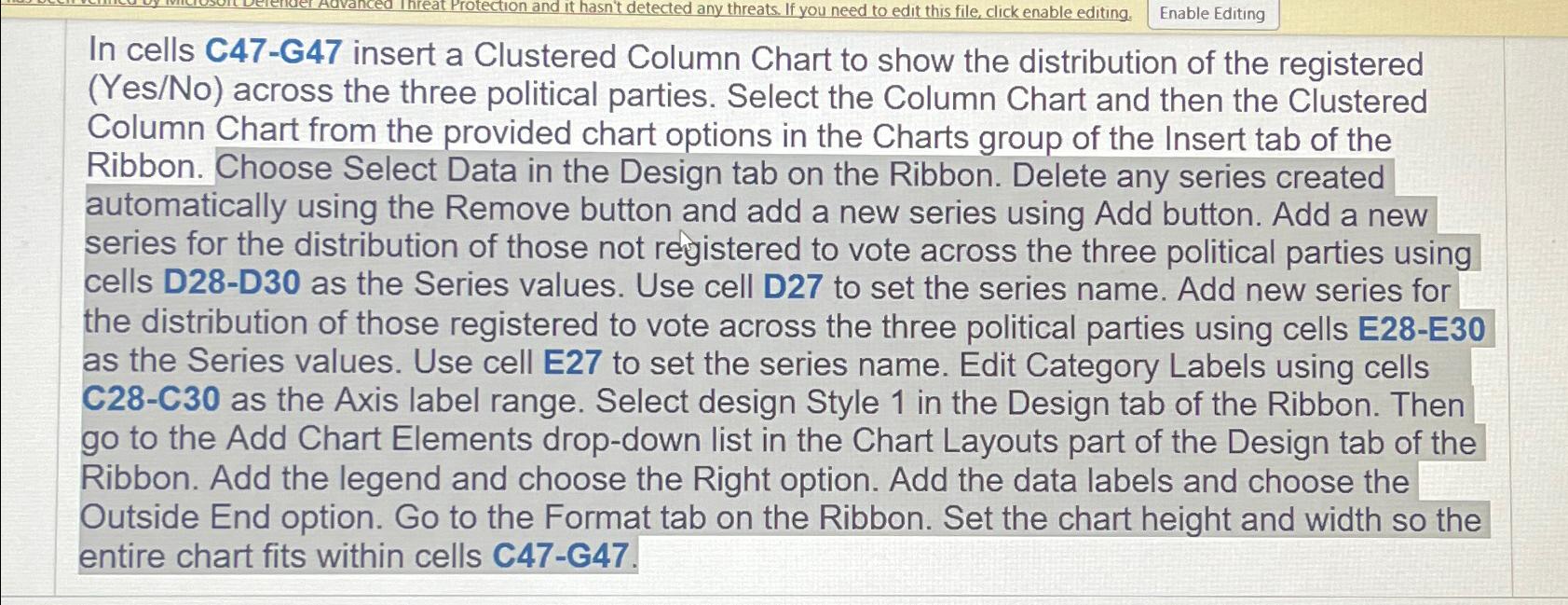
In cells CG insert a Clustered Column Chart to show the distribution of the registered YesNo across the three political parties. Select the Column Chart and then the Clustered Column Chart from the provided chart options in the Charts group of the Insert tab of the Ribbon. Choose Select Data in the Design tab on the Ribbon. Delete any series created automatically using the Remove button and add a new series using Add button. Add a new series for the distribution of those not registered to vote across the three political parties using cells DD as the Series values. Use cell D to set the series name. Add new series for the distribution of those registered to vote across the three political parties using cells EE as the Series values. Use cell E to set the series name. Edit Category Labels using cells CC as the Axis label range. Select design Style in the Design tab of the Ribbon. Then go to the Add Chart Elements dropdown list in the Chart Layouts part of the Design tab of the Ribbon. Add the legend and choose the Right option. Add the data labels and choose the Outside End option. Go to the Format tab on the Ribbon. Set the chart height and width so the entire chart fits within cells CG
Step by Step Solution
There are 3 Steps involved in it
1 Expert Approved Answer
Step: 1 Unlock

Question Has Been Solved by an Expert!
Get step-by-step solutions from verified subject matter experts
Step: 2 Unlock
Step: 3 Unlock
 Study Help