







Question: In cells G4:14, create cell references for the values that correspond to the headings in G3:13. Format the range G4:14 to hide the values you
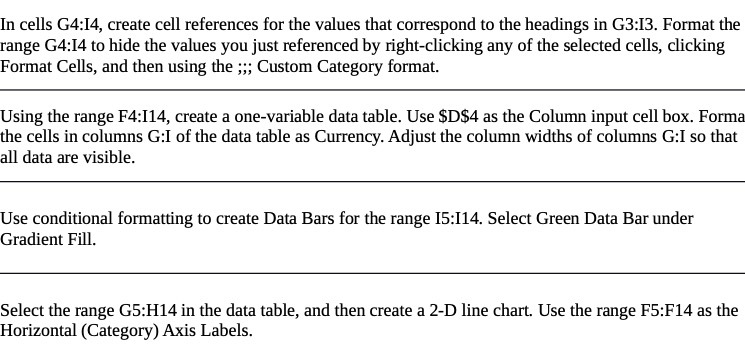
In cells G4:14, create cell references for the values that correspond to the headings in G3:13. Format the range G4:14 to hide the values you just referenced by right-clicking any of the selected cells, clicking Format Cells, and then using the ;;; Custom Category format. Using the range F4:I14, create a one-variable data table. Use $D$4 as the Column input cell box. Forma the cells in columns G:I of the data table as Currency. Adjust the column widths of columns G:I so that all data are visible. Use conditional formatting to create Data Bars for the range 15:I14. Select Green Data Bar under Gradient Fill. Select the range G5:H14 in the data table, and then create a 2-D line chart. Use the range F5:F14 as the Horizontal (Category) Axis Labels
Step by Step Solution
There are 3 Steps involved in it

Get step-by-step solutions from verified subject matter experts
 Study Help