







Question: In Design view, create a new table. Add the first field named 1 0 CustomerID with AutoNumber Data Type. Add Company as the second field
In Design view, create a new table. Add the first field named
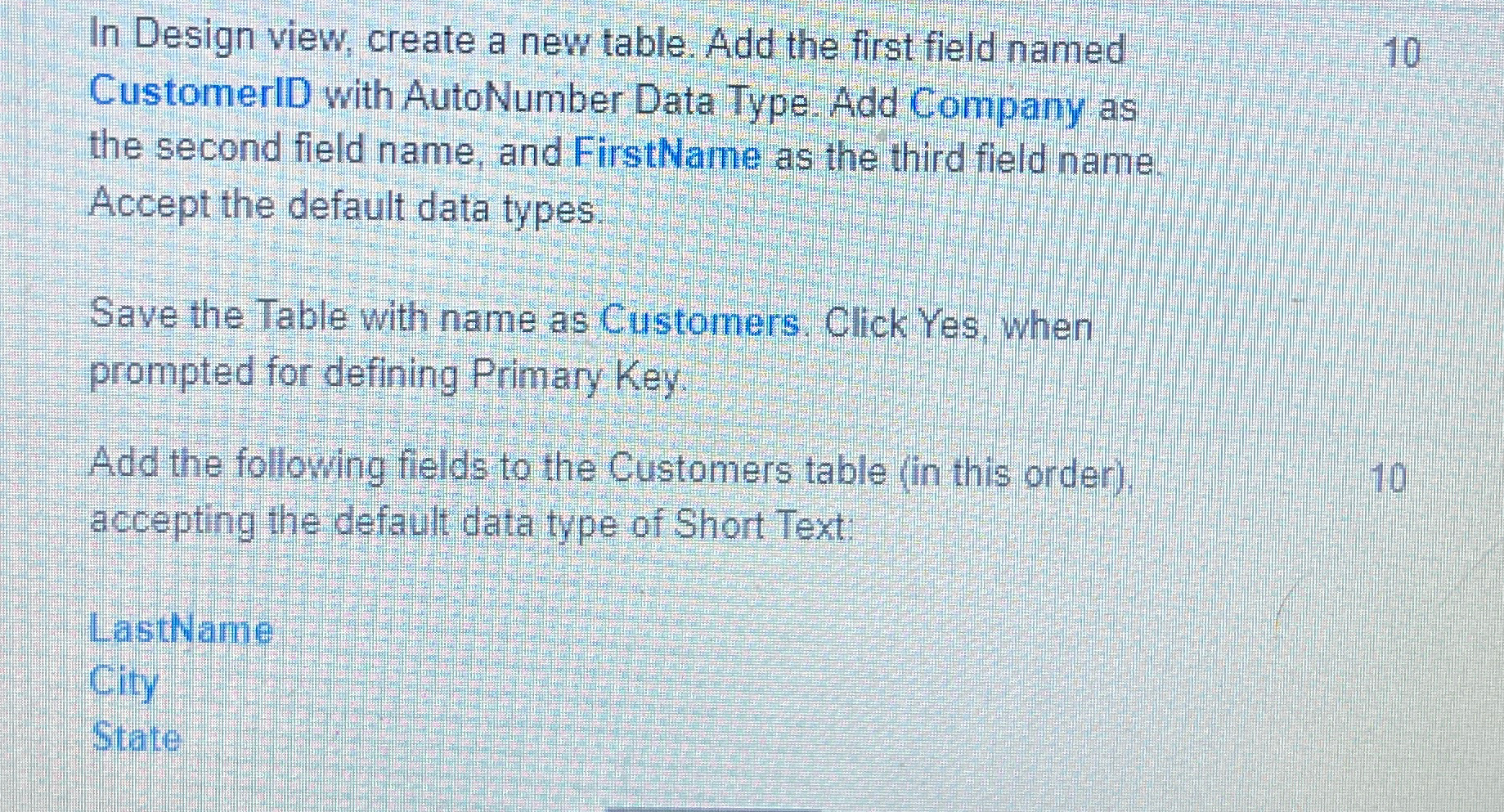
CustomerID with AutoNumber Data Type. Add Company as the second field name, and FirstName as the third field name. Accept the default data types.
Save the Table with name as Customers. Click Yes, when prompted for defining Primary Key.
Add the following fields to the Customers table in this order
accepting the default data type of Short Text:
LastName
City
State
Step by Step Solution
There are 3 Steps involved in it
1 Expert Approved Answer
Step: 1 Unlock

Question Has Been Solved by an Expert!
Get step-by-step solutions from verified subject matter experts
Step: 2 Unlock
Step: 3 Unlock
 Study Help