







Question: In Dev C+ Programming In this project, you will write a program to rotate a user-specified 24-bit RGB BMP image by 90 degrees The direction
In Dev C+ Programming 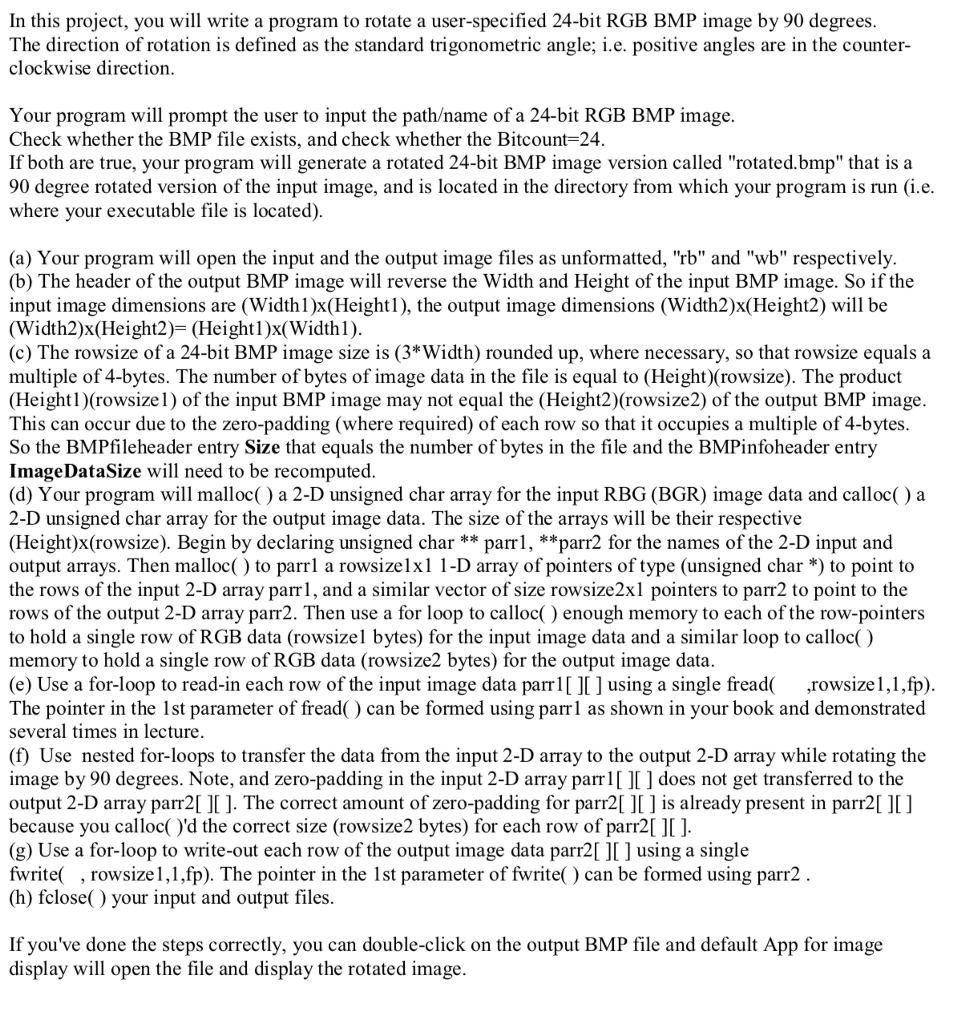
In this project, you will write a program to rotate a user-specified 24-bit RGB BMP image by 90 degrees The direction of rotation is defined as the standard trigonometric angle; i.e. positive angles are in the counter clockwise direction Your program will prompt the user to input the pathame of a 24-bit RGB BMP image. Check whether the BMP file exists, and check whether the Bitcount-24 If both are true, your program will generate a rotated 24-bit BMP image version called "rotated.bmp" that is a 90 degree rotated version of the input image, and is located in the directory from which your program is run (i.e where your executable file is located) (a) Your program will open the input and the output image files as unformatted, "rb" and "wb" respectively (b) The header of the output BMP image will reverse the Width and Height of the input BMP image. So if the input image dimensions are (Width1)x(Height1), the output image dimensions (Width2)x(Height2) will be (Width2)x(Height2)- (Heightl)x(Widthl) (c) The rowsize of a 24-bit BMP image size is (3*Width) rounded up, where necessary, so that rowsize equals a multiple of 4-bytes. The number of bytes of image data in the file is equal to (Height)(rowsize). The product (Heightl)(rowsizel) of the input BMP image may not equal the (Height2)(rowsize2) of the output BMP image This can occur due to the zero-padding (where required) of each row so that it occupies a multiple of 4-bytes So the BMPfileheader entry Size that equals the number of bytes in the file and the BMPinfoheader entry ImageDataSize will need to be recomputed (d) Your program will malloc( ) a 2-D unsigned char array for the input RBG (BGR) image data and calloc( ) a 2-D unsigned char array for the output image data. The size of the arrays will be their respective (Height)x(rowsize). Begin by declaring unsigned char ** parrl, **parr2 for the names of the 2-D input and output arrays. Then malloc() to parrl a rowsizelxl 1-D array of pointers of type (unsigned char *) to point to the rows of the input 2-D array parr1, and a similar vector of size rowsize2xl pointers to parr2 to point to the rows of the output 2-D array parr2. Then use a for loop to calloc() enough memory to each of the row-pointers to hold a single row of RGB data (rowsizel bytes) for the input image data and a similar loop to calloc() memory to hold a single row of RGB data (rowsize2 bytes) for the output image data (e) Use a for-loop to read-in each row of the input image data parr using a single fread rowsize1,1,fp) The pointer in the 1st parameter of fread() can be formed using parrl as shown in your book and demonstrated several times in lecture (f) Use nested for-loops to transfer the data from the input 2-D array to the output 2-D array while rotating the image by 90 degrees. Note, and zero-padding in the input 2-D array parrl[ ][ ] does not get transferred to the output 2-D array parr2[ ][ ]. The correct amount of zero-padding for parr2[] is already present in parr2 ]I] because you calloc()'d the correct size (rowsize2 bytes) for each row of parr2[ ]I ] (g) Use a for-loop to write-out each row of the output image data parr2[ ][] using a single fwrite( , rowsize1,1,fp). The pointer in the 1st parameter of fwrite) can be formed using parr2 (h) fclose() your input and output files If you've done the steps correctly, you can double-click on the output BMP file and default App for image display will open the file and display the rotated image In this project, you will write a program to rotate a user-specified 24-bit RGB BMP image by 90 degrees The direction of rotation is defined as the standard trigonometric angle; i.e. positive angles are in the counter clockwise direction Your program will prompt the user to input the pathame of a 24-bit RGB BMP image. Check whether the BMP file exists, and check whether the Bitcount-24 If both are true, your program will generate a rotated 24-bit BMP image version called "rotated.bmp" that is a 90 degree rotated version of the input image, and is located in the directory from which your program is run (i.e where your executable file is located) (a) Your program will open the input and the output image files as unformatted, "rb" and "wb" respectively (b) The header of the output BMP image will reverse the Width and Height of the input BMP image. So if the input image dimensions are (Width1)x(Height1), the output image dimensions (Width2)x(Height2) will be (Width2)x(Height2)- (Heightl)x(Widthl) (c) The rowsize of a 24-bit BMP image size is (3*Width) rounded up, where necessary, so that rowsize equals a multiple of 4-bytes. The number of bytes of image data in the file is equal to (Height)(rowsize). The product (Heightl)(rowsizel) of the input BMP image may not equal the (Height2)(rowsize2) of the output BMP image This can occur due to the zero-padding (where required) of each row so that it occupies a multiple of 4-bytes So the BMPfileheader entry Size that equals the number of bytes in the file and the BMPinfoheader entry ImageDataSize will need to be recomputed (d) Your program will malloc( ) a 2-D unsigned char array for the input RBG (BGR) image data and calloc( ) a 2-D unsigned char array for the output image data. The size of the arrays will be their respective (Height)x(rowsize). Begin by declaring unsigned char ** parrl, **parr2 for the names of the 2-D input and output arrays. Then malloc() to parrl a rowsizelxl 1-D array of pointers of type (unsigned char *) to point to the rows of the input 2-D array parr1, and a similar vector of size rowsize2xl pointers to parr2 to point to the rows of the output 2-D array parr2. Then use a for loop to calloc() enough memory to each of the row-pointers to hold a single row of RGB data (rowsizel bytes) for the input image data and a similar loop to calloc() memory to hold a single row of RGB data (rowsize2 bytes) for the output image data (e) Use a for-loop to read-in each row of the input image data parr using a single fread rowsize1,1,fp) The pointer in the 1st parameter of fread() can be formed using parrl as shown in your book and demonstrated several times in lecture (f) Use nested for-loops to transfer the data from the input 2-D array to the output 2-D array while rotating the image by 90 degrees. Note, and zero-padding in the input 2-D array parrl[ ][ ] does not get transferred to the output 2-D array parr2[ ][ ]. The correct amount of zero-padding for parr2[] is already present in parr2 ]I] because you calloc()'d the correct size (rowsize2 bytes) for each row of parr2[ ]I ] (g) Use a for-loop to write-out each row of the output image data parr2[ ][] using a single fwrite( , rowsize1,1,fp). The pointer in the 1st parameter of fwrite) can be formed using parr2 (h) fclose() your input and output files If you've done the steps correctly, you can double-click on the output BMP file and default App for image display will open the file and display the rotated image
Step by Step Solution
There are 3 Steps involved in it

Get step-by-step solutions from verified subject matter experts
 Study Help