







Question: In JAVA Create a new java class named LabSix and txt file with some text Add a method. Add code in the that will: a.
In JAVA
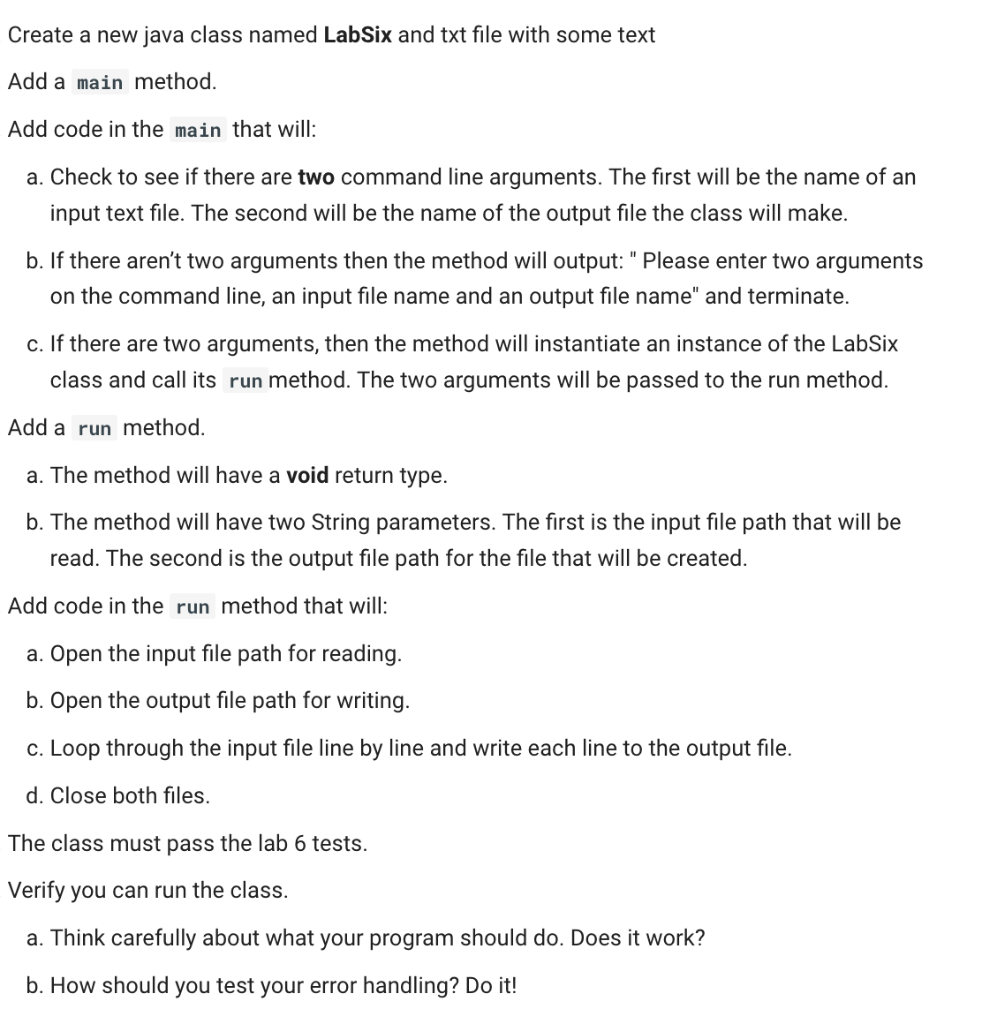
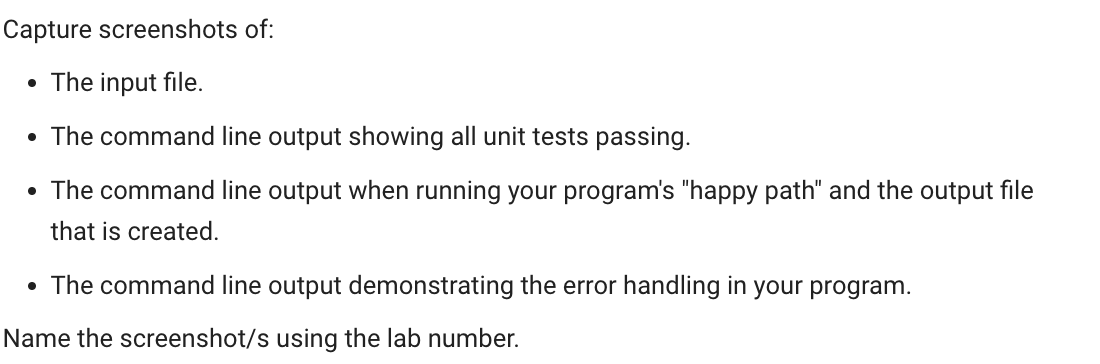
Create a new java class named LabSix and txt file with some text Add a method. Add code in the that will: a. Check to see if there are two command line arguments. The first will be the name of an input text file. The second will be the name of the output file the class will make. b. If there aren't two arguments then the method will output: " Please enter two arguments on the command line, an input file name and an output file name" and terminate. c. If there are two arguments, then the method will instantiate an instance of the LabSix class and call its run method. The two arguments will be passed to the run method. Add a method. a. The method will have a void return type. b. The method will have two String parameters. The first is the input file path that will be read. The second is the output file path for the file that will be created. Add code in the method that will: a. Open the input file path for reading. b. Open the output file path for writing. c. Loop through the input file line by line and write each line to the output file. d. Close both files. The class must pass the lab 6 tests. Verify you can run the class. a. Think carefully about what your program should do. Does it work? b. How should you test your error handling? Do it! Capture screenshots of: - The input file. - The command line output showing all unit tests passing. - The command line output when running your program's "happy path" and the output file that is created. - The command line output demonstrating the error handling in your program. Name the screenshot/s using the lab number
Step by Step Solution
There are 3 Steps involved in it

Get step-by-step solutions from verified subject matter experts
 Study Help