







Question: IN JAVA: Files are below! Thank you! I greatly appreciate it. ToyStoryInventory.java public class ToyStoreInventory { /**************** ATTRIBUTES ******************************************* /* Complete the attributes below, i.e.,

IN JAVA: Files are below! Thank you! I greatly appreciate it.
ToyStoryInventory.java
public class ToyStoreInventory {
/**************** ATTRIBUTES *******************************************
/* Complete the attributes below, i.e., the information that is contained in
* your new objects
* DO NOT MODIFY THIS LIST OF ATTRIBUTES
***********************************************************************/
// Attributes ARE GIVEN TO YOU...
private ToyStoreItem[] inventory = ;//complete this definition to store up to 25 toys.
private int[] quantity = ; //complete this definition to keep track of up to 25 toys.
private int numOfToys;
/* Constructor 1 ************************************************************
* Constructor receives a file name and populates the array.
****************************************************************************/
/**************** GETTERS / ACCESSORS **********************************
* Methods that allow to access the values of the attributes
* One method per attribute
* Note that the methods are not static
***********************************************************************/
/* TO DO: getter for numToys */
/******************* Actuators ****************************************/
public void print() {
/* TO DO: print the name and the code of all the ToyStoreItems available in the inventory
NOTE: print only those with quantity greater than 0 */
}
//Adds a ToyStoreItem to the inventory and the quantity of that toy.
public void addToy(ToyStoreItem toAdd, int quantity) {
//TO DO
//Note: if the ToyStoreItem already exists in the inventory, add to the quantity.
}
//Subracts ToyStoreItems from the inventory
public void deleteToy(ToyStoreItem toDelete, int quantity){
//TO DO
//Note: you cannot subtract a ToyStoreItem if the quantity is 0
}
//Receives the code of a ToyStoreItem and returns the quantity
public int checkQuantity(String code){
// TO DO
}
//Receives a ToyStoreItem code and returns the index where the ToyStoreItem is stored
//Returns -1 if not found in the inventory
public int findToy(String code){
//TO DO
}
}
ToyStoryItems.java
public class ToyStoreItem {
/**************** ATTRIBUTES *******************************************
/* Complete the attributes below, i.e., the information that is contained in
* your new objects
* DO NOT MODIFY THIS LIST OF ATTRIBUTES
***********************************************************************/
// define the datatype and visibility (i.e., private or public) of the following attributes
name; // name of toy; e.g., chess
brand; // brand of the toy
price; // price of toy
batteriesRequired; // indicates if the toy required batteries
age; // minimum recommended age
code; //unique code to identify the toy contains 1 letter (A-Z) and 3 digits (0-9)
/********************** CONSTRUCTORS *********************************/
/* default constructor: provided to you */
public ToyStoreItem() {
}
/* Constructor #2
/* parameters: name, price, code*/
/* TO DO: constructor #2 */
/* Constructor #3
parameters: name, brand, price, batteriesRequired, age, code */
/* TO DO: constructor #3 */
/***************** SETTERS / MUTATORS **********************************
* Methods that allow to set or modify the values of the attributes
* One method per attribute
***********************************************************************/
/* TO DO: add all other setters */
/**************** GETTERS / ACCESSORS **********************************
* Methods that allow to access the values of the attributes
* One method per attribute
***********************************************************************/
/* TO DO: add all other getters */
/***********************************************************************
* Other methods, depending on your needs
***********************************************************************/
public void print() {
// here: add code to complete the print method that allows to print
// the content of all attributes
}
}
ShoppingCart.java
import java.io.*;
import java.util.Scanner;
import java.util.*;
public class ShoppingCart {
public static void main(String[] args){
//Create an instance of ToyStoreInventory using the given text file.
//Initialize the needed variables.
/*Display a menu to:
1. Show list of toys
2. Buy a toy - For this option display the name and code of all the
items available in the inventory. Ask the user for the
code and quantity of the desired toy. Check that there
is enough quantity in stock for the purchase. If there's
no enough quantity, print the mesage " The maximum
quantity of this toy you can buy is X"
3. Checkout - For this option print the total to pay and subtract the
purchased toys from the inventory (subtract quantity)
*/
}
}
Toy List
Slinky,Mattel,10,No,6,A
Magna Doodle,Crayola,20,No,5,B
Star Wars Lego Set,Lego,100,No,9,C
Disney Princess Style Collection Gourmet Kitchen Set,Disney,120,Yes,5,D
Justice League Superman Action Figure,Mattel,3,No,10,E
Twister,Hasbro,13,No,6,F
Bop It!,Hasbro,10,Yes,8,G
Monopoly Ultimate Banking,Hasbro,23,Yes,8,H
Hot Wheels Criss Cross Crash Track Set,Mattel,45,Yes,I
Barbie Crusin Convertible Corvette Radio Control Car-Pink,Mattel,50,Yes,6,J
Fisher-Price Zoom'N Crawl Monster Toy,Fisher-Price,33,Yes,1,K
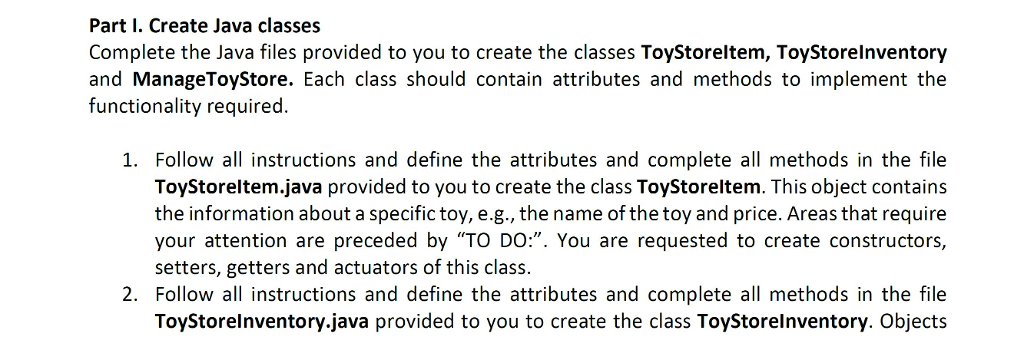
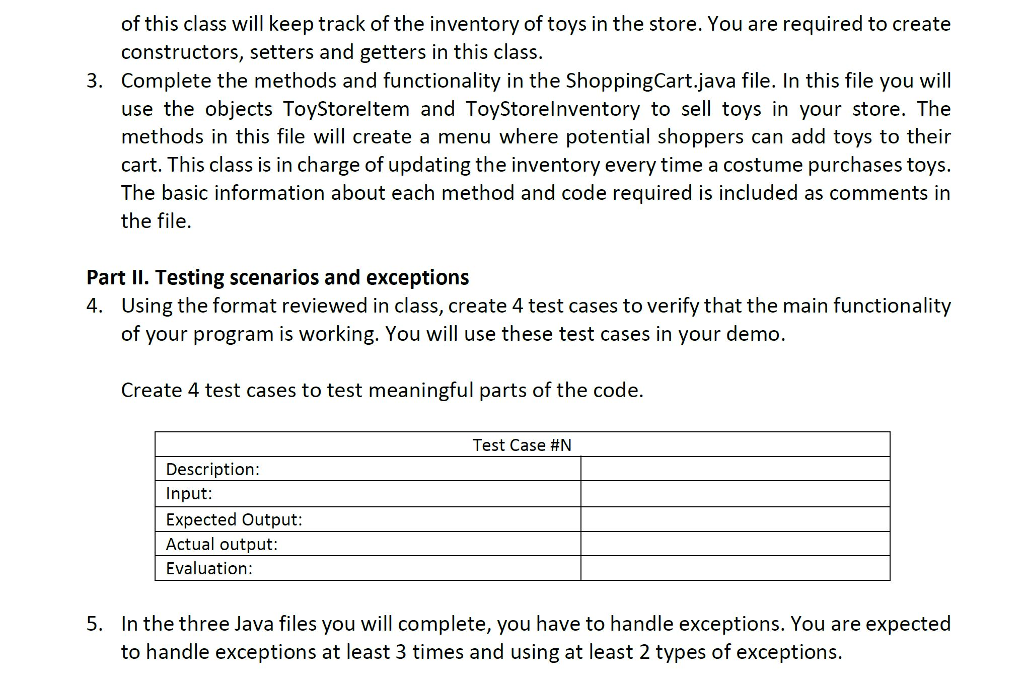
Part I. Create Java classes Complete the Java files provided to you to create the classes Toy Storeltem, Toy Storelnventory and ManageToyStore. Each class should contain attributes and methods to implement the functionality required. 1. Follow all instructions and define the attributes and complete all methods in the file Toy Storeltem.java provided to you to create the class ToyStoreltem. This object contains the information about a specific toy, e.g., the name of the toy and price. Areas that require your attention are preceded by "TO DO:". You are requested to create constructors, setters, getters and actuators of this class. Follow all instructions and define the attributes and complete all methods in the file Toy Storelnventory.java provided to you to create the class ToyStorelnventory. Objects
Step by Step Solution
There are 3 Steps involved in it

Get step-by-step solutions from verified subject matter experts
 Study Help