







Question: ***IN JAVA FX***** Assign3.fxml Task To use JavaFX's event-handling capabilities to draw, delete and move multiple polygons. Method Create a Java application with 3 Buttons
***IN JAVA FX*****
Assign3.fxml
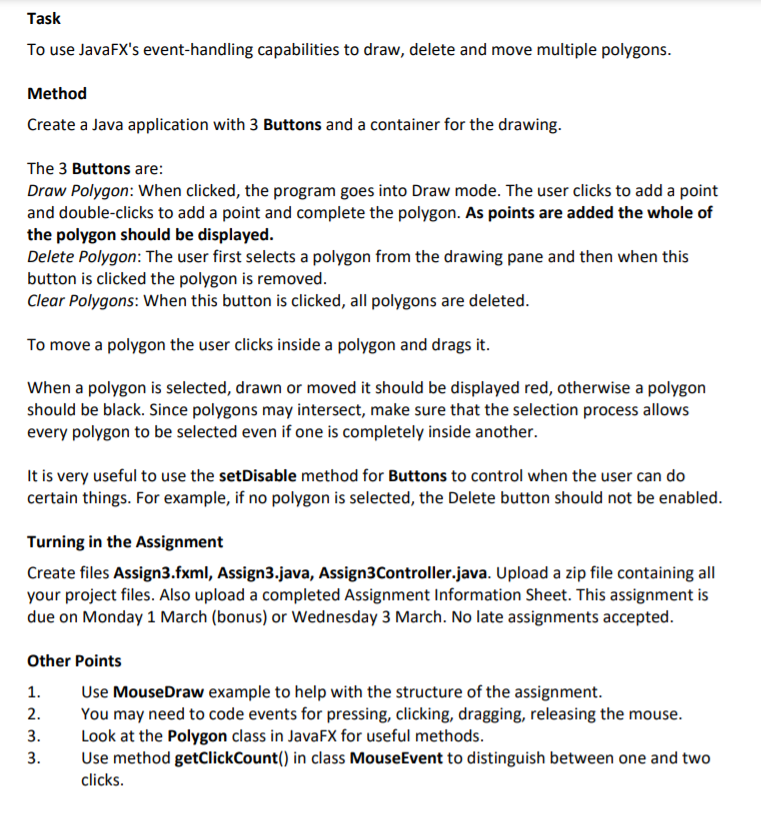
Task To use JavaFX's event-handling capabilities to draw, delete and move multiple polygons. Method Create a Java application with 3 Buttons and a container for the drawing. The 3 Buttons are: Draw Polygon: When clicked, the program goes into Draw mode. The user clicks to add a point and double-clicks to add a point and complete the polygon. As points are added the whole of the polygon should be displayed. Delete Polygon: The user first selects a polygon from the drawing pane and then when this button is clicked the polygon is removed. Clear Polygons: When this button is clicked, all polygons are deleted. To move a polygon the user clicks inside a polygon and drags it. When a polygon is selected, drawn or moved it should be displayed red, otherwise a polygon should be black. Since polygons may intersect, make sure that the selection process allows every polygon to be selected even if one is completely inside another. It is very useful to use the setDisable method for Buttons to control when the user can do certain things. For example, if no polygon is selected, the Delete button should not be enabled. Turning in the Assignment Create files Assign3.fxml, Assign3.java, Assign3Controller.java. Upload a zip file containing all your project files. Also upload a completed Assignment Information Sheet. This assignment is due on Monday 1 March (bonus) or Wednesday 3 March. No late assignments accepted. Other Points 1. Use MouseDraw example to help with the structure of the assignment. 2. You may need to code events for pressing, clicking, dragging, releasing the mouse. 3. Look at the Polygon class in JavaFX for useful methods. 3. Use method getClickCount() in class MouseEvent to distinguish between one and two clicks. Task To use JavaFX's event-handling capabilities to draw, delete and move multiple polygons. Method Create a Java application with 3 Buttons and a container for the drawing. The 3 Buttons are: Draw Polygon: When clicked, the program goes into Draw mode. The user clicks to add a point and double-clicks to add a point and complete the polygon. As points are added the whole of the polygon should be displayed. Delete Polygon: The user first selects a polygon from the drawing pane and then when this button is clicked the polygon is removed. Clear Polygons: When this button is clicked, all polygons are deleted. To move a polygon the user clicks inside a polygon and drags it. When a polygon is selected, drawn or moved it should be displayed red, otherwise a polygon should be black. Since polygons may intersect, make sure that the selection process allows every polygon to be selected even if one is completely inside another. It is very useful to use the setDisable method for Buttons to control when the user can do certain things. For example, if no polygon is selected, the Delete button should not be enabled. Turning in the Assignment Create files Assign3.fxml, Assign3.java, Assign3Controller.java. Upload a zip file containing all your project files. Also upload a completed Assignment Information Sheet. This assignment is due on Monday 1 March (bonus) or Wednesday 3 March. No late assignments accepted. Other Points 1. Use MouseDraw example to help with the structure of the assignment. 2. You may need to code events for pressing, clicking, dragging, releasing the mouse. 3. Look at the Polygon class in JavaFX for useful methods. 3. Use method getClickCount() in class MouseEvent to distinguish between one and two clicks
Step by Step Solution
There are 3 Steps involved in it

Get step-by-step solutions from verified subject matter experts
 Study Help