







Question: In Java In this project we will build a generic UserInput class for getting keyboard input from the user. Implementation: The class UserInput is a
In Java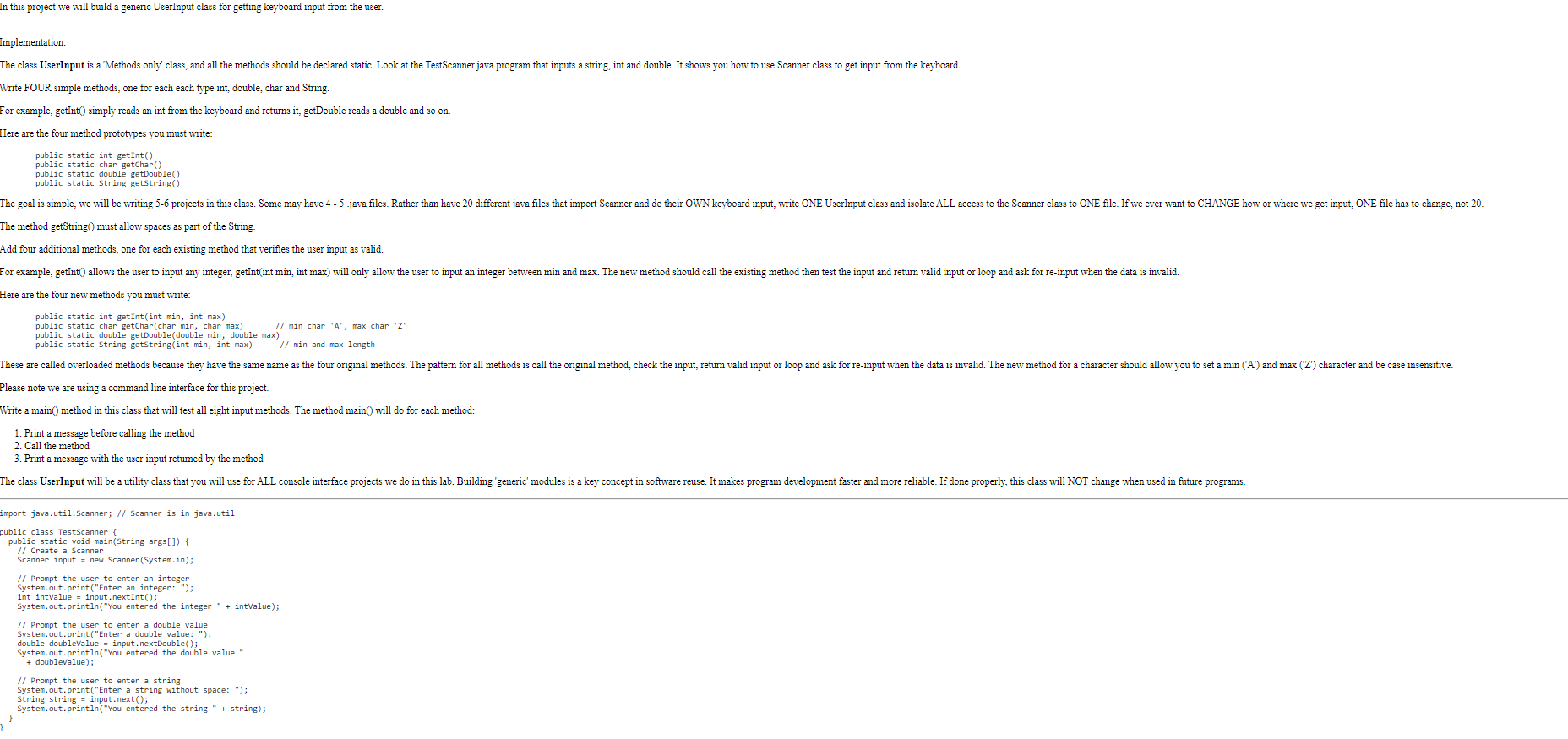
In this project we will build a generic UserInput class for getting keyboard input from the user. Implementation: The class UserInput is a 'Methods only' class, and all the methods should be declared static. Look at the TestScanner.java program that inputs a string, int and double. It shows you how to use Scanner class to get input from the keyboard. Write FOUR simple methods, one for each each type int, double char and String. For example, getint() simply reads an int from the keyboard and returns it, getDouble reads a double and so on. Here are the four method prototypes you must write: public static int getInt() public static char getchar() public static double getDouble() public static String getString() The goal is simple, we will be writing 5-6 projects in this class. Some may have 4 - 5.java files. Rather than have 20 different java files that import Scanner and do their OWN keyboard input, write ONE UserInput class and isolate ALL access to the Scanner class to ONE file. If we ever want to CHANGE how or where we get input, ONE file has to change, not 20. The method getString0 must allow spaces as part of the String. Add four additional methods, one for each existing method that verifies the user input as valid. For example, getInt() allows the user to input any integer, getInt(int min, int max) will only allow the user to input an integer between min and max. The new method should call the existing method then test the input and retum valid input or loop and ask for re-input when the data is invalid. Here are the four new methods you must write: public static int getInt(int min, int max) public static char getchar(char min, char max) // min char 'A', max char Z" public static double getDouble(double min, double max) public static String getString(int min, int max) // min and max length These are called overloaded methods because they have the same name as the four original methods. The pattern for all methods is call the original method, check the input, retum valid input or loop and ask for re-input when the data is invalid. The new method for a character should allow you to set a min (A) and max ('Z') character and be case insensitive. Please note we are using a command line interface for this project. Write a main() method in this class that will test all eight input methods. The method main() will do for each method: 1. Print a message before calling the method 2. Call the method 3. Print a message with the user input retumed by the method The class UserInput will be a utility class that you will use for ALL console interface projects we do in this lab. Building 'generic' modules is a key concept in software reuse. It makes program development faster and more reliable. If done properly, this class will NOT change when used in future programs. import java.util.Scanner; // Scanner is in java.util public class TestScanner { public static void main(String args[]) { // Create a Scanner Scanner input = new Scanner(System.in); // Prompt the user to enter an integer System.out.print("Enter an integer: "); int intValue = input.nek. the integer " + intValue) // Prompt the user to enter a double value System.out.print("Enter a double value: "); double doublevalue = input.nextDouble(); System.out.println("You entered the double value + doublevalue); // Prompt the user to enter a string System.out.print("Enter a string without space: "); String string - input.next(); System.out.println("You entered the string " + string); }
Step by Step Solution
There are 3 Steps involved in it

Get step-by-step solutions from verified subject matter experts
 Study Help