







Question: In java please Objective: Simulate the behavior of a browser's back button using a stack to keep track of the pages visited. This program will
In java please
Objective:
Simulate the behavior of a browser's "back" button using a stack to keep track of the pages visited. This program will help you understand how stacks operate in a realworld scenario by allowing you to navigate through a series of web pages and go back to previous ones.
Requirements:
Add Pages to Stack:
Each time a new page is "visited," push it onto the stack.
Prompt the user to enter a page name eg "Homepage", "About Us "Contact" to simulate visiting a new page.
Back Button Functionality:
Implement a "back" option that pops the most recent page from the stack to return to the previous page.
Display the current page after each "back" action. View Current Page:
At any time, display the current page by viewing the top of the stack.
If the stack is empty, display a message saying No pages visited yet."
Exit Option:
Provide an option to exit the program.
Sample Commands:
Visit Page: Simulate visiting a new page and add it to the stack.
Go Back: Return to the previous page by popping the top of the stack.
View Current Page: Display the top of the stack.
Exit: Quit the program.
Hint:
Think of each page you visit as being added to a stack, like a stack of books, with the latest page you visited on top. When you use the "back" button, you're simply removing or popping the top page from the stack to reveal the one underneath it If you want to see the current page, just look at the top of the stack without removing it
Remember, the stack will be empty when you haven't visited any pages yet, so be sure to handle this case when the user tries to go back or view the current page.
Deliverables:
Java source code main method for user interaction. This code should only be in Main.java file. Any other class files as suggested below.
How to structure the code
For the Browser Back Button Simulator, you could implement the program using the following classes:
Main Class BrowserSimulator:
This class will contain the main method and handle user input to drive the simulator.
It should include a menu loop that allows the user to select options such as visiting a new page, going back, viewing the current page, or exiting. This class will interact with the BrowserHistory class to manage page navigation.
BrowserHistory Class:
This class will encapsulate the stack functionality and manage the visited pages.
Attributes:
A Stack to hold the page names as strings
where each string represents a visited page.
Methods:
void visitPageString pageName: Adds a new page to the stack.
String goBack: Removes the top page from the stack and returns the previous page. Returns a message if the stack is empty.
String getCurrentPage: Returns the current page top of the stack without removing it Returns a message if the stack is empty. boolean isEmpty: Checks if there are any pages in the history.
By separating the main logic and stack management, this setup keeps the code organized and makes each class responsible for distinct tasks: BrowserSimulator handles user interaction, while BrowserHistory manages the stackbased navigation.
Sample Console Interaction
Choose an option:
Visit a new page
Go back
View current page
Exit
Visiting Pages
Input:
Enter page name: Homepage
You are now on the Homepage.
Enter page name: About Us
You are now on the About Us page.
Enter page name: Contact
You are now on the Contact page.
Going Back
Input:
Output:
Going back to the previous page...
You are now on the About Us page.
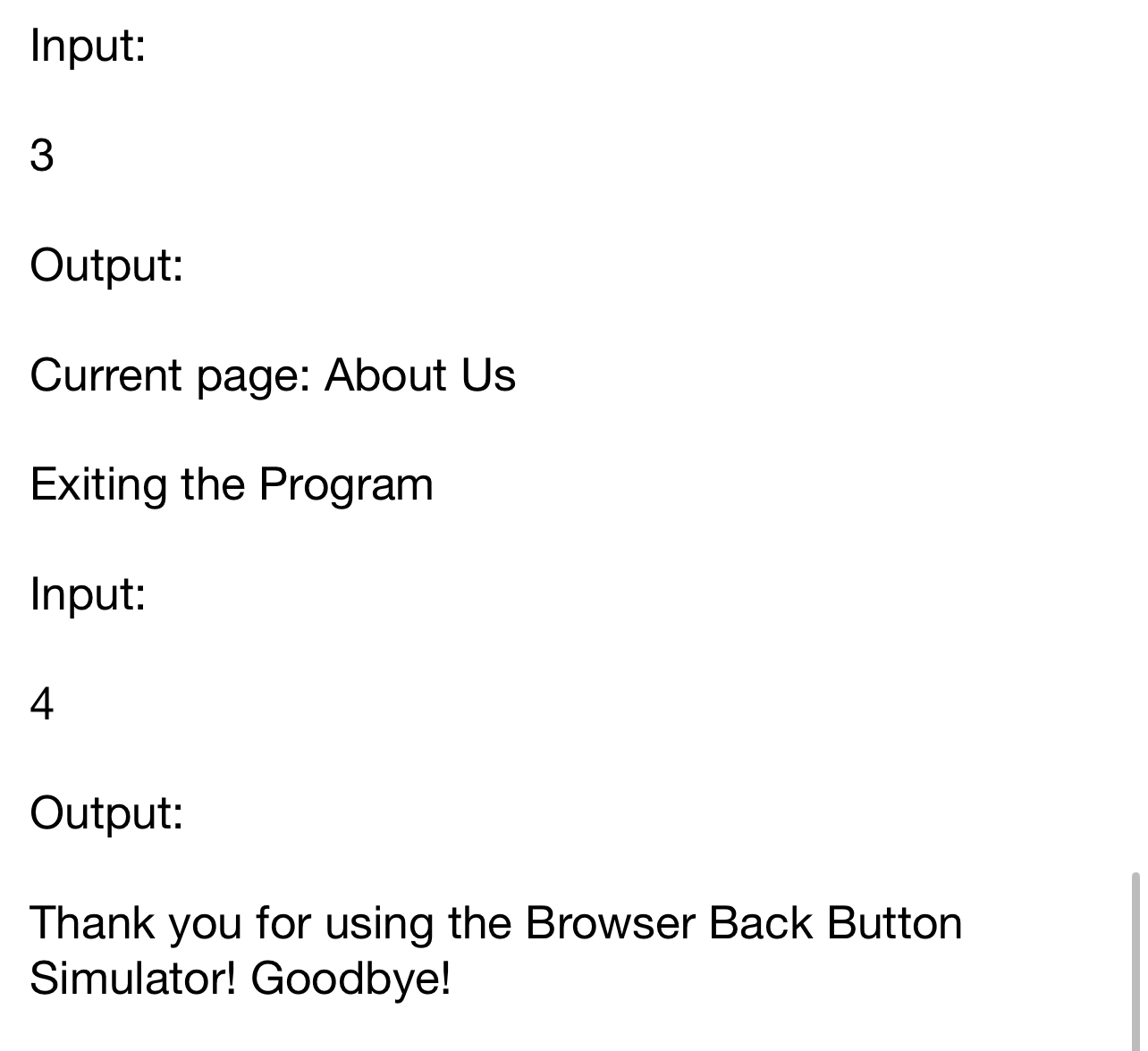
Viewing the Current Page
Input:
Output:
Current page: About Us
Exiting the Program
Input:
Output:
Thank you for using the Browser Back Button Simulator! Goodbye!
Step by Step Solution
There are 3 Steps involved in it
1 Expert Approved Answer
Step: 1 Unlock

Question Has Been Solved by an Expert!
Get step-by-step solutions from verified subject matter experts
Step: 2 Unlock
Step: 3 Unlock
 Study Help