







Question: In JavaScript 1) Add an image to your web page that resizes when the user clicks it. Add radio buttons underneath the image for users
In JavaScript
1) Add an image to your web page that resizes when the user clicks it. Add radio buttons underneath the image for users to control whether clicking the image makes it larger or smaller.
One way to check whether a radio button is checked is to check its Boolean 'checked' attribute. For example:if (document.getElementById("ZoomIn").checked) { . . Note: You can change the width and height of the image to zoom in/zoom out
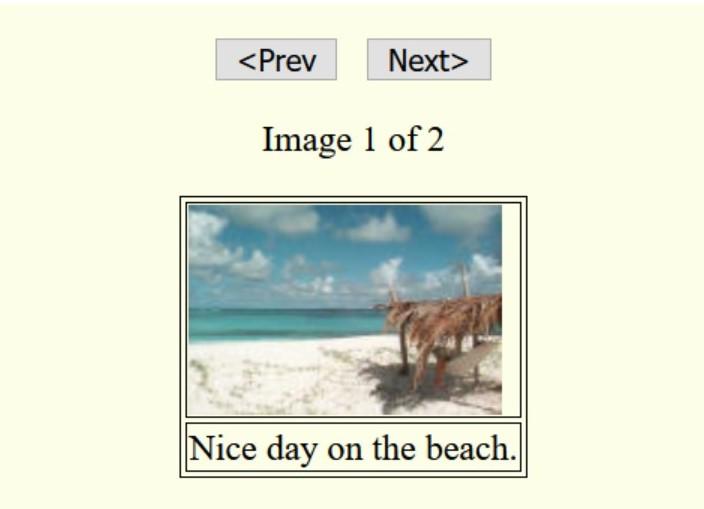
2)Interactive Web Pages with JavaScript Use JavaScript to create an image slideshow.
Your slideshow should have at least 3 images, a previous button, next button, "Image x of y" text, and a brief description for each image.
Step by Step Solution
There are 3 Steps involved in it

Get step-by-step solutions from verified subject matter experts
 Study Help