







Question: In JAVASCRIPT!!!! Write a function called blur that takes an image as an argument and returns a blurred copy of the argument image. To do
In JAVASCRIPT!!!!
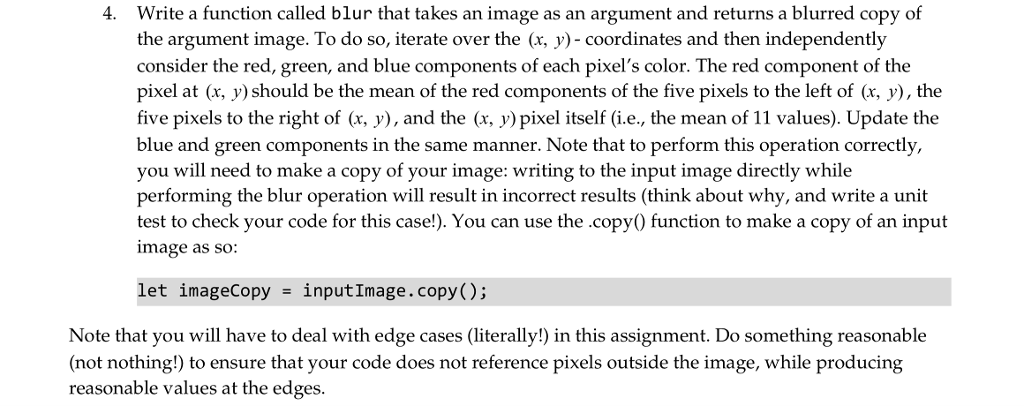
Write a function called blur that takes an image as an argument and returns a blurred copy of the argument image. To do so, iterate over the (x, y)-coordinates and then independently consider the red, green, and blue components of each pixel's color. The red component of the pixel at (x, y) should be the mean of the red components of the five pixels to the left of (x, y), the five pixels to the right of (r, y), and the (x, y)pixel itself (i.e, the mean of 11 values). Update the blue and green components in the same manner. Note that to perform this operation correctly, you will need to make a copy of your image: writing to the input image directly while performing the blur operation will result in incorrect results (think about why, and write a unit test to check your code for this case!). You can use the copy0 function to make a copy of an input image as so: 4. let imageCopy inputImage.copy(); Note that you will have to deal with edge cases (literally!) in this assignment. Do something reasonable (not nothing!) to ensure that your code does not reference pixels outside the image, while producing reasonable values at the edges. Write a function called blur that takes an image as an argument and returns a blurred copy of the argument image. To do so, iterate over the (x, y)-coordinates and then independently consider the red, green, and blue components of each pixel's color. The red component of the pixel at (x, y) should be the mean of the red components of the five pixels to the left of (x, y), the five pixels to the right of (r, y), and the (x, y)pixel itself (i.e, the mean of 11 values). Update the blue and green components in the same manner. Note that to perform this operation correctly, you will need to make a copy of your image: writing to the input image directly while performing the blur operation will result in incorrect results (think about why, and write a unit test to check your code for this case!). You can use the copy0 function to make a copy of an input image as so: 4. let imageCopy inputImage.copy(); Note that you will have to deal with edge cases (literally!) in this assignment. Do something reasonable (not nothing!) to ensure that your code does not reference pixels outside the image, while producing reasonable values at the edges
Step by Step Solution
There are 3 Steps involved in it

Get step-by-step solutions from verified subject matter experts
 Study Help