







Question: In linux: 5. Open YouTube and watch Streams, Redirection, and Piping and Regular Expression Basics by Jason Wertz. 6. Use vim to create a file
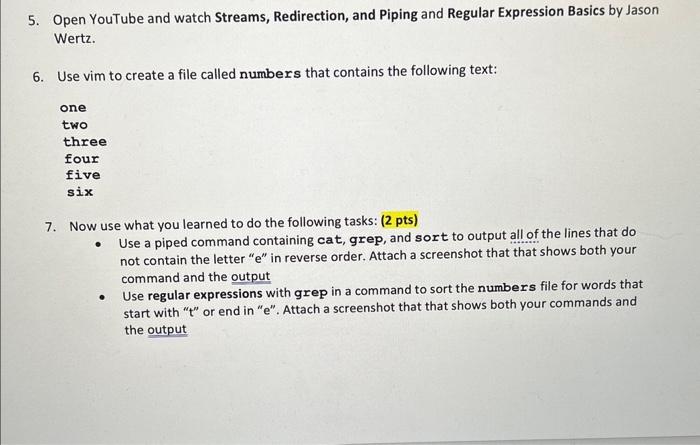
5. Open YouTube and watch Streams, Redirection, and Piping and Regular Expression Basics by Jason Wertz. 6. Use vim to create a file called numbers that contains the following text: one two three four five six 7. Now use what you learned to do the following tasks: ( 2 pts) - Use a piped command containing cat, grep, and sort to output all of the lines that do not contain the letter " e " in reverse order. Attach a screenshot that that shows both your command and the output - Use regular expressions with grep in a command to sort the numbers file for words that start with " t " or end in "e". Attach a screenshot that that shows both your commands and the output
Step by Step Solution
There are 3 Steps involved in it

Get step-by-step solutions from verified subject matter experts
 Study Help