







Question: In Linux:: Task 15 Create 2 more files named office.txt and supplies.txt with the following content: office.txt 1 jim 2 pam 3 dwight 4 michael
In Linux::
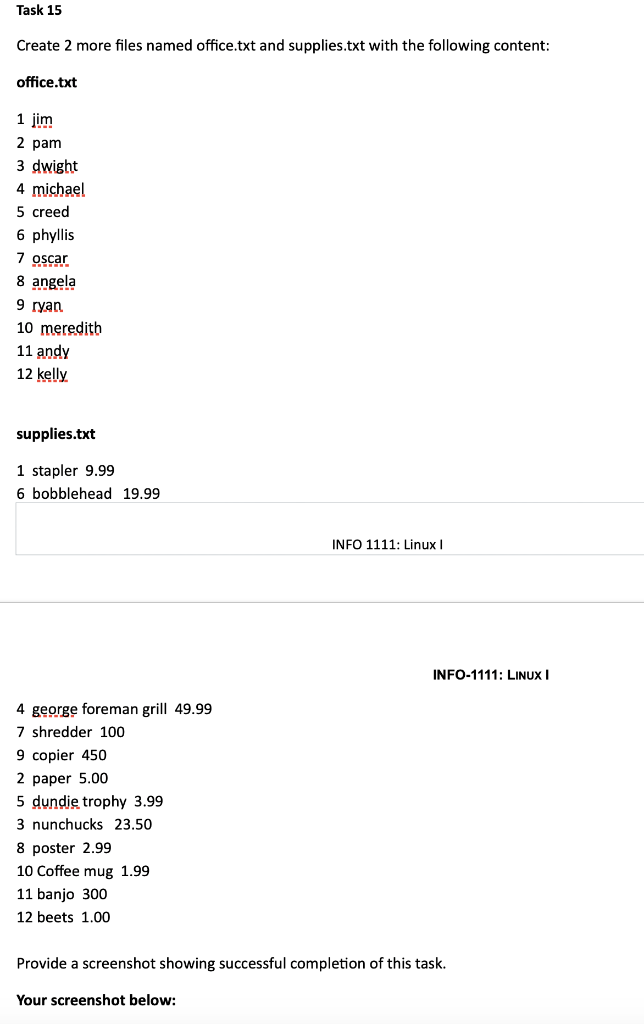

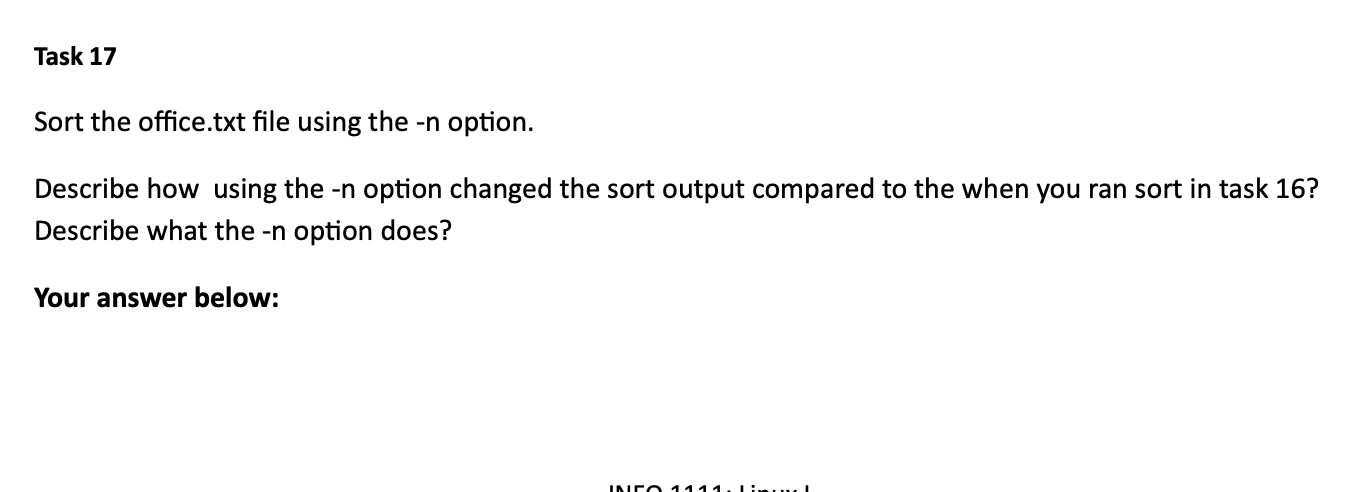
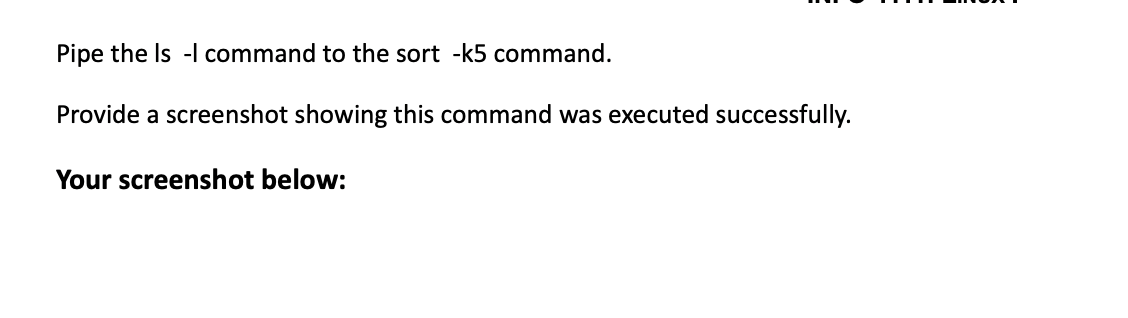
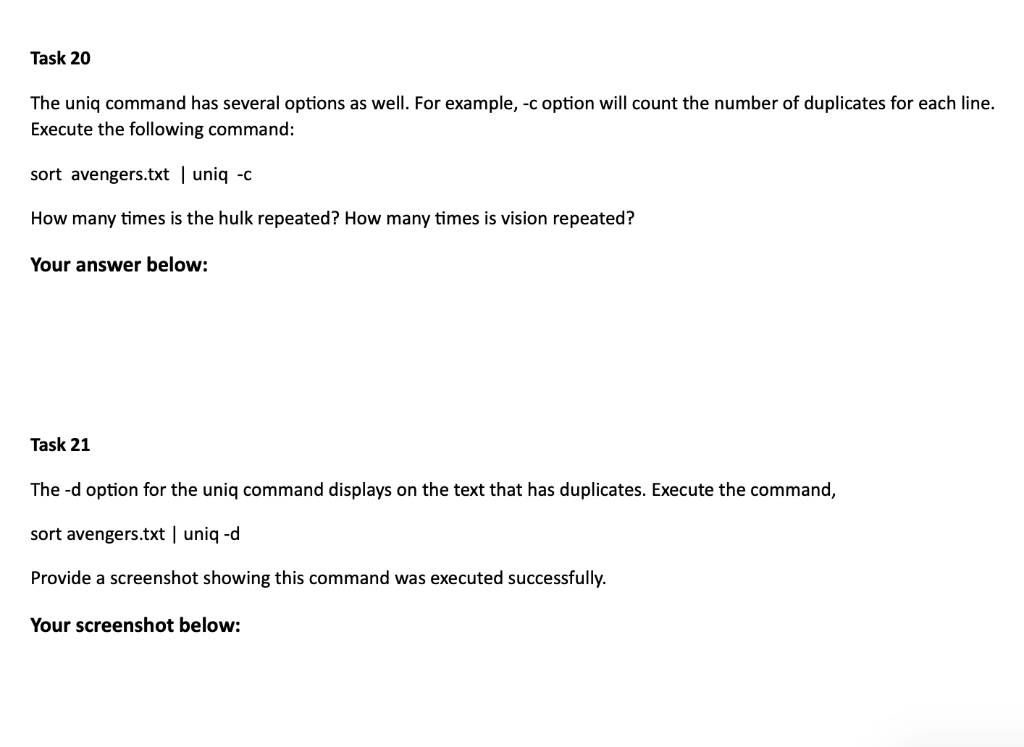
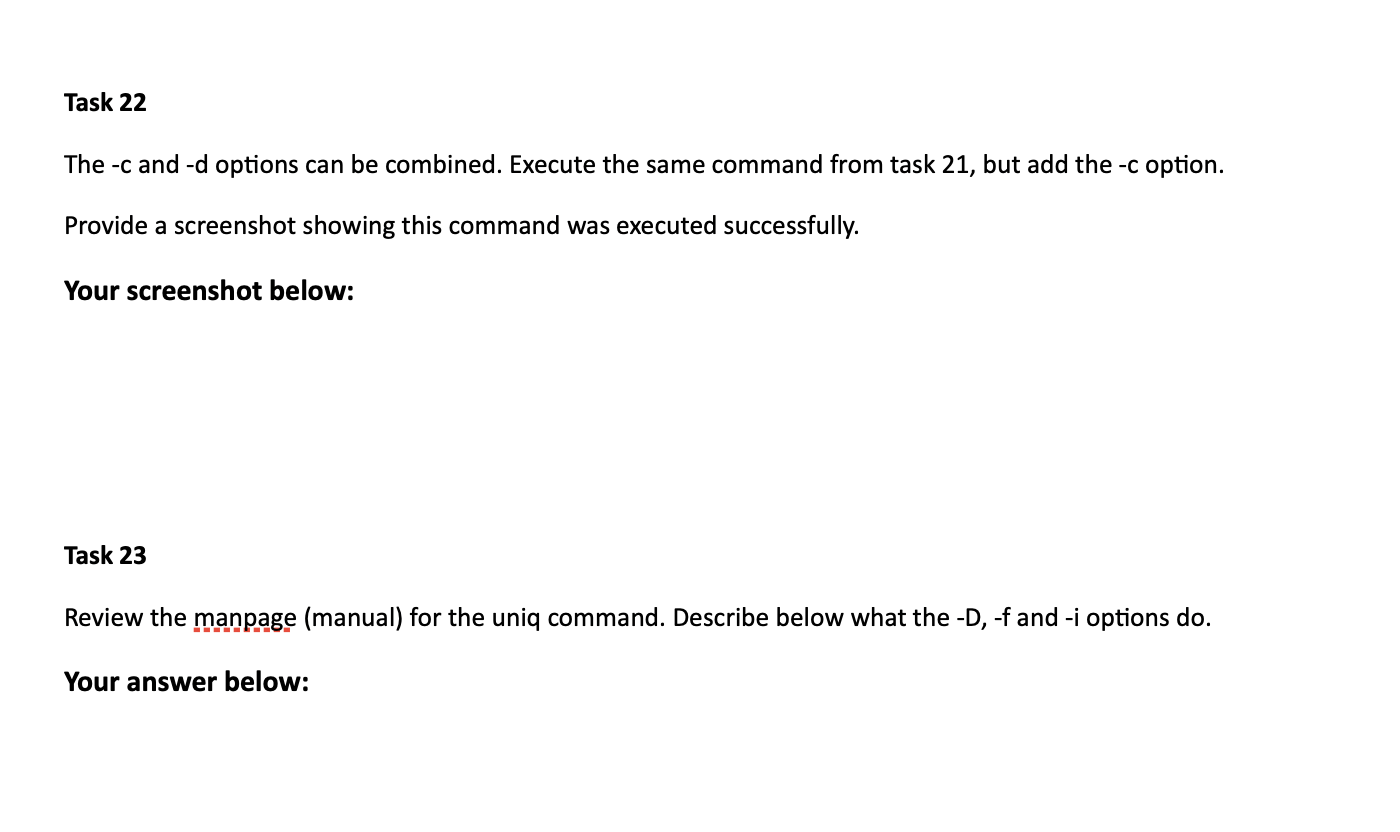
Task 15 Create 2 more files named office.txt and supplies.txt with the following content: office.txt 1 jim 2 pam 3 dwight 4 michael 5 creed 6 phyllis 7 oscar 8 angela 9 ryan 10 meredith 11 andy 12 kelly supplies.txt 1 stapler 9.99 6 bobblehead 19.99 INFO 1111: Linux INFO-1111: LINUX 4 george foreman grill 49.99 7 shredder 100 9 copier 450 2 paper 5.00 5 dundie trophy 3.99 3 nunchucks 23.50 8 poster 2.99 10 Coffee mug 1.99 11 banjo 300 12 beets 1.00 Provide a screenshot showing successful completion of this task. Your screenshot below: Task 16 Sort the new office.txt file. Did the office.txt file sort correctly? Explain how it sorted this file. Your answer below: Task 17 Sort the office.txt file using the -n option. Describe how using the -n option changed the sort output compared to the when you ran sort in task 16? Describe what the -n option does? Your answer below: IN 1111 Lin Pipe the ls -l command to the sort -k5 command. Provide a screenshot showing this command was executed successfully. Your screenshot below: Task 20 The uniq command has several options as well. For example, -c option will count the number of duplicates for each line. Execute the following command: sort avengers.txt | uniq -C How many times is the hulk repeated? How many times is vision repeated? Your answer below: Task 21 The -d option for the uniq command displays on the text that has duplicates. Execute the command, sort avengers.txt uniq-d Provide a screenshot showing this command was executed successfully. Your screenshot below: Task 22 The -c and -d options can be combined. Execute the same command from task 21, but add the -c option. Provide a screenshot showing this command was executed successfully. Your screenshot below: Task 23 Review the manpage (manual) for the uniq command. Describe below what the -D, -f and -i options do. Your answer below: Task 15 Create 2 more files named office.txt and supplies.txt with the following content: office.txt 1 jim 2 pam 3 dwight 4 michael 5 creed 6 phyllis 7 oscar 8 angela 9 ryan 10 meredith 11 andy 12 kelly supplies.txt 1 stapler 9.99 6 bobblehead 19.99 INFO 1111: Linux INFO-1111: LINUX 4 george foreman grill 49.99 7 shredder 100 9 copier 450 2 paper 5.00 5 dundie trophy 3.99 3 nunchucks 23.50 8 poster 2.99 10 Coffee mug 1.99 11 banjo 300 12 beets 1.00 Provide a screenshot showing successful completion of this task. Your screenshot below: Task 16 Sort the new office.txt file. Did the office.txt file sort correctly? Explain how it sorted this file. Your answer below: Task 17 Sort the office.txt file using the -n option. Describe how using the -n option changed the sort output compared to the when you ran sort in task 16? Describe what the -n option does? Your answer below: IN 1111 Lin Pipe the ls -l command to the sort -k5 command. Provide a screenshot showing this command was executed successfully. Your screenshot below: Task 20 The uniq command has several options as well. For example, -c option will count the number of duplicates for each line. Execute the following command: sort avengers.txt | uniq -C How many times is the hulk repeated? How many times is vision repeated? Your answer below: Task 21 The -d option for the uniq command displays on the text that has duplicates. Execute the command, sort avengers.txt uniq-d Provide a screenshot showing this command was executed successfully. Your screenshot below: Task 22 The -c and -d options can be combined. Execute the same command from task 21, but add the -c option. Provide a screenshot showing this command was executed successfully. Your screenshot below: Task 23 Review the manpage (manual) for the uniq command. Describe below what the -D, -f and -i options do. Your answer below
Step by Step Solution
There are 3 Steps involved in it

Get step-by-step solutions from verified subject matter experts
 Study Help