







Question: In Ma nActivty . java add this code findViewByld ( R . id . Subtract ) . setOnClickListener ( new android.view.View.OnClickListener ( ) { @
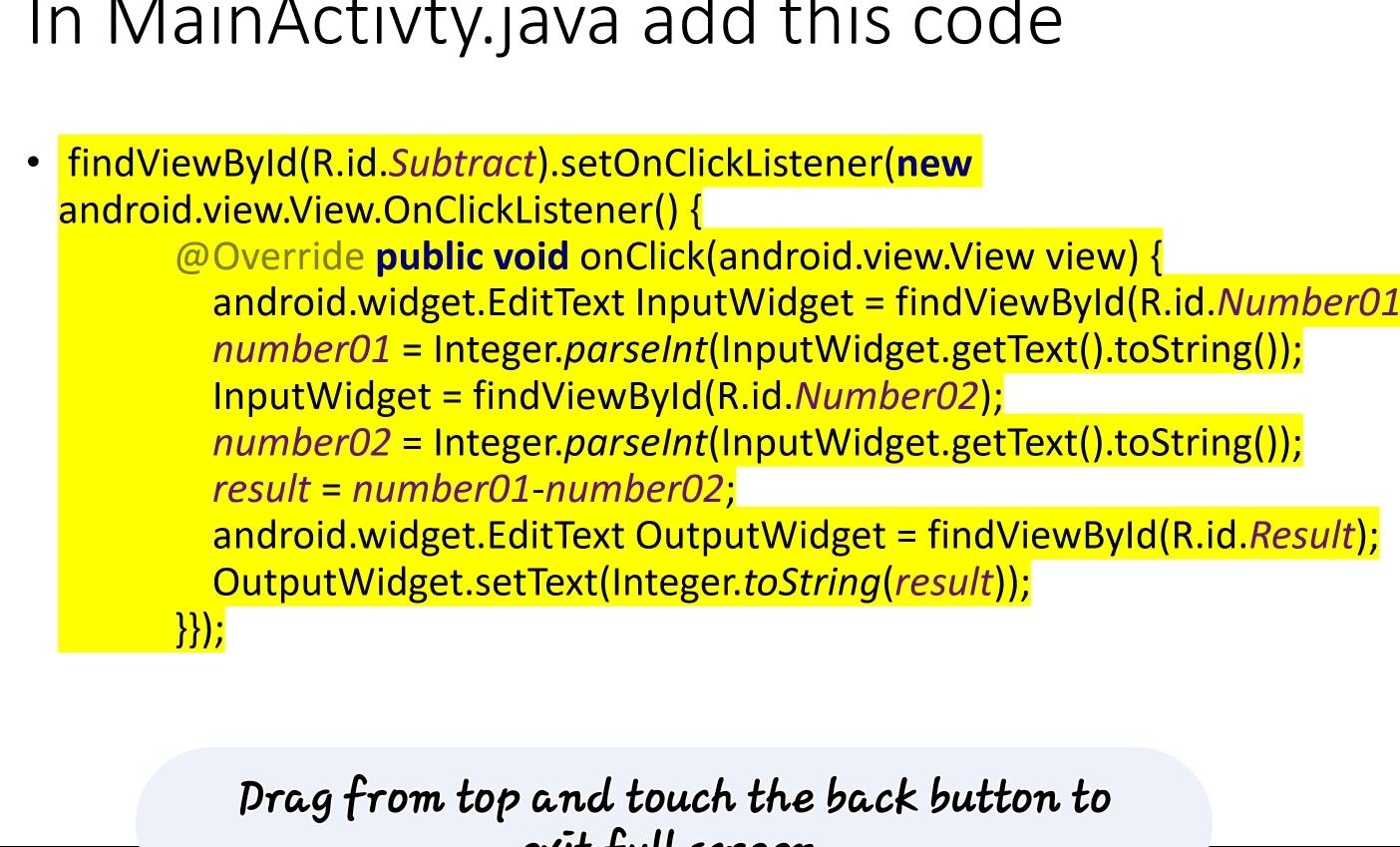
In ManActivtyjava add this code
findViewByldRidSubtractsetOnClickListenernew android.view.View.OnClickListener
@ Override public void onClickandroidview.View view android. widget.EditText InputWidget findViewByld
Rid NumberO number Integer.parselntInputWidgetgetTexttoString;
InputWidget findViewByldRidNumberO
number Integer.parselnt InputWidget.getTexttoString;
result numbernumber:
android. widget.EditText OutputWidget findViewByld
Rid Result;
OutputWidget.setTextIntegertoStringresult;
;
Drag from top and touch the back button to
Step by Step Solution
There are 3 Steps involved in it
1 Expert Approved Answer
Step: 1 Unlock

Question Has Been Solved by an Expert!
Get step-by-step solutions from verified subject matter experts
Step: 2 Unlock
Step: 3 Unlock
 Study Help