







Question: In Matlab Task 8 (20 points) Color swap: replace pixels of one color with another color, with some leniency function [ outImg ] color swap
 In Matlab
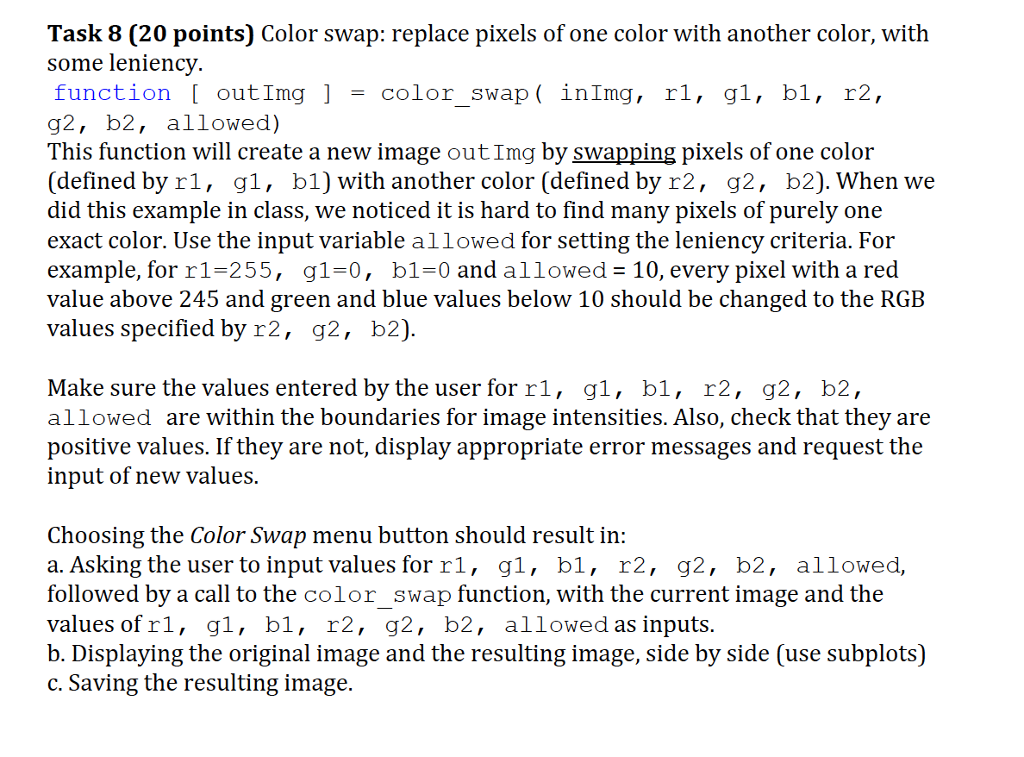
Task 8 (20 points) Color swap: replace pixels of one color with another color, with some leniency function [ outImg ] color swap ( inImg, rl, gl, bl, r2, g2, b2, allowed) This function will create a new image outImg by swapping pixels of one color (defined by rl, g1, b1) with another color (defined by r2, g2, b2). When we did this example in class, we noticed it is hard to find many pixels of purely one exact color. Use the input variable allowed for setting the leniency criteria. For example, for r1-255, g1-0, b1-0 and allowed 10, every pixel with a red value above 245 and green and blue values below 10 should be changed to the RGE values specified by r2, g2, b2) Make sure the values entered by the user for rl, gl, bl, r2, g2, b2, allowed are within the boundaries for image intensities. Also, check that they are positive values. If they are not, display appropriate error messages and request the input of new values Choosing the Color Swap menu button should result in: a. Asking the user to input values for rl, gl, bl, r2, g2, b2, allowed, followed by a call to the color swap function, with the current image and the values of rl, gl, bl, r2, g2, b2, allowed as inputs. b. Displaying the original image and the resulting image, side by side (use subplots) c. Saving the resulting image
Step by Step Solution
There are 3 Steps involved in it

Get step-by-step solutions from verified subject matter experts
 Study Help