







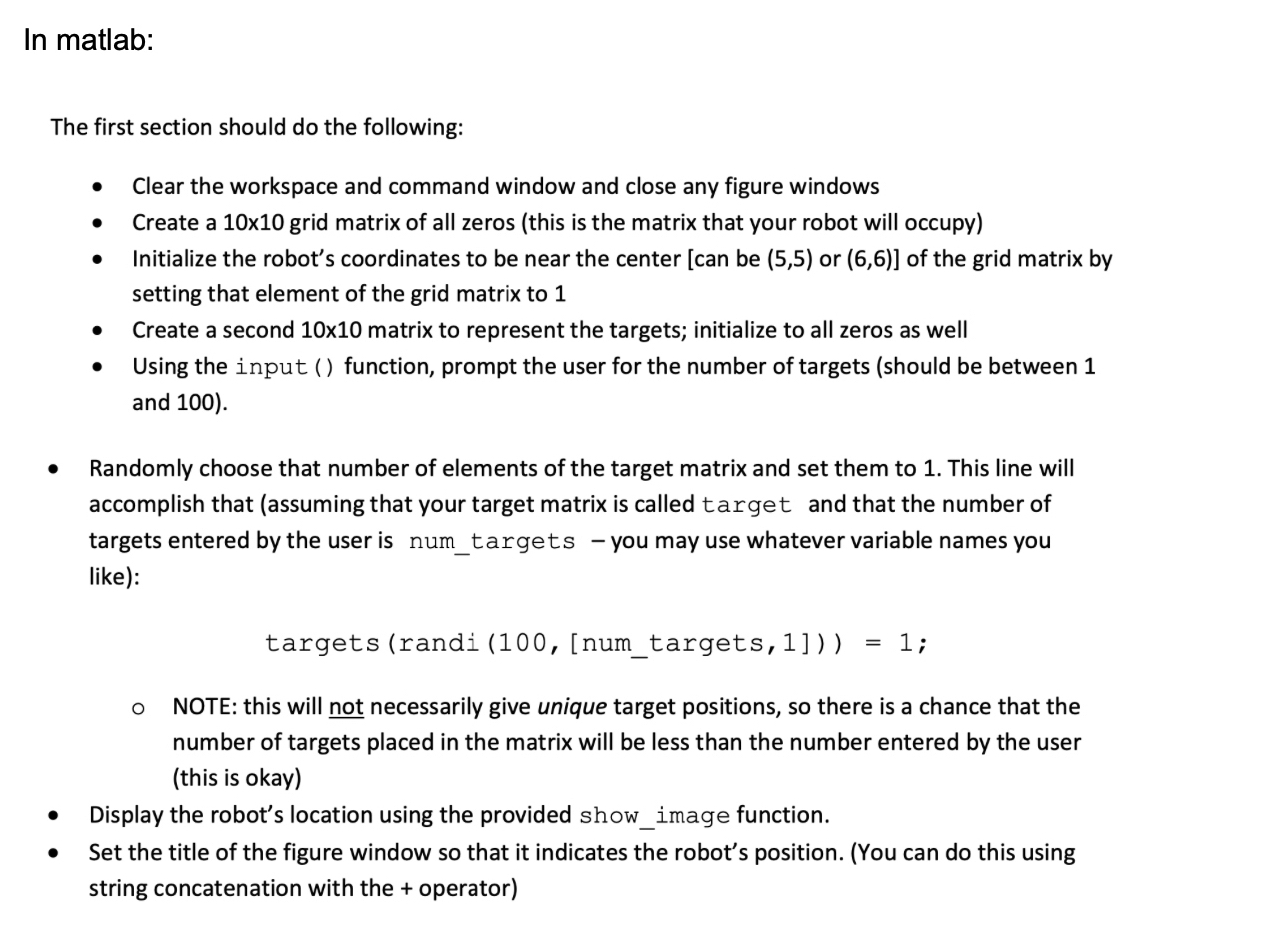
Question: In matlab: The first section should do the following: Clear the workspace and command window and close any figure windows Create a 1 0 x
In matlab:
The first section should do the following:
Clear the workspace and command window and close any figure windows
Create a x grid matrix of all zeros this is the matrix that your robot will occupy
Initialize the robot's coordinates to be near the center can be or of the grid matrix by
setting that element of the grid matrix to
Create a second matrix to represent the targets; initialize to all zeros as well
Using the input function, prompt the user for the number of targets should be between
and
Randomly choose that number of elements of the target matrix and set them to This line will
accomplish that assuming that your target matrix is called target and that the number of
targets entered by the user is numtargets you may use whatever variable names you
like:
NOTE: this will not necessarily give unique target positions, so there is a chance that the
number of targets placed in the matrix will be less than the number entered by the user
this is okay
Display the robot's location using the provided showimage function.
Set the title of the figure window so that it indicates the robot's position. You can do this using
string concatenation with the operator
Step by Step Solution
There are 3 Steps involved in it
1 Expert Approved Answer
Step: 1 Unlock

Question Has Been Solved by an Expert!
Get step-by-step solutions from verified subject matter experts
Step: 2 Unlock
Step: 3 Unlock
 Study Help