







Question: in python 2.7 I need to write a gui program that opens a image browser for my hard disk. the program needs to load a
in python 2.7 I need to write a gui program that opens a image browser for my hard disk. the program needs to load a scrolling list box with filenames of images in cwd, names of subdirectories in the cwd, and the string ".." denoting the parent directory.
the pathname of the cwd should also be displayed in an entry feild. when the user selects an item in the list boc and presses the go button if the item is an image filename the image should be displayed, if the item is a subdirectory the program attaches to that directory and refreshes the list box contents.
if the item is the string ".." the program attaches to the parent directory and refreshes the list box with its content.
Please do not respond with the attached coding as I do not understand it. I need the full code to enter into IDLE to get the program to run without issue. It should use Tkinter with list and scrolling boxes.
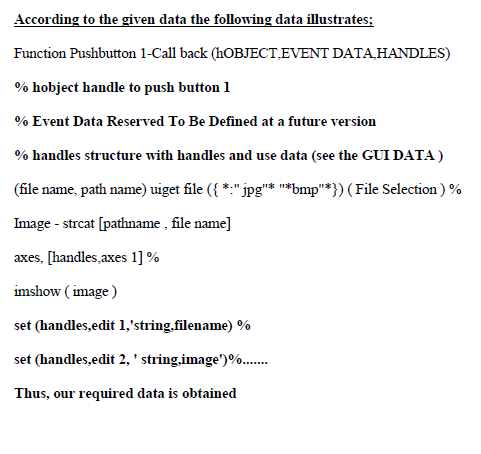
According to the given data the following data illustrates; Function Pushbutton 1-Call back (hOBJECT,EVENT DATA, HANDLES) % hobject handle to push button 1 % Event Data Reserved To Be Defined at a future version % handles structure with handles and use data (see the GUI DATA ) (file name, path name) uiget file ({ *:"jpg"* "*bmp"*}) (File Selection ) % Image - streat [pathname , file name] axes, [handles,axes 1]% imshow ( image ) set (handles,edit 1, 'string, filename) % set (handles,edit 2, ' string,image')%..... Thus, our required data is obtained
Step by Step Solution
There are 3 Steps involved in it

Get step-by-step solutions from verified subject matter experts
 Study Help