







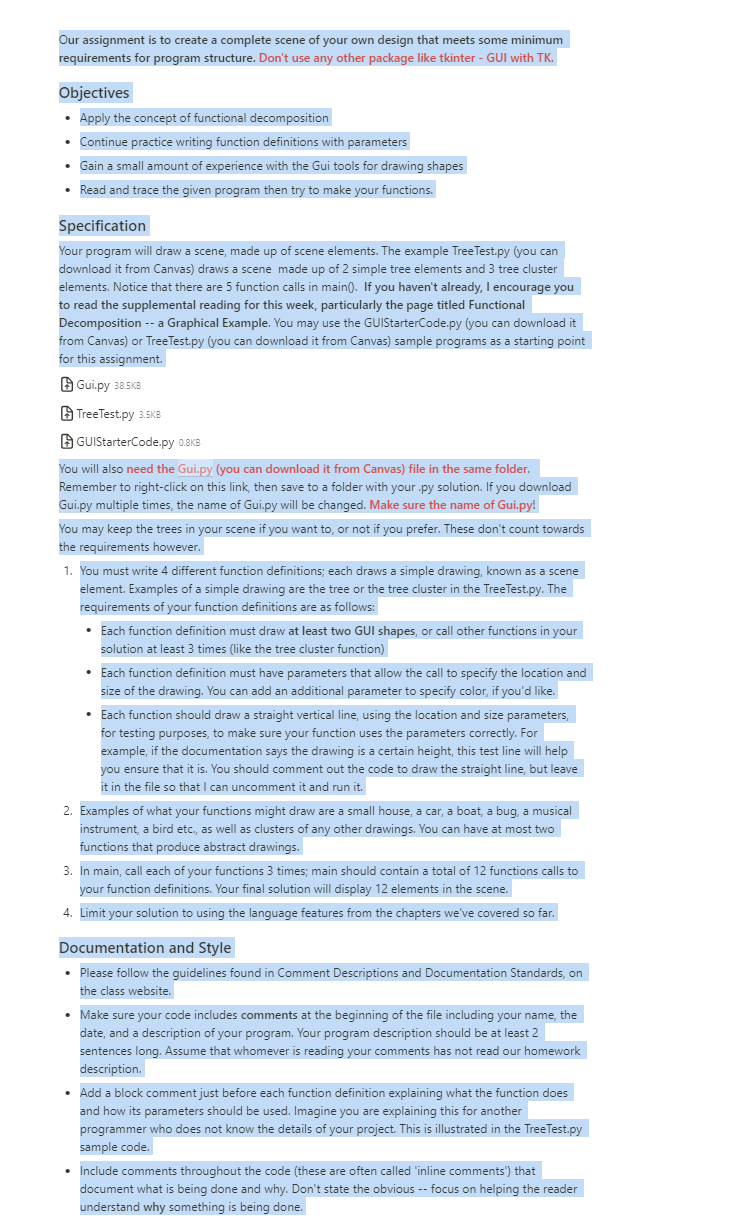
Question: In python Our assignment is to create a complete scene of your own design that meets some minimum requirements for program structure. Don't use any
In python Our assignment is to create a complete scene of your own design that meets some minimum
requirements for program structure. Don't use any other package like tkinter GUI with TK
Objectives
Apply the concept of functional decomposition
Continue practice writing function definitions with parameters
Gain a small amount of experience with the Gui tools for drawing shapes
Read and trace the given program then try to make your functions.
Specification
Your program will draw a scene, made up of scene elements. The example
TreeTest.py you can
download it from anvas draws a scene made up of simple tree elements and tree cluster
elements. Notice that there are function calls in main If you haven't already, I encourage you
to read the supplemental reading for this week, particularly the page titled Functional
Decomposition a Graphical Example. You may use the
GUIStarterCode.py you can download it
from Canvas or
TreeTest.py you can download it from Canvas sample programs as a starting point
for this assignment.
Gui.py KB
TreeTest.py
GUIStarterCode.py kB
You will also need the
Gui.py you can download it from Canvas file in the same folder.
Remember to rightclick on this link, then save to a folder with your py solution. If you download
Gui.py multiple times, the name of
Gui.py will be changed. Make sure the name of
Gui.py
You may keep the trees in your scene if you want to or not if you prefer. These don't count towards
the requirements however.
You must write different function definitions; each draws a simple drawing, known as a scene
element. Examples of a simple drawing are the tree or the tree cluster in the
TreeTest.py The
requirements of your function definitions are as follows:
Each function definition must draw at least two GUI shapes, or call other functions in your
solution at least times like the tree cluster function
Each function definition must have parameters that allow the call to specify the location and
size of the drawing. You can add an additional parameter to specify color, if you'd like.
Each function should draw a straight vertical line, using the location and size parameters,
for testing purposes, to make sure your function uses the parameters correctly. For
example, if the documentation says the drawing is a certain height, this test line will help
you ensure that it is You should comment out the code to draw the straight line, but leave
it in the file so that I can uncomment it and run it
Examples of what your functions might draw are a small house, a car, a boat, a bug, a musical
instrument, a bird etc., as well as clusters of any other drawings. You can have at most two
functions that produce abstract drawings.
In main, call each of your functions times; main should contain a total of functions calls to
your function definitions. Your final solution will display elements in the scene.
Limit your solution to using the language features from the chapters we've covered so far.
Documentation and Style
Please follow the guidelines found in Comment Descriptions and Documentation Standards, on
the class website.
Make sure your code includes comments at the beginning of the file including your name, the
date, and a description of your program. Your program description should be at least
sentences long. Assume that whomever is reading your comments has not read our homework
description.
Add a block comment just before each function definition explaining what the function does
and how its parameters should be used. Imagine you are explaining this for another
programmer who does not know the details of your project. This is illustrated in the
TreeTest.py
sample code.
Include comments throughout the code these are often called 'inline comments' that
document what is being done and why. Don't state the obvious focus on helping the reader
understand why something is being done.
Step by Step Solution
There are 3 Steps involved in it
1 Expert Approved Answer
Step: 1 Unlock

Question Has Been Solved by an Expert!
Get step-by-step solutions from verified subject matter experts
Step: 2 Unlock
Step: 3 Unlock
 Study Help