







Question: In Python using a CAESAR CYPHER: USING THE ASCII TABLE (CAN BE FOUND ONLINE): USING THIS CODE SETUP: (PLEASE SHOW THE CODE THAT IS BLACKED
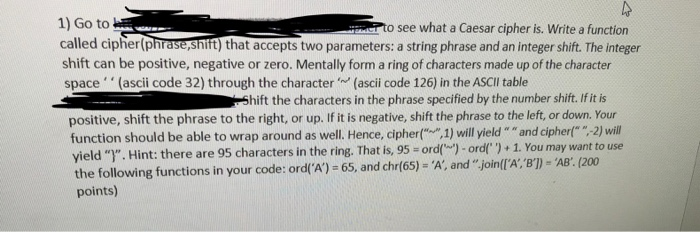


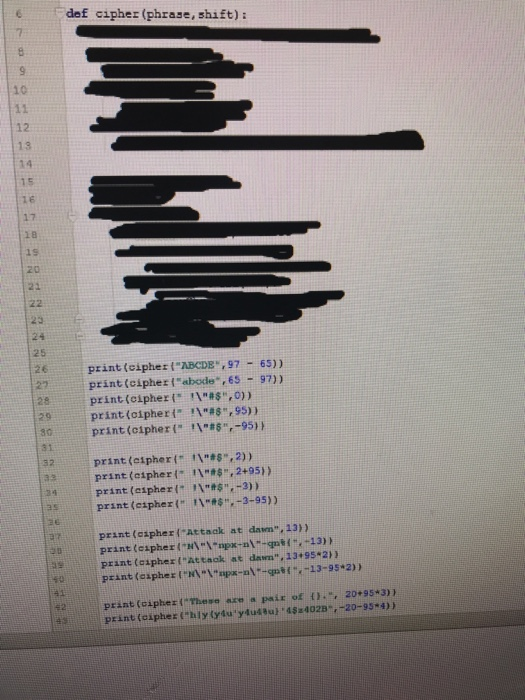
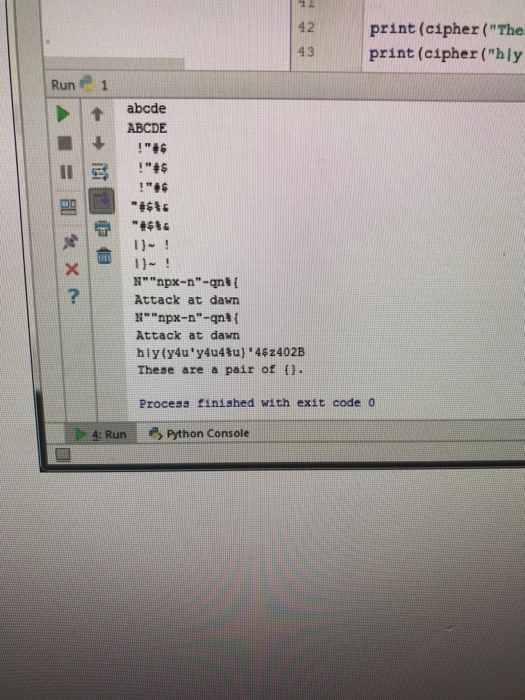
1) Go to called cipher(phrase,snift) that accepts two parameters: a string phrase and an integer shift. The integer shift can be positive, negative or zero. Mentally form a ring of characters made up of the character to see what a Caesar cipher is. Write a function space (ascii code 32) through the character '(ascii code 126) in the ASCII table Shift the characters in the phrase specified by the number shift. If it is positive, shift the phrase to the right, or up. If it is negative, shift the phrase to the left, or down. Your function should be able to wrap around as well. Hence, cipher1) will yield"" and cipher 2) will yield "". Hint: there are 95 characters in the ring. That is, 95ord)-ord)+1. You may want to use the following functions in your code: ordi'A') - 65, and chrf65)-A', and " joinlrA: 8)-AB: (200 points)
Step by Step Solution
There are 3 Steps involved in it

Get step-by-step solutions from verified subject matter experts
 Study Help