







Question: In python Write a function (in the Iab06.py file) named printTable to neatly print a table of the grades and associated grade-points in the customary
In python
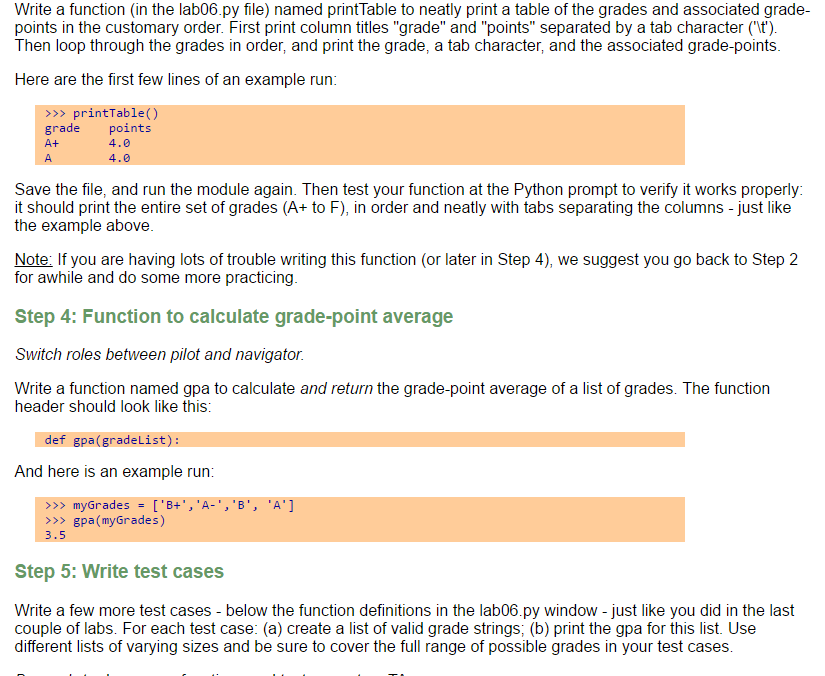
Write a function (in the Iab06.py file) named printTable to neatly print a table of the grades and associated grade-points in the customary order. First print column titles "grade" and "points" separated by a tab character ('\t'). Then loop through the grades in order, and print the grade, a tab character, and the associated grade-points. Here are the first few lines of an example run: > > > printTable() grade points A + 4.theta A 4. theta Save the file, and run the module again. Then test your function at the Python prompt to verify it works properly: it should print the entire set of grades (A + to F), in order and neatly with tabs separating the columns - just like the example above. Function to calculate grade-point average Switch roles between pilot and navigator. Write a function named gpa to calculate and return the grade-point average of a list of grades. The function header should look like this: def gpa(gradeList): And here is an example run: > > > myGrades = ['B+', 'A-', 'B', 'A'] > > > gpa(myGrades) 3.5 Write test cases Write a few more test cases - below the function definitions in the Iab06.py window - just like you did in the last couple of labs. For each test case: (a) create a list of valid grade strings; (b) print the gpa for this list. Use different lists of varying sizes and be sure to cover the full range of possible grades in your test cases
Step by Step Solution
There are 3 Steps involved in it

Get step-by-step solutions from verified subject matter experts
 Study Help