







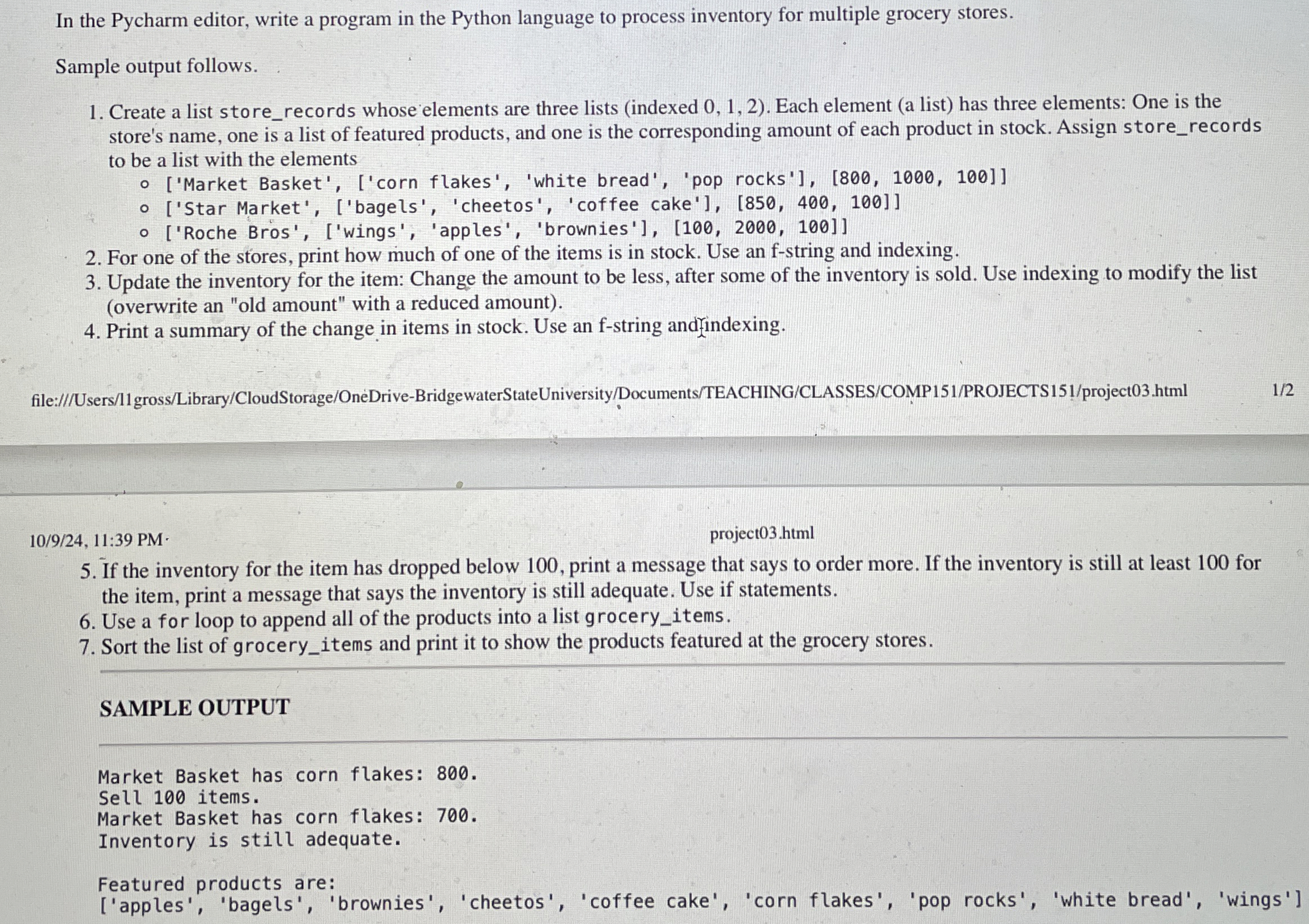
Question: In the Pycharm editor, write a program in the Python language to process inventory for multiple grocery stores. Sample output follows. Create a list store
In the Pycharm editor, write a program in the Python language to process inventory for multiple grocery stores.
Sample output follows.
Create a list storerecords whose elements are three lists indexed Each element a list has three elements: One is the store's name, one is a list of featured products, and one is the corresponding amount of each product in stock. Assign storerecords to be a list with the elements
Market Basket', corn flakes', 'white bread', 'pop rocks'
Star Market', bagels 'cheetos', 'coffee cake'
Roche Bros', wings 'apples', 'brownies'
For one of the stores, print how much of one of the items is in stock. Use an f string and indexing.
Update the inventory for the item: Change the amount to be less, after some of the inventory is sold. Use indexing to modify the list overwrite an "old amount" with a reduced amount
Print a summary of the change in items in stock. Use an fstring andindexing.
If the inventory for the item has dropped below print a message that says to order more. If the inventory is still at least for the item, print a message that says the inventory is still adequate. Use if statements.
Use a for loop to append all of the products into a list groceryitems.
Sort the list of groceryitems and print it to show the products featured at the grocery stores.
SAMPLE OUTPUT
Market Basket has corn flakes:
Sell items.
Market Basket has corn flakes:
Inventory is still adequate.
Featured products are:
apples 'bagels', 'brownies', 'cheetos', 'coffee cake', 'corn flakes', 'pop rocks', 'white bread', 'wings'
Step by Step Solution
There are 3 Steps involved in it
1 Expert Approved Answer
Step: 1 Unlock

Question Has Been Solved by an Expert!
Get step-by-step solutions from verified subject matter experts
Step: 2 Unlock
Step: 3 Unlock
 Study Help