







Question: [in the Schedule worksheet. select cell A5. and then insert a hyperlink to go to the Employees worksheet. Add a ScreenTip, Go to the Employee
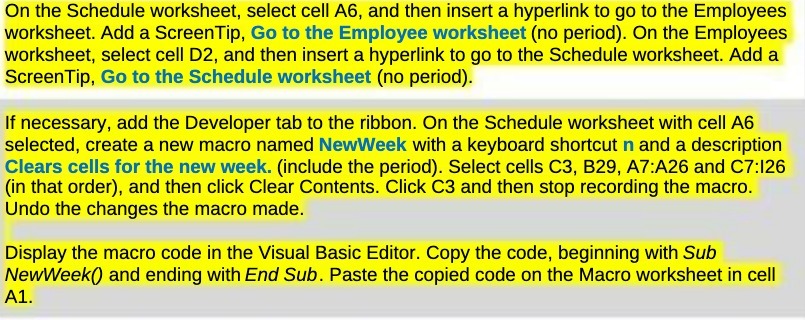
[in the Schedule worksheet. select cell A5. and then insert a hyperlink to go to the Employees worksheet. Add a ScreenTip, Go to the Employee worksheet (no period). On the Employees worksheet, select cell D2. and then insert a hyperlink to go to the Schedule worksheet. Add a ScreenTip. Go to the Schedule worksheet (no period). If necessary, add the Developer tab to the ribbon. On the Schedule worksheet with cell A6 selected. create a new macro named NewWeek with a keyboard shortcut n and a description Clears cells for the new week. (include the period}. Select cells C3, I329, A71A26 and CT:I26 (in that order). and then click Clear Contents. Click (33 and then stop recording the macro. Undo the changes the macro made. Display the macro code in the Visual Basic Editor. Cepy the code, beginning with Sub NewWeek and ending with End Sub. Paste the copied code on the Macro worksheet in cell A1
Step by Step Solution
There are 3 Steps involved in it

Get step-by-step solutions from verified subject matter experts
 Study Help