







Question: In the shared folder for the course, there are a few folders corresponding to the modules. Use a LIBNAME statement to assign a library called
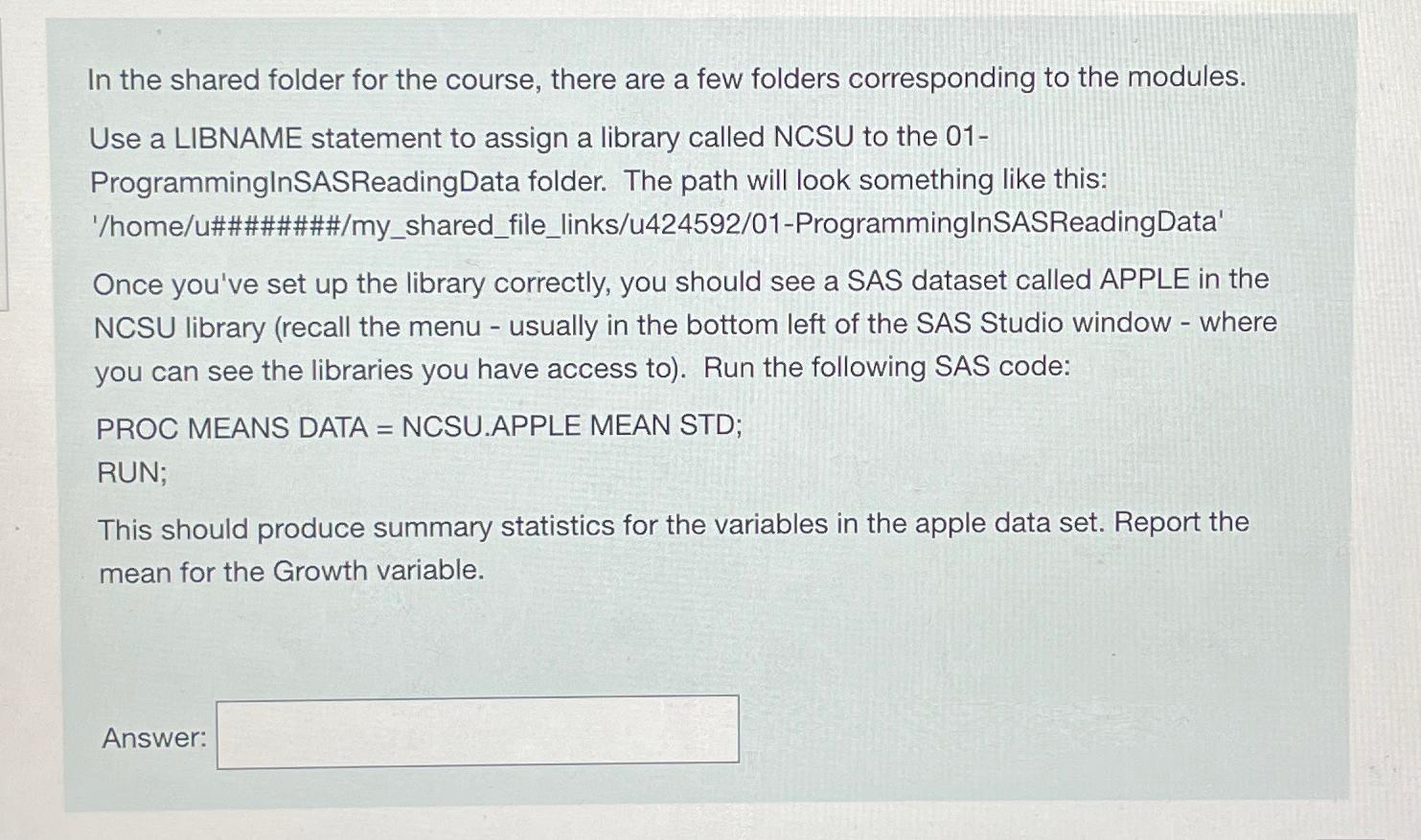
In the shared folder for the course, there are a few folders corresponding to the modules.
Use a LIBNAME statement to assign a library called NCSU to the
ProgramminglnSASReadingData folder. The path will look something like this:
homeu######mysharedfilelinksuProgrammingInSASReadingData'
Once you've set up the library correctly, you should see a SAS dataset called APPLE in the NCSU library recall the menu usually in the bottom left of the SAS Studio window where you can see the libraries you have access to Run the following SAS code:
PROC MEANS DATA NCSU.APPLE MEAN STD;
RUN;
This should produce summary statistics for the variables in the apple data set. Report the mean for the Growth variable.
Answer:
Step by Step Solution
There are 3 Steps involved in it
1 Expert Approved Answer
Step: 1 Unlock

Question Has Been Solved by an Expert!
Get step-by-step solutions from verified subject matter experts
Step: 2 Unlock
Step: 3 Unlock
 Study Help