







Question: In this assignment, you will add 5 lines of code to the mobileRobot.cpp file to control the robot's movement to specified random target locations. You
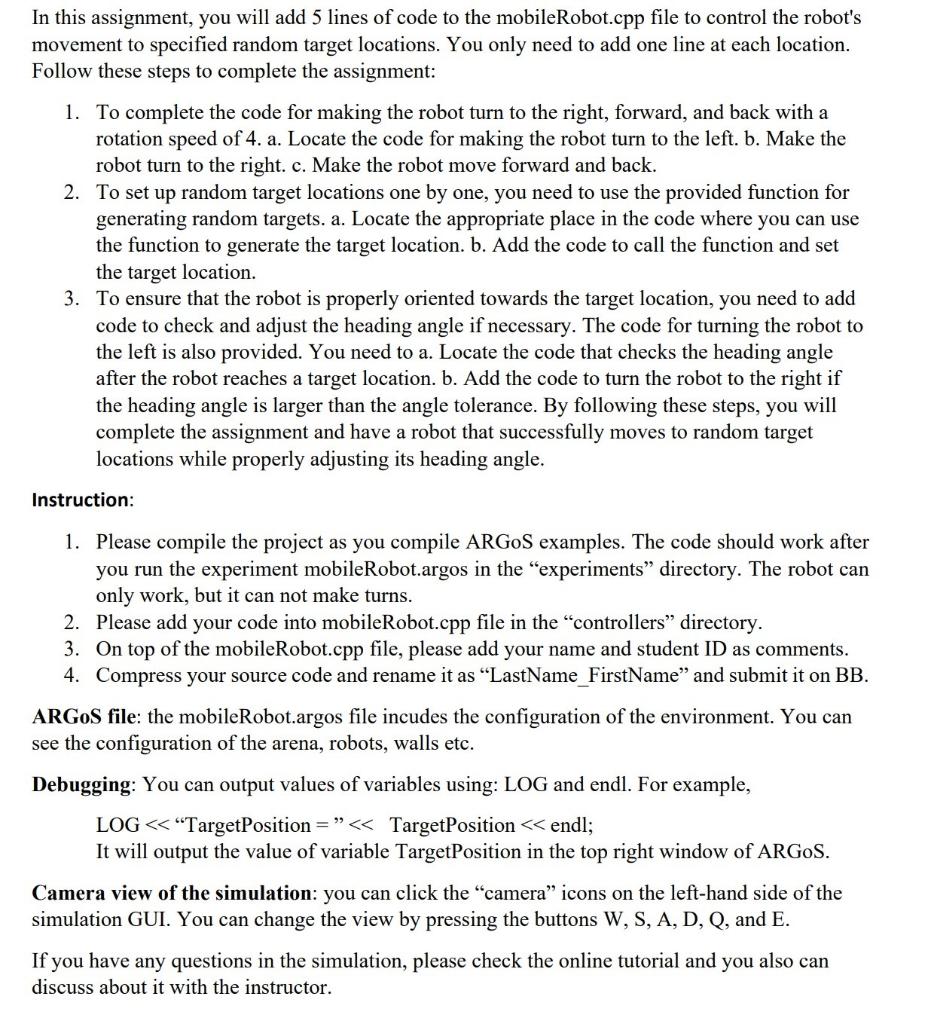
In this assignment, you will add 5 lines of code to the mobileRobot.cpp file to control the robot's movement to specified random target locations. You only need to add one line at each location. Follow these steps to complete the assignment: 1. To complete the code for making the robot turn to the right, forward, and back with a rotation speed of 4. a. Locate the code for making the robot turn to the left. b. Make the robot turn to the right. c. Make the robot move forward and back. 2. To set up random target locations one by one, you need to use the provided function for generating random targets. a. Locate the appropriate place in the code where you can use the function to generate the target location. b. Add the code to call the function and set the target location. 3. To ensure that the robot is properly oriented towards the target location, you need to add code to check and adjust the heading angle if necessary. The code for turning the robot to the left is also provided. You need to a. Locate the code that checks the heading angle after the robot reaches a target location. b. Add the code to turn the robot to the right if the heading angle is larger than the angle tolerance. By following these steps, you will complete the assignment and have a robot that successfully moves to random target locations while properly adjusting its heading angle. Instruction: 1. Please compile the project as you compile ARGoS examples. The code should work after you run the experiment mobileRobot.argos in the "experiments" directory. The robot can only work, but it can not make turns. 2. Please add your code into mobileRobot.cpp file in the "controllers" directory. 3. On top of the mobileRobot.cpp file, please add your name and student ID as comments. 4. Compress your source code and rename it as "LastName_FirstName" and submit it on BB. ARGoS file: the mobileRobot.argos file incudes the configuration of the environment. You can see the configuration of the arena, robots, walls etc. Debugging: You can output values of variables using: LOG and endl. For example, LOG
Step by Step Solution
There are 3 Steps involved in it

Get step-by-step solutions from verified subject matter experts
 Study Help