





Question: In this assignment, you will create a resume. First, search online for a job posting for a position that interests you and for which you
In this assignment, you will create a resume.
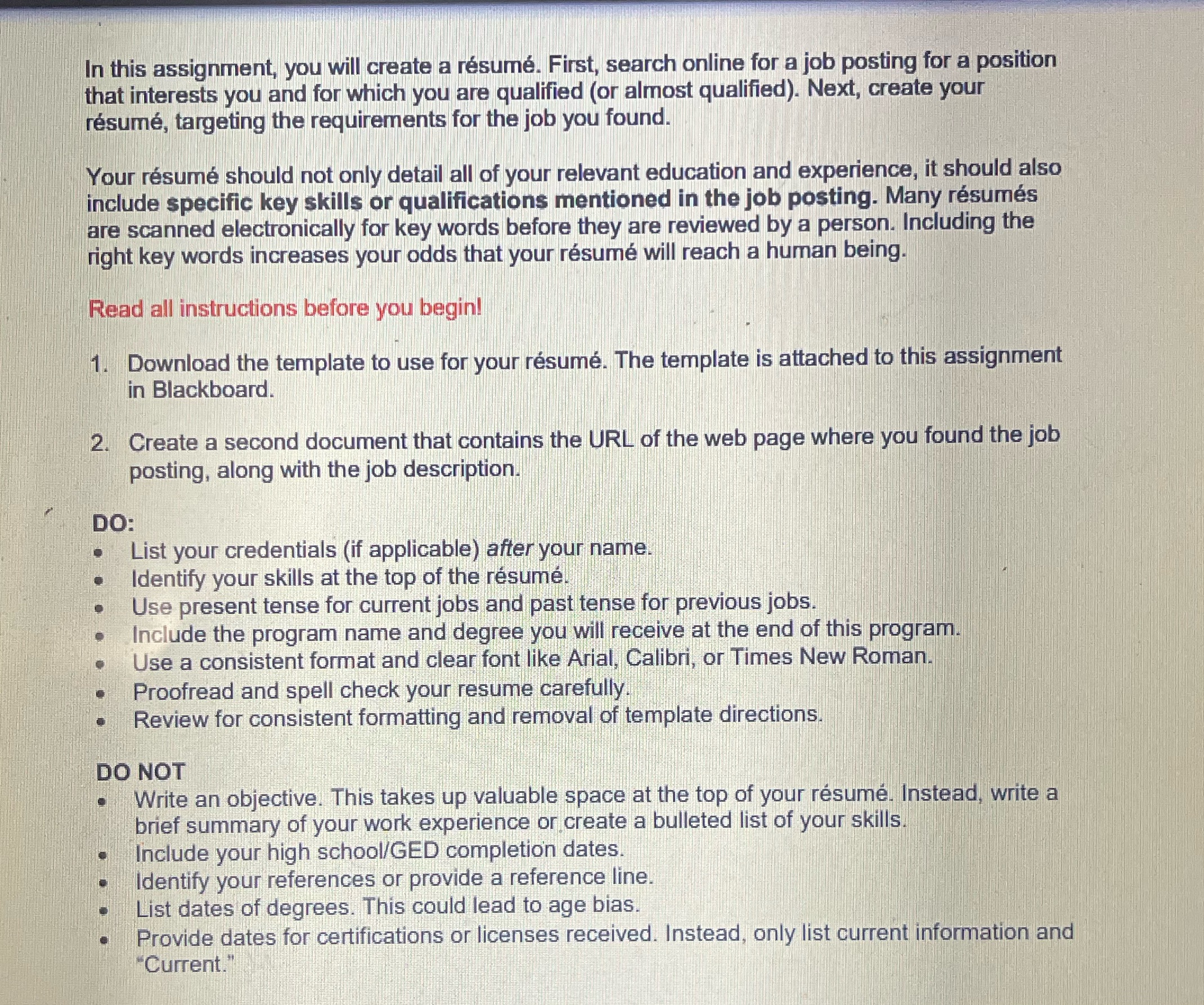
In this assignment, you will create a resume. First, search online for a job posting for a position that interests you and for which you are qualified (or almost qualified). Next, create your resume, targeting the requirements for the job you found. Your resume should not only detail all of your relevant education and experience, it should also include specific key skills or qualifications mentioned in the job posting. Many resumes are scanned electronically for key words before they are reviewed by a person. Including the right key words increases your odds that your resume will reach a human being. Read all instructions before you begin! 1. Download the template to use for your resume. The template is attached to this assignment in Blackboard. 2. Create a second document that contains the URL of the web page where you found the job posting, along with the job description. DO: List your credentials (if applicable) after your name. Identify your skills at the top of the resume. . . Use present tense for current jobs and past tense for previous jobs. Include the program name and degree you will receive at the end of this program. Use a consistent format and clear font like Arial, Calibri, or Times New Roman. Proofread and spell check your resume carefully. Review for consistent formatting and removal of template directions. DO NOT . Write an objective. This takes up valuable space at the top of your resume. Instead, write a brief summary of your work experience or create a bulleted list of your skills. Include your high school/GED completion dates Identify your references or provide a reference line. List dates of degrees. This could lead to age bias. Provide dates for certifications or licenses received. Instead, only list current information and "Current."

Step by Step Solution

There are 3 Steps involved in it

1 Expert Approved Answer
Step: 1 Unlock blur-text-image

Question Has Been Solved by an Expert!

Get step-by-step solutions from verified subject matter experts

Step: 2 Unlock
Step: 3 Unlock

Students Have Also Explored These Related Business Communication Questions!