







Question: In this exercise, you will be working with a variety of built-in functions and variables. There will be 3 pages that you will be adding
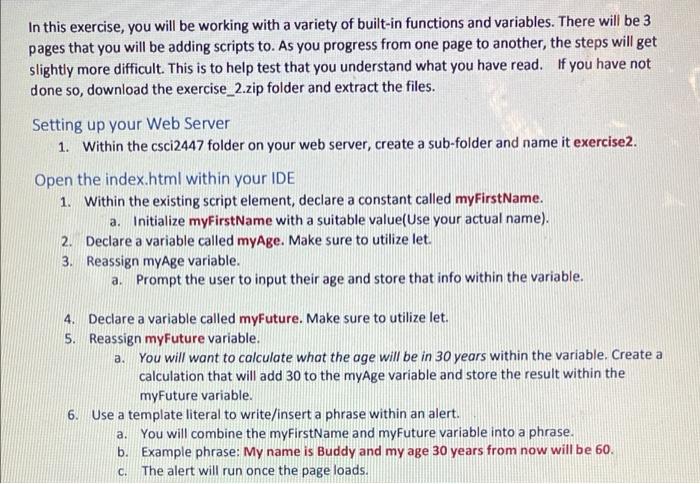
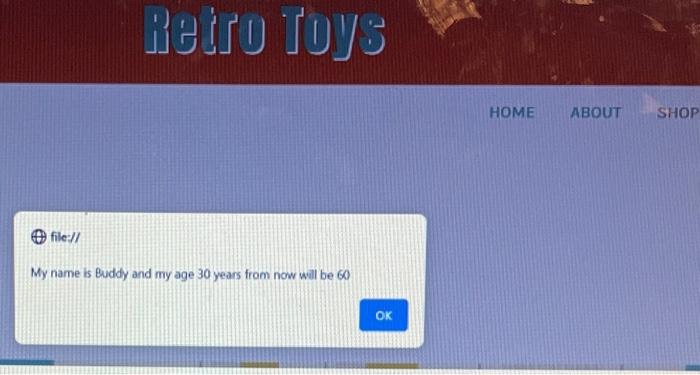
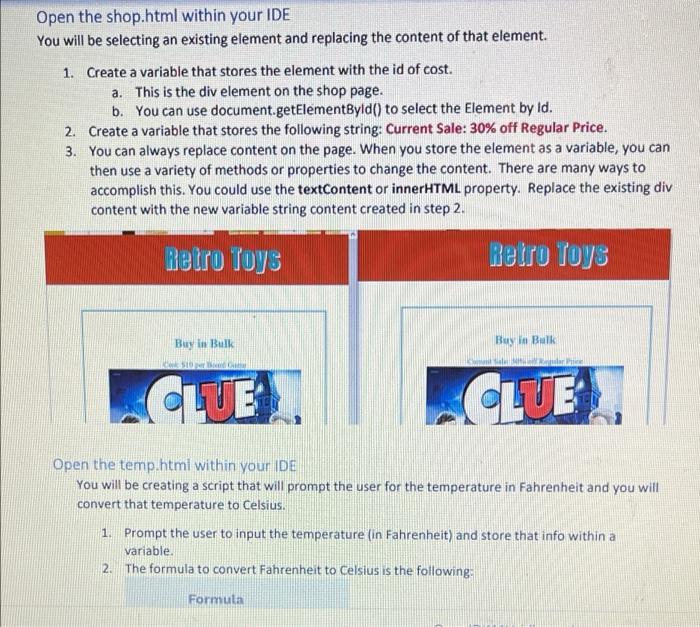
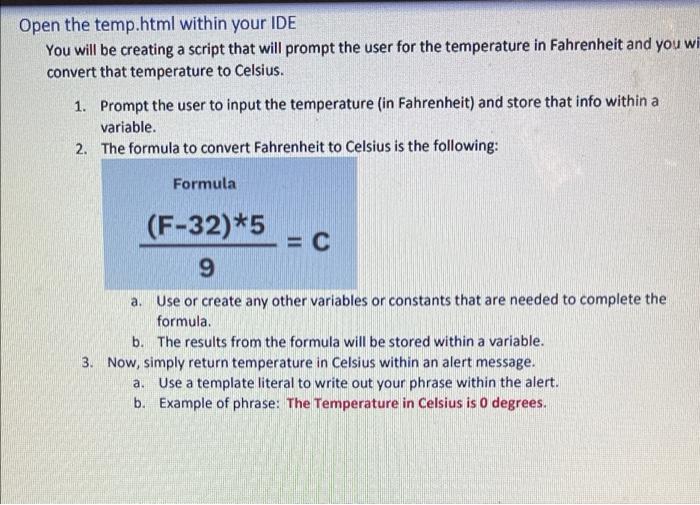
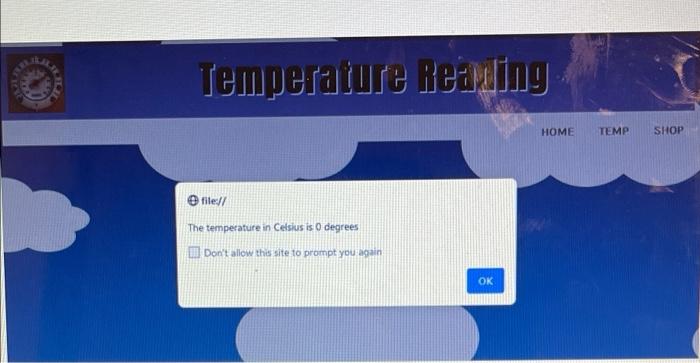
In this exercise, you will be working with a variety of built-in functions and variables. There will be 3 pages that you will be adding scripts to. As you progress from one page to another, the steps will get slightly more difficult. This is to help test that you understand what you have read. If you have not done so, download the exercise_2.zip folder and extract the files. Setting up your Web Server 1. Within the csci2447 folder on your web server, create a sub-folder and name it exercise2. Open the index.html within your IDE 1. Within the existing script element, declare a constant called myFirstName. a. Initialize myFirstName with a suitable value(Use your actual name) 2. Declare a variable called myAge. Make sure to utilize let. 3. Reassign myAge variable. a. Prompt the user to input their age and store that info within the variable. 4. Declare a variable called myFuture. Make sure to utilize let. 5. Reassign myFuture variable. a. You will want to calculate what the age will be in 30 years within the variable. Create a calculation that will add 30 to the myage variable and store the result within the myFuture variable. 6. Use a template literal to write/insert a phrase within an alert. a. You will combine the myFirstName and myFuture variable into a phrase. b. Example phrase: My name is Buddy and my age 30 years from now will be 60. The alert will run once the page loads. c. Retro Toys HOME ABOUT SHOP file:// My name is Buddy and my age 30 years from now will be 60) OK Open the shop.html within your IDE You will be selecting an existing element and replacing the content of that element. 1. Create a variable that stores the element with the id of cost. a. This is the div element on the shop page. b. You can use document.getElementById() to select the Element by Id. 2. Create a variable that stores the following string: Current Sale: 30% off Regular Price. 3. You can always replace content on the page. When you store the element as a variable, you can then use a variety of methods or properties to change the content. There are many ways to accomplish this. You could use the textContent or innerHTML property. Replace the existing div content with the new variable string content created in step 2. Retro Toys Retro Toys Buy in Bulk Buy lo Bulk CLUE CLUE Open the temp.html within your IDE You will be creating a script that will prompt the user for the temperature in Fahrenheit and you will convert that temperature to Celsius. 1. Prompt the user to input the temperature (in Fahrenheit) and store that info within a variable 2. The formula to convert Fahrenheit to Celsius is the following: Formula Open the temp.html within your IDE You will be creating a script that will prompt the user for the temperature in Fahrenheit and you wi convert that temperature to Celsius. 1. Prompt the user to input the temperature (in Fahrenheit) and store that info within a variable. 2. The formula to convert Fahrenheit to Celsius is the following: Formula (F-32)*5 = 0 9 a. Use or create any other variables or constants that are needed to complete the formula b. The results from the formula will be stored within a variable. 3. Now, simply return temperature in Celsius within an alert message. a. Use a template literal to write out your phrase within the alert. b. Example of phrase: The Temperature in Celsius is o degrees. Temperature ieruling HOME TEMP SHOP file:// The temperature in Celsius is 0 degrees I Don't allow this site to prompt you again OK
Step by Step Solution
There are 3 Steps involved in it

Get step-by-step solutions from verified subject matter experts
 Study Help