







Question: In this homework you will use the Matlab function optical-fiber-detector. p to simulate p generate the number of photons of a binary message an optical
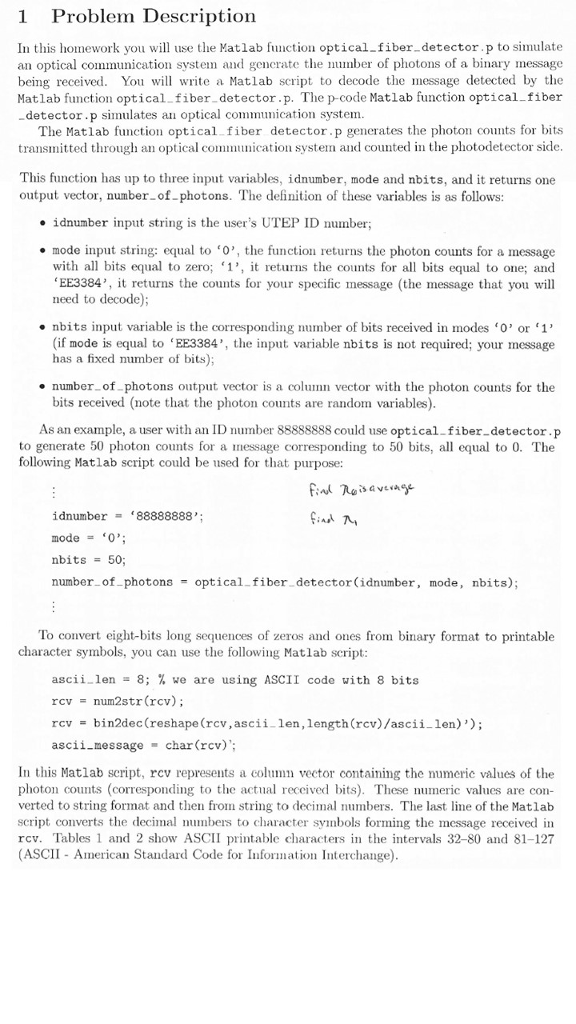
In this homework you will use the Matlab function optical-fiber-detector. p to simulate p generate the number of photons of a binary message an optical communication System al being received. You will write a Matlab script to decode the message detected by the Matlab function optical fiber-detector. p. The p-code Matlab function optical-fiber -detector. p simulates an optical communication system. The Matlab function optical-fiber detector. p generates the photon counts for bits transmitted through an optical communication system and counted in the photodetector side. This function has up to three input variables, idnumber, mode and nbits, and it returns one output vector, number-of-photons. The definition of these variables is as follows: idnumber input string is the user's UTEP ID number; mode input string: equal to '0', the function returns the photon counts for a message with all bits equal to zero t returns the counts for all bits equal to one; and EE3384'. it returns the counts for your specific message (the message that you will need to decode); nbits input variable is the corresponding number of bits received in modes '0' or '1' (if mode is equal to 'EE3384', the input variable nbits is not required; your message has a fixed number of bits); number-of-photons output vector is a column vector with the photon counts for the bits received (note that the photon counts are random variables). As an example, a user with an ID number 88888888 could use optical-fiber-detector. p to generate 50 photon counts for a message corresponding to 50 bits, all equal to 0. The following Matlab script could be used for that purpose: idnumber = '88888888' mode '0'; nbits = 50; number of photons = optical-fiber-detector (idnumber mode nbits); To convert eight-bits long sequences of zeros and ones from binary format to printable character symbols, you can use the following Matlab script: ascii_len 8; % we are using ASCII code with 8 bits rcv = num2str (rcv); rcv = bin2dec (reshape Crc len, length (recv)/ascii-len) ascii-message = char (rcv); In this Matlab script, rev represents a column vector containing the numeric values of the photon counts (corresponding to the actual received bits). These numeric values are converted to string format and then fro string to decimal numbers. The last e of the Matlab script converts the decimal numbers to character symbols forming the message received in rcv. Tables 1 and 2 show ASCII printable characters in the intervals 32-80 and 81-127 (ASCII - American Standard Code for Information Interchange)
Step by Step Solution
There are 3 Steps involved in it

Get step-by-step solutions from verified subject matter experts
 Study Help