







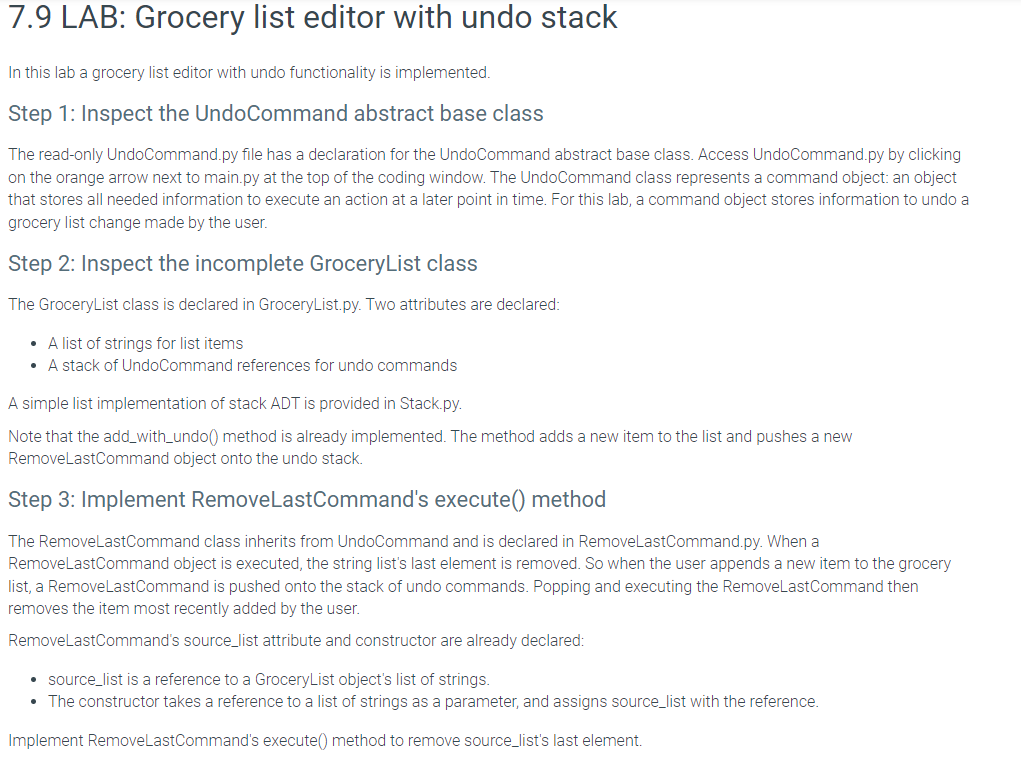
Question: In this lab a grocery list editor with undo functionality is implemented. Step 1 : Inspect the UndoCommand abstract base class The read - only
In this lab a grocery list editor with undo functionality is implemented.
Step : Inspect the UndoCommand abstract base class
The readonly
UndoCommand.py file has a declaration for the UndoCommand abstract base class. Access
UndoCommand.py by clicking
on the orange arrow next to
main.py at the top of the coding window. The UndoCommand class represents a command object: an object
that stores all needed information to execute an action at a later point in time. For this lab, a command object stores information to undo a
grocery list change made by the user.
Step : Inspect the incomplete GroceryList class
The GroceryList class is declared in
GroceryList.py Two attributes are declared:
A list of strings for list items
A stack of UndoCommand references for undo commands
A simple list implementation of stack ADT is provided in
Stack.py
Note that the addwithundo method is already implemented. The method adds a new item to the list and pushes a new
RemoveLastCommand object onto the undo stack.
Step : Implement RemoveLastCommand's execute method
The RemoveLastCommand class inherits from UndoCommand and is declared in
RemoveLastCommand.py When a
RemoveLastCommand object is executed, the string list's last element is removed. So when the user appends a new item to the grocery
list, a RemoveLastCommand is pushed onto the stack of undo commands. Popping and executing the RemoveLastCommand then
removes the item most recently added by the user.
RemoveLastCommand's sourcelist attribute and constructor are already declared:
sourcelist is a reference to a GroceryList object's list of strings.
The constructor takes a reference to a list of strings as a parameter, and assigns sourcelist with the reference.
Implement RemoveLastCommand's execute method to remove sourcelist's last element.
Step by Step Solution
There are 3 Steps involved in it
1 Expert Approved Answer
Step: 1 Unlock

Question Has Been Solved by an Expert!
Get step-by-step solutions from verified subject matter experts
Step: 2 Unlock
Step: 3 Unlock
 Study Help