







Question: In this program you will define two functions: square(a) and adder(a,b). The first one square(a) takes any number, squares it, and returns that square as
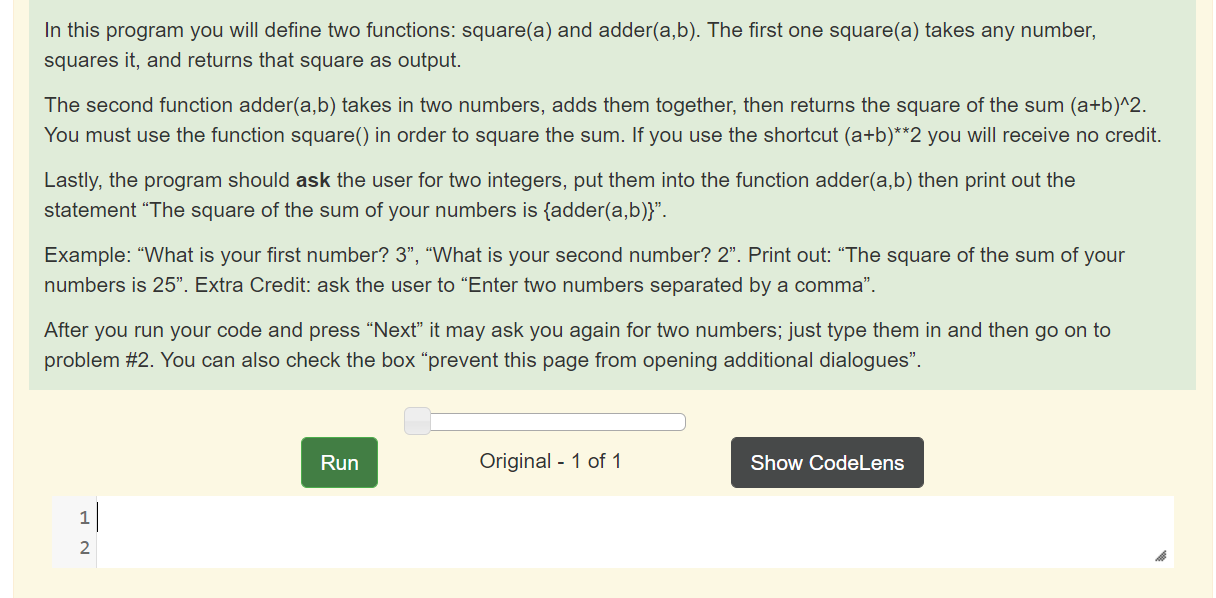
In this program you will define two functions: square(a) and adder(a,b). The first one square(a) takes any number, squares it, and returns that square as output. The second function adder(a,b) takes in two numbers, adds them together, then returns the square of the sum (a+b)^2. You must use the function square() in order to square the sum. If you use the shortcut (a+b)**2 you will receive no credit. Lastly, the program should ask the user for two integers, put them into the function adder(a,b) then print out the statement The square of the sum of your numbers is {adder(a,b)}". Example: What is your first number? 3, What is your second number? 2. Print out: The square of the sum of your numbers is 25". Extra Credit: ask the user to Enter two numbers separated by a comma. After you run your code and press Next it may ask you again for two numbers; just type them in and then go on to problem #2. You can also check the box "prevent this page from opening additional dialogues. Run Original - 1 of 1 Show CodeLer 1 2 In this program you will define two functions: square(a) and adder(a,b). The first one square(a) takes any number, squares it, and returns that square as output. The second function adder(a,b) takes in two numbers, adds them together, then returns the square of the sum (a+b)^2. You must use the function square() in order to square the sum. If you use the shortcut (a+b)**2 you will receive no credit. Lastly, the program should ask the user for two integers, put them into the function adder(a,b) then print out the statement The square of the sum of your numbers is {adder(a,b)}". Example: What is your first number? 3, What is your second number? 2. Print out: The square of the sum of your numbers is 25". Extra Credit: ask the user to Enter two numbers separated by a comma. After you run your code and press Next it may ask you again for two numbers; just type them in and then go on to problem #2. You can also check the box "prevent this page from opening additional dialogues. Run Original - 1 of 1 Show CodeLer 1 2
Step by Step Solution
There are 3 Steps involved in it

Get step-by-step solutions from verified subject matter experts
 Study Help