







Question: In Visual Basic, C#. trying to import items from one listbox in form 1 to a listbox in form2 when clicking an Add button 1.
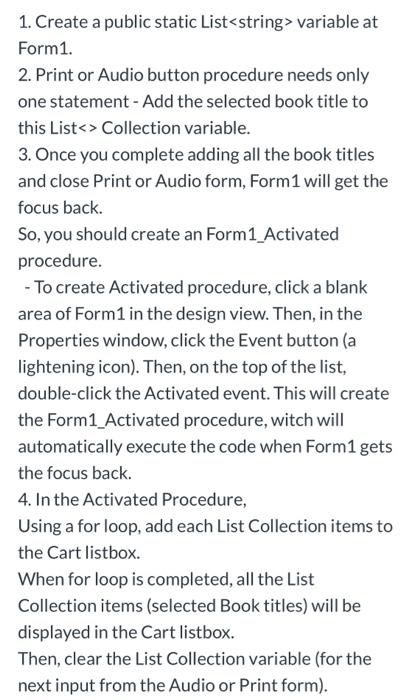
1. Create a public static List> variable at Form1. 2. Print or Audio button procedure needs only one statement - Add the selected book title to this List > Collection variable. 3. Once you complete adding all the book titles and close Print or Audio form, Form 1 will get the focus back. So, you should create an Form1_Activated procedure. - To create Activated procedure, click a blank area of Form1 in the design view. Then, in the Properties window, click the Event button (a lightening icon). Then, on the top of the list, double-click the Activated event. This will create the Form1_Activated procedure, witch will automatically execute the code when Form 1 gets the focus back. 4. In the Activated Procedure, Using a for loop, add each List Collection items to the Cart listbox. When for loop is completed, all the List Collection items (selected Book titles) will be displayed in the Cart listbox. Then, clear the List Collection variable (for the next input from the Audio or Print form)
Step by Step Solution
There are 3 Steps involved in it

Get step-by-step solutions from verified subject matter experts
 Study Help