







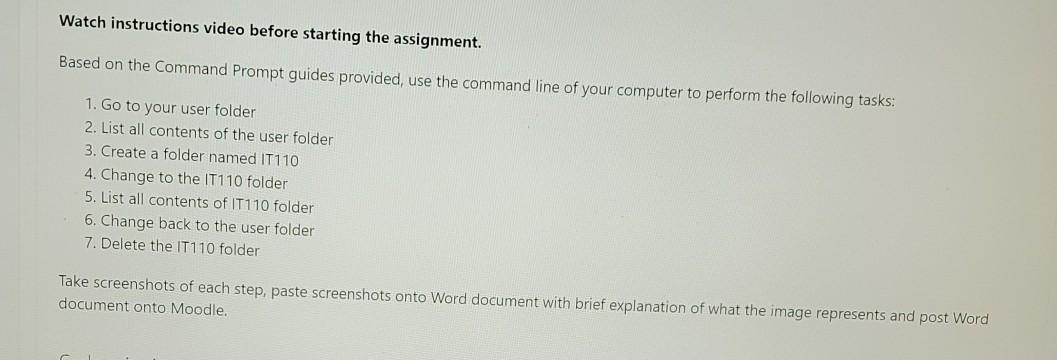
Question: in window Watch instructions video before starting the assignment. Based on the Command Prompt guides provided, use the command line of your computer to perform
in window
Watch instructions video before starting the assignment. Based on the Command Prompt guides provided, use the command line of your computer to perform the following tasks: 1. Go to your user folder 2. List all contents of the user folder 3. Create a folder named IT110 4. Change to the IT110 folder 5. List all contents of IT110 folder 6. Change back to the user folder 7. Delete the T110 folder Take screenshots of each step, paste screenshots onto Word document with brief explanation of what the image represents and post Word document onto Moodle
Step by Step Solution
There are 3 Steps involved in it
1 Expert Approved Answer
Step: 1 Unlock

Question Has Been Solved by an Expert!
Get step-by-step solutions from verified subject matter experts
Step: 2 Unlock
Step: 3 Unlock
 Study Help