







Question: In word_histogram.py, read the docstring for function words_with_frequency. Complete the definition of this function. Hint: the function body requires fewer than 10 lines of code.
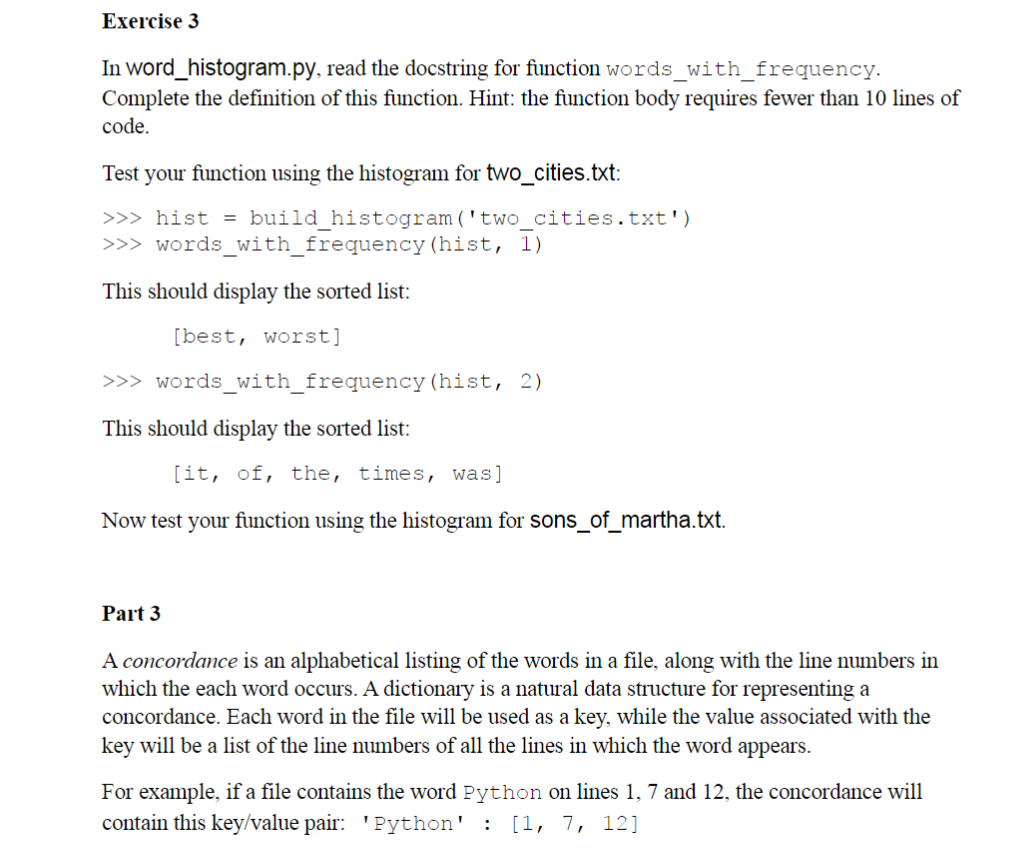
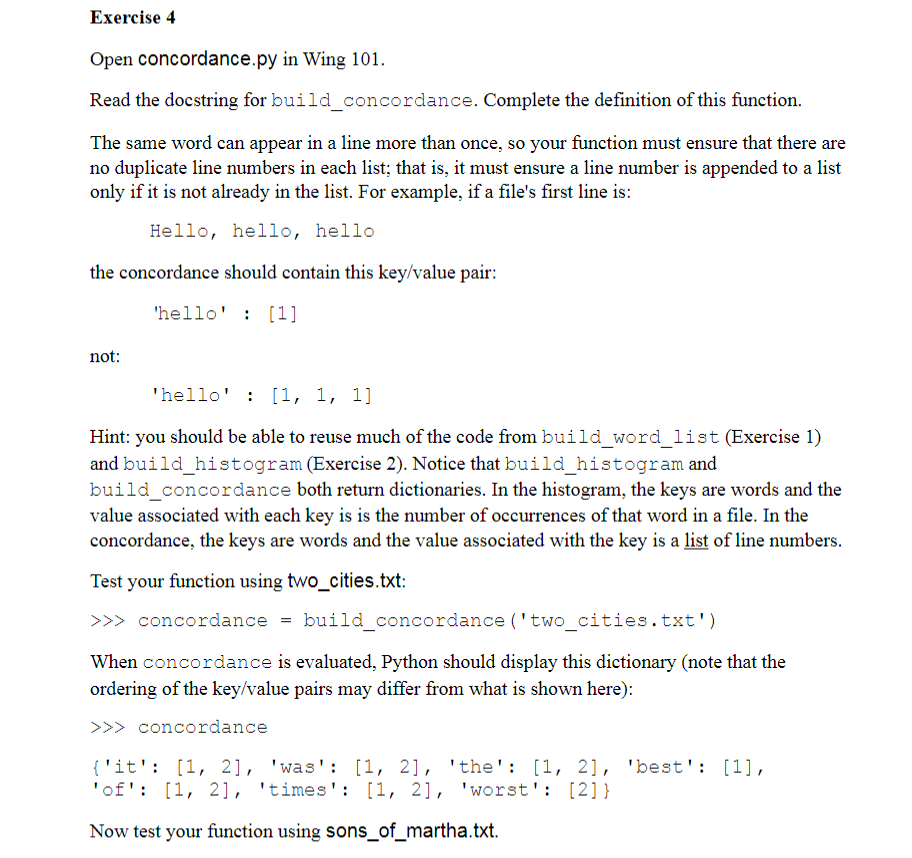
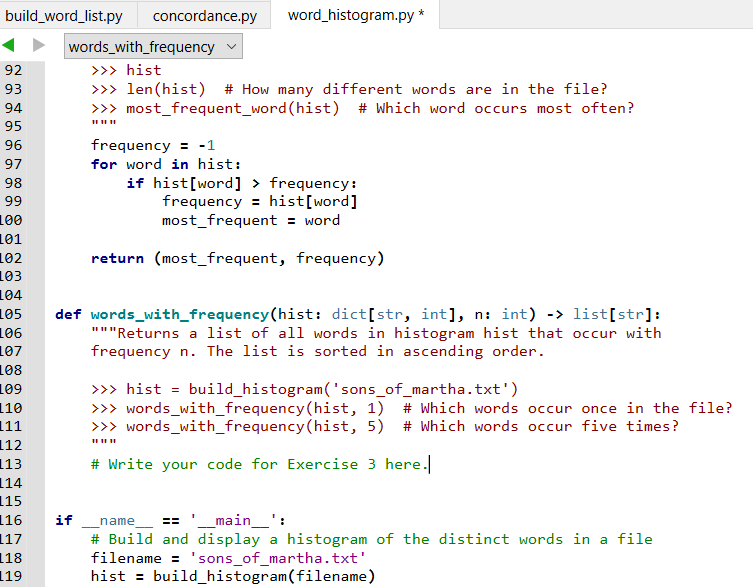
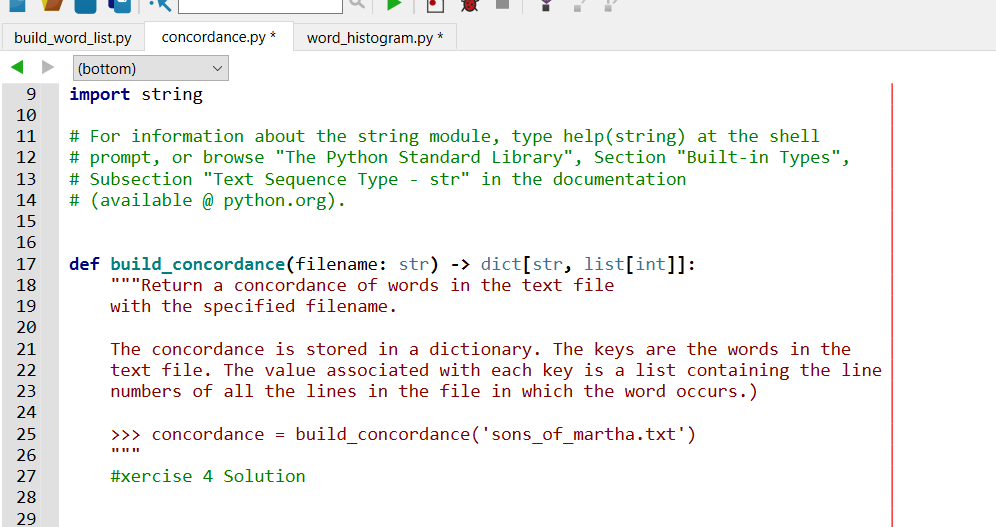
In word_histogram.py, read the docstring for function words_with_frequency. Complete the definition of this function. Hint: the function body requires fewer than 10 lines of code. Test your function using the histogram for two_cities.txt: >>> hist = build_histogram ('two_cities.txt') >> words_with_frequency (hist, 1 ) This should display the sorted list: [best, worst] >> words_with_frequency (hist, 2) This should display the sorted list: [it, of, the, times, was] Now test your function using the histogram for sons_of_martha.txt. Part 3 A concordance is an alphabetical listing of the words in a file, along with the line numbers in which the each word occurs. A dictionary is a natural data structure for representing a concordance. Each word in the file will be used as a key, while the value associated with the key will be a list of the line numbers of all the lines in which the word appears. For example, if a file contains the word Python on lines 1, 7 and 12, the concordance will contain this key/value pair: 'Python' : [1,7,12] Exercise 4 Open concordance.py in Wing 101. Read the docstring for build_concordance. Complete the definition of this function. The same word can appear in a line more than once, so your function must ensure that there are no duplicate line numbers in each list; that is, it must ensure a line number is appended to a list only if it is not already in the list. For example, if a file's first line is: Hello, hello, hello the concordance should contain this key/value pair: 'hello' : [1] not: hello:[1,1,1] Hint: you should be able to reuse much of the code from build_word_list (Exercise 1) and build_histogram (Exercise 2). Notice that build_histogram and build_concordance both return dictionaries. In the histogram, the keys are words and the value associated with each key is is the number of occurrences of that word in a file. In the concordance, the keys are words and the value associated with the key is a list of line numbers. Test your function using two_cities.txt: >>> concordance = build_concordance('two_cities.txt') When concordance is evaluated, Python should display this dictionary (note that the ordering of the key/value pairs may differ from what is shown here): > concordance \{'it': [1, 2], 'was': [1, 2], 'the': [1, 2], 'best': [1], 'of': [1, 2], 'times': [1,2], 'worst': [2] \} Now test your function using sons_of_martha.txt. import string \# For information about the string module, type help(string) at the shell \# prompt, or browse "The Python Standard Library", Section "Built-in Types", \# Subsection "Text Sequence Type - str" in the documentation \# (available@python.org). def build_concordance(filename: str) dict[str, list[int]]: "" "Return a concordance of words in the text file with the specified filename. The concordance is stored in a dictionary. The keys are the words in the text file. The value associated with each key is a list containing the line numbers of all the lines in the file in which the word occurs.) \> concordance = build_concordance( 'sons_of_martha.txt') \#xercise 4 Solution
Step by Step Solution
There are 3 Steps involved in it

Get step-by-step solutions from verified subject matter experts
 Study Help