







Question: In your Ubuntu VM do the following: 1) Create a folder called pgm1 2) Move into the pgm1 folder 3) Using a linux editor create
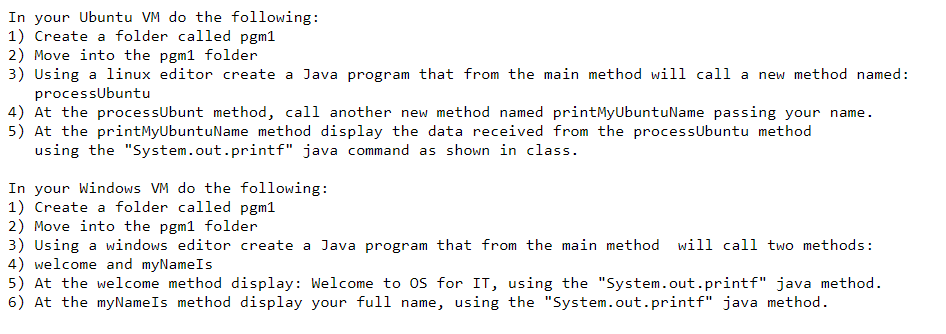
In your Ubuntu VM do the following: 1) Create a folder called pgm1 2) Move into the pgm1 folder 3) Using a linux editor create a Java program that from the main method will call a new method named: processUbuntu 4) At the processUbunt method, call another new method named printMyUbuntuName passing your name. 5) At the printMyUbuntuName method display the data received from the processUbuntu method using the +systen. eut.printi java comand as shon in clas. In your Windows VM do the following: 1) Create a folder called pgm1 2) Move into the pgm1 folder 3) Using a windows editor create a Java program that from the main method will call two methods: 4) welcome and myNamels 5) At the welcome method display: Welcome to OS for IT, using the "System.out.printf" java method. 6) At the myNameIs method display your full name, using the "System.out.printf" java method
Step by Step Solution
There are 3 Steps involved in it

Get step-by-step solutions from verified subject matter experts
 Study Help