







Question: In-Class Exercise: Run the example program for the clockType class, with the class definition, class function definitions, and the function main all in the same
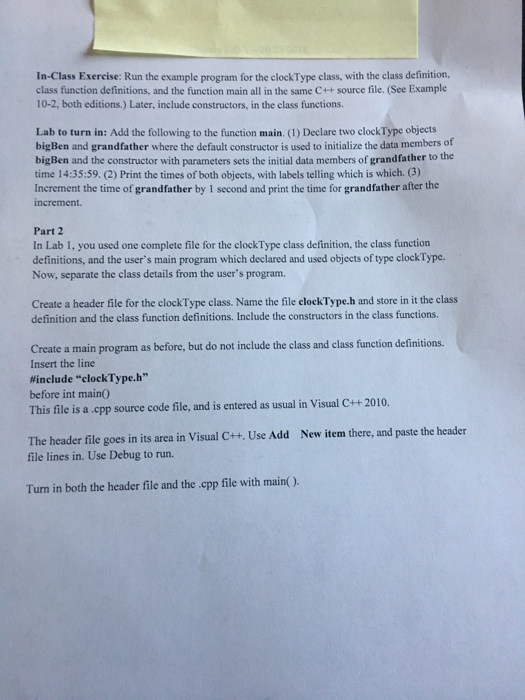
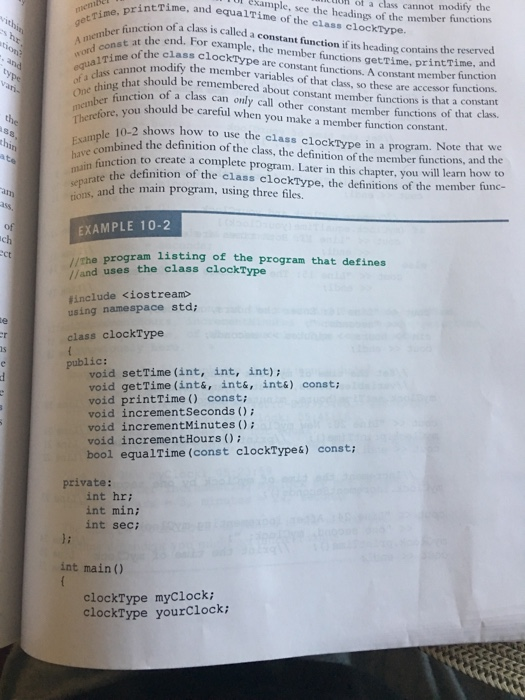
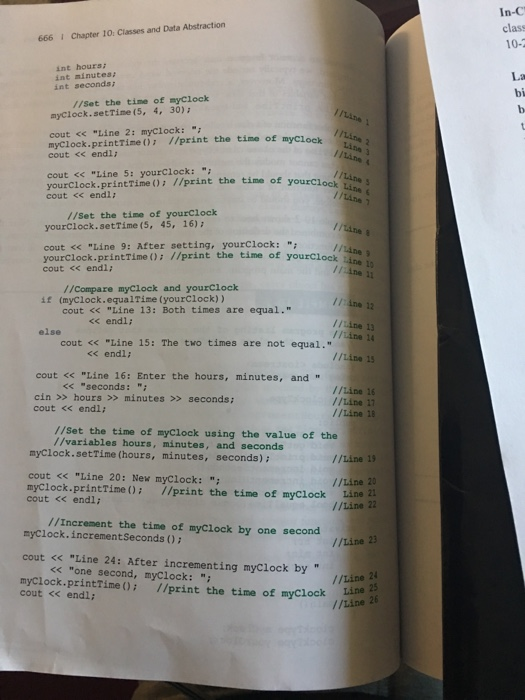
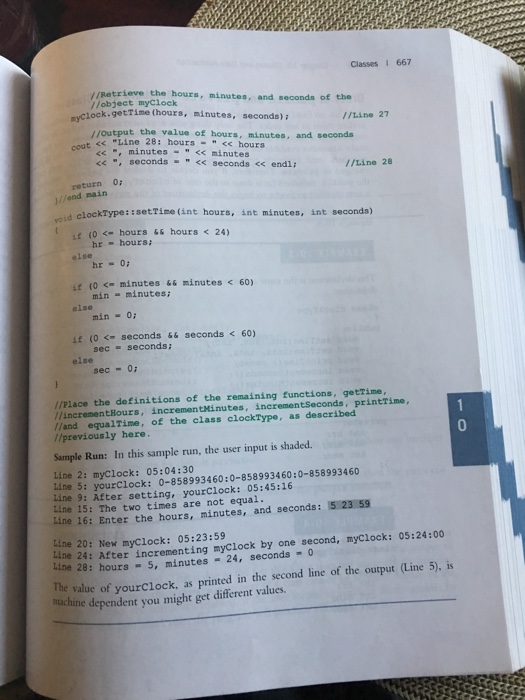

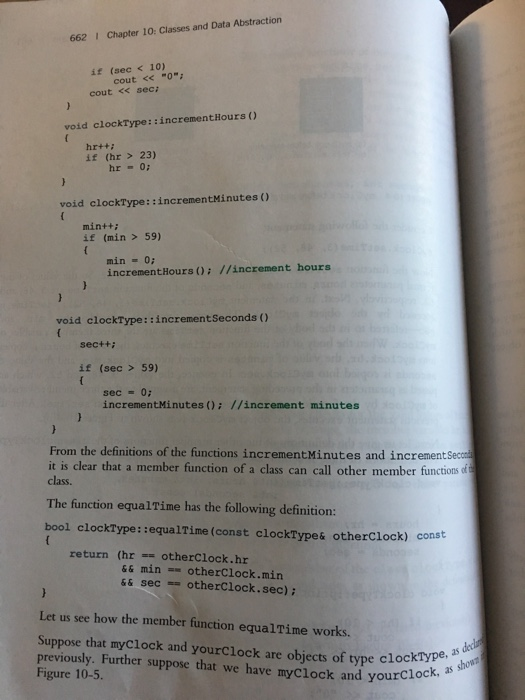
In-Class Exercise: Run the example program for the clockType class, with the class definition, class function definitions, and the function main all in the same C++ source file. (See Example 10-2, both editions.) Later, include constructors, in the elass functions. Lab to turn in: Add the following to the function main. (1) Declare two clockType objects bigBen and grandfather where the default constructor is used to initialize the data bigBen and the constructor with parameters sets the initial data members of grandfather to the time 14:35:59. (2) Print the times of both objects, with labels telling which is which. (3) Increment the time of grandfather by I second and print the time for grandfather after the increment. members of Part 2 In Lab 1, you used one complete file for the clockType class definition, the class function definitions, and the user's main program which declared and used objects of type clockType. Now, separate the class details from the user's program. Create a header file for the clockType class. Name the file clockType.h and store in it the class definition and the class function definitions. Include the constructors in the class functions. Create a main program as before, but do not include the class and class function definitions. Insert the line #include "clock-Type.h" before int main0 This file is a cpp source code file, and is entered as usual in Visual C++2010. New item there, and paste the header The header file goes in its area in Visual C++. Use Add file lines in. Use Debug to run. Turn in both the header file and the cpp file with main( )
Step by Step Solution
There are 3 Steps involved in it

Get step-by-step solutions from verified subject matter experts
 Study Help