







Question: #include #include using namespace std; class Purchase { public: bool ReadFoodAndQuantity(); void Print() const; private: string food; int quantity; }; bool Purchase::ReadFoodAndQuantity() { string newFood;
#include
class Purchase { public: bool ReadFoodAndQuantity(); void Print() const; private: string food; int quantity; };
bool Purchase::ReadFoodAndQuantity() { string newFood; cin >> newFood; if (newFood == "end") { return false; } else { food = newFood; cin >> quantity; return true; } }
void Purchase::Print() const { cout
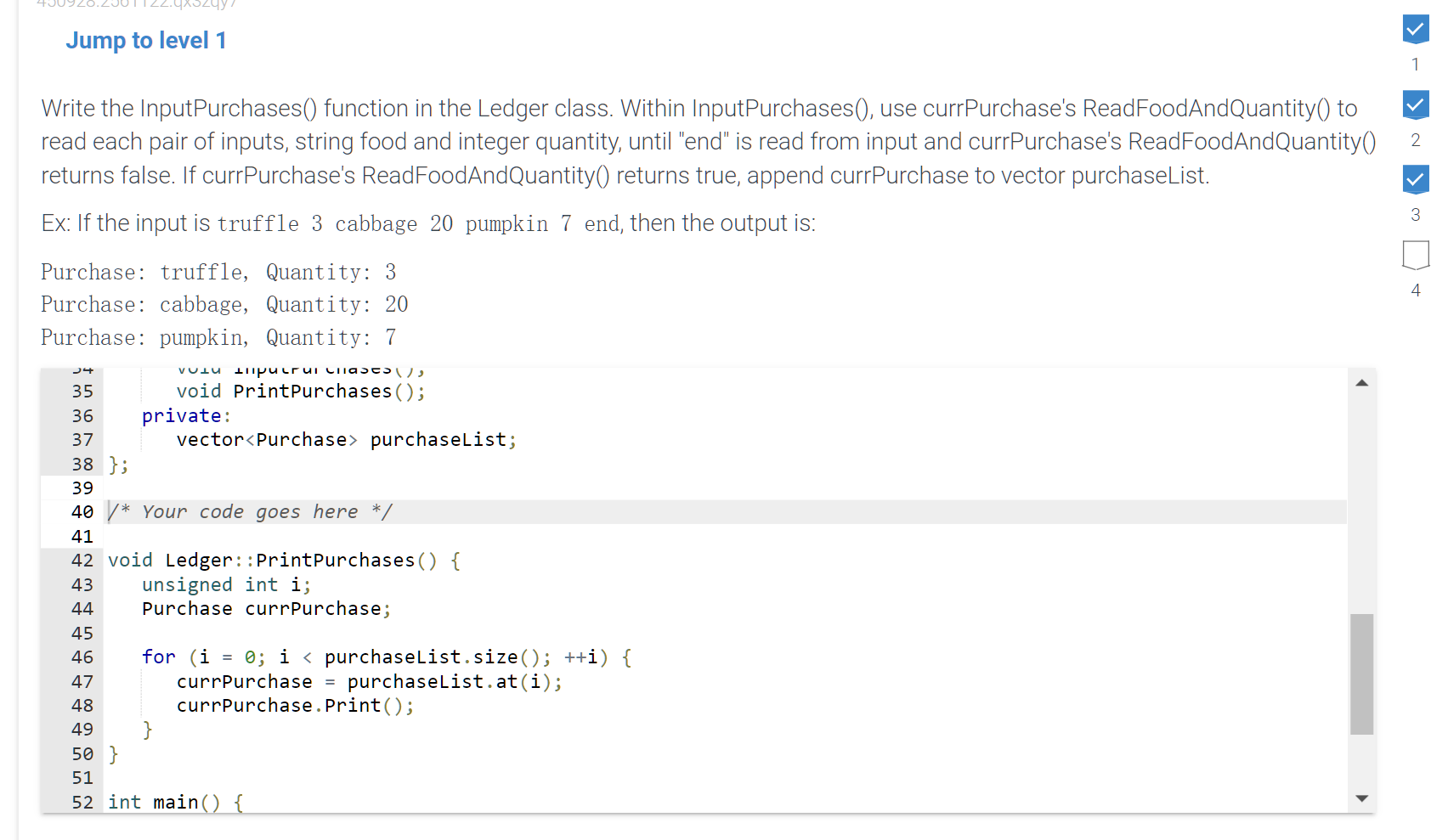
class Ledger { public: void InputPurchases(); void PrintPurchases(); private: vector
/* Your code goes here */ Please edit at here and do not change other code, use default template,thank you.
void Ledger::PrintPurchases() { unsigned int i; Purchase currPurchase;
for (i = 0; i
int main() { Ledger ledger;
ledger.InputPurchases(); ledger.PrintPurchases(); return 0; }
Write the InputPurchases() function in the Ledger class. Within InputPurchases(), use currPurchase's ReadFoodAndQuantity() to read each pair of inputs, string food and integer quantity, until "end" is read from input and currPurchase's ReadFoodAndQuantity() returns false. If currPurchase's ReadFoodAndQuantity() returns true, append currPurchase to vector purchaseList. Ex: If the input is truffle 3 cabbage 20 pumpkin 7 end, then the output is: Purchase: truffle, Quantity: 3 Purchase: cabbage, Quantity: 20 Purchase: pumpkin, Quantity: 7
Step by Step Solution
There are 3 Steps involved in it

Get step-by-step solutions from verified subject matter experts
 Study Help