







Question: Include your own javascript code or file to the index.html and do the following once the page loads: - Change the font color of all
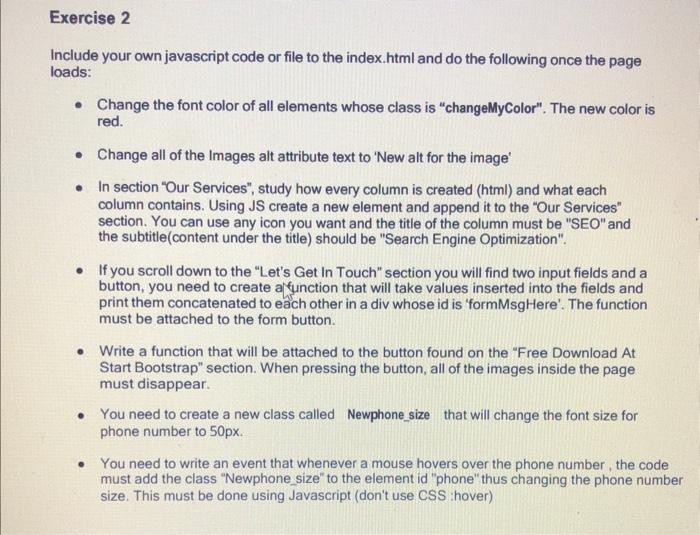
Include your own javascript code or file to the index.html and do the following once the page loads: - Change the font color of all elements whose class is "changeMyColor". The new color is red. - Change all of the Images alt attribute text to 'New alt for the image' - In section "Our Services", study how every column is created (html) and what each column contains. Using JS create a new element and append it to the "Our Services" section. You can use any icon you want and the title of the column must be "SEO" and the subtitle(content under the title) should be "Search Engine Optimization". - If you scroll down to the "Let's Get In Touch" section you will find two input fields and a button, you need to create affunction that will take values inserted into the fields and print them concatenated to each other in a div whose id is 'formMsgHere'. The function must be attached to the form button. - Write a function that will be attached to the button found on the "Free Download At Start Bootstrap" section. When pressing the button, all of the images inside the page must disappear. - You need to create a new class called Newphone_size that will change the font size for phone number to 50px. - You need to write an event that whenever a mouse hovers over the phone number, the code must add the class "Newphone_size" to the element id "phone" thus changing the phone numbe size. This must be done using Javascript (don't use CSS :hover)
Step by Step Solution
There are 3 Steps involved in it

Get step-by-step solutions from verified subject matter experts
 Study Help