







Question: INFO1145 - Information Technology Documentation Technologies Assignment #2 (22 marks, 8%) Please note that this is an individual activity. Do your own work and do
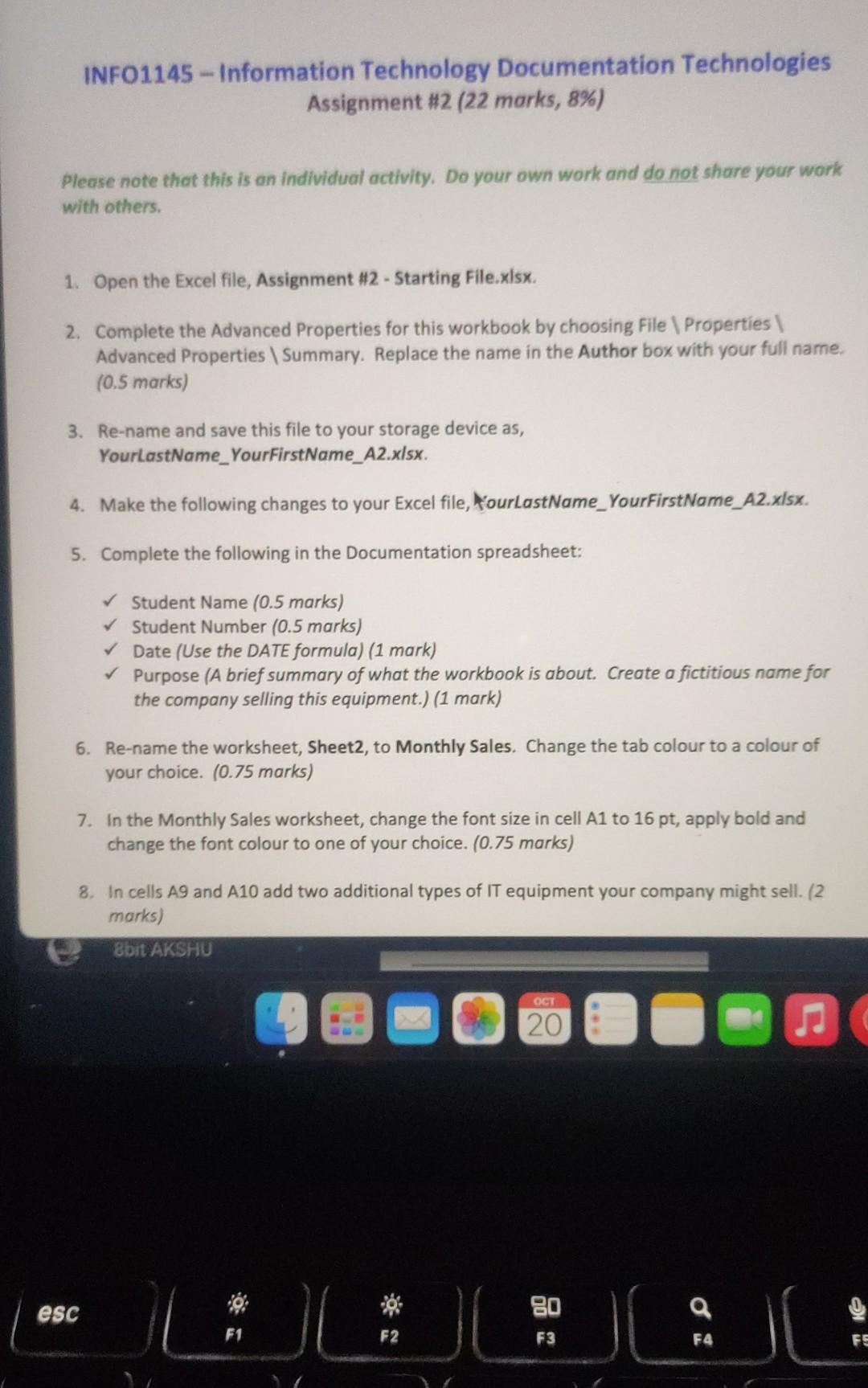
INFO1145 - Information Technology Documentation Technologies Assignment #2 (22 marks, 8\%) Please note that this is an individual activity. Do your own work and do not share your work with others. 1. Open the Excel file, Assignment #2 - Starting File.xlsx. 2. Complete the Advanced Properties for this workbook by choosing File \Properties \ Advanced Properties \Summary. Replace the name in the Author box with your full name. (0.5 marks) 3. Re-name and save this file to your storage device as, YourlastName_YourFirstName_A2.xlsx. 4. Make the following changes to your Excel file, YourLastName_YourFirstName_A2.xlsx. 5. Complete the following in the Documentation spreadsheet: Student Name (0.5 marks) Student Number ( 0.5 marks) Date (Use the DATE formula) (1 mark) Purpose (A brief summary of what the workbook is about. Create a fictitious name for the company selling this equipment.) (1 mark) 6. Re-name the worksheet, Sheet2, to Monthly Sales. Change the tab colour to a colour of your choice. ( 0.75 marks) 7. In the Monthly Sales worksheet, change the font size in cell A1 to 16pt, apply bold and change the font colour to one of your choice. ( 0.75 marks) 8. In cells A9 and A10 add two additional types of IT equipment your company might sell. 12 marks) INFO1145 - Information Technology Documentation Technologies Assignment #2 (22 marks, 8\%) Please note that this is an individual activity. Do your own work and do not share your work with others. 1. Open the Excel file, Assignment #2 - Starting File.xlsx. 2. Complete the Advanced Properties for this workbook by choosing File \Properties \ Advanced Properties \Summary. Replace the name in the Author box with your full name. (0.5 marks) 3. Re-name and save this file to your storage device as, YourlastName_YourFirstName_A2.xlsx. 4. Make the following changes to your Excel file, YourLastName_YourFirstName_A2.xlsx. 5. Complete the following in the Documentation spreadsheet: Student Name (0.5 marks) Student Number ( 0.5 marks) Date (Use the DATE formula) (1 mark) Purpose (A brief summary of what the workbook is about. Create a fictitious name for the company selling this equipment.) (1 mark) 6. Re-name the worksheet, Sheet2, to Monthly Sales. Change the tab colour to a colour of your choice. ( 0.75 marks) 7. In the Monthly Sales worksheet, change the font size in cell A1 to 16pt, apply bold and change the font colour to one of your choice. ( 0.75 marks) 8. In cells A9 and A10 add two additional types of IT equipment your company might sell. 12 marks)
Step by Step Solution
There are 3 Steps involved in it

Get step-by-step solutions from verified subject matter experts
 Study Help