







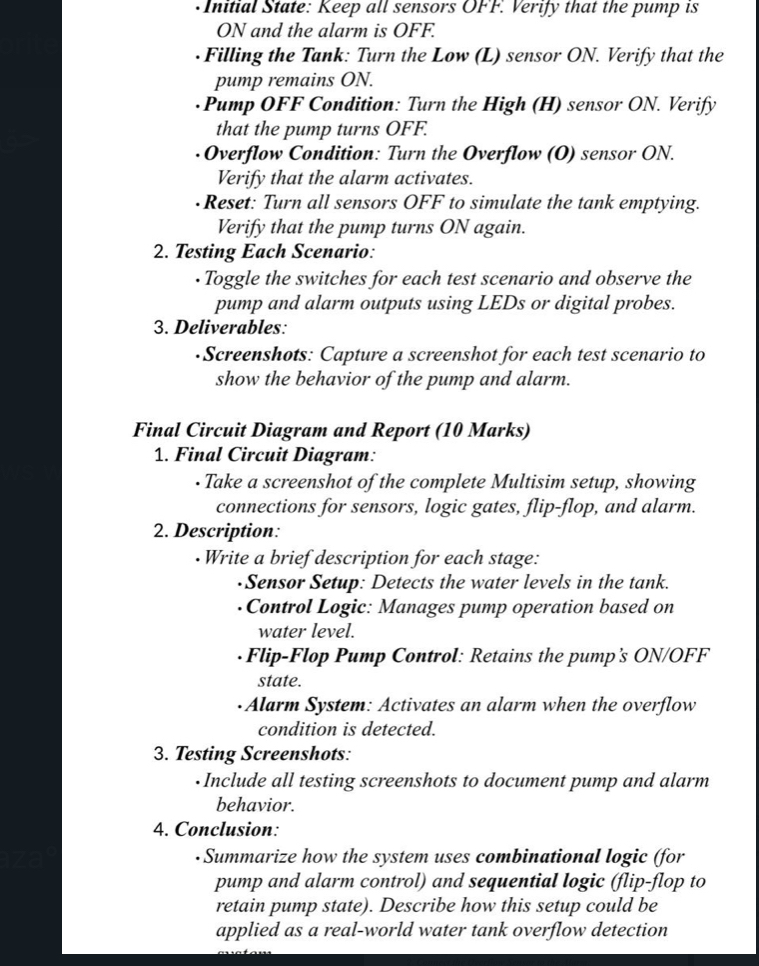
Question: - Initial State: Keep all sensors OFF. Verify that the pump is ON and the alarm is OFF. Filling the Tank: Turn the Low (
Initial State: Keep all sensors OFF. Verify that the pump is ON and the alarm is OFF.
Filling the Tank: Turn the Low L sensor ON Verify that the pump remains ON
Pump OFF Condition: Turn the High H sensor ON Verify that the pump turns OFF.
Overflow Condition: Turn the Overflow O sensor ON Verify that the alarm activates.
Reset: Turn all sensors OFF to simulate the tank emptying. Verify that the pump turns ON again.
Testing Each Scenario:
Toggle the switches for each test scenario and observe the pump and alarm outputs using LEDs or digital probes.
Deliverables:
Screenshots: Capture a screenshot for each test scenario to show the behavior of the pump and alarm.
Final Circuit Diagram and Report Marks
Final Circuit Diagram:
Take a screenshot of the complete Multisim setup, showing connections for sensors logic gates, flipflop, and alarm.
Description:
Write a brief description for each stage:
Sensor Setup: Detects the water levels in the tank.
Control Logic: Manages pump operation based on water level.
FlipFlop Pump Control: Retains the pump's ONOFF state.
Alarm System: Activates an alarm when the overflow condition is detected.
Testing Screenshots:
Include all testing screenshots to document pump and alarm behavior.
Conclusion:
Summarize how the system uses combinational logic for pump and alarm control and sequential logic flipflop to retain pump state Describe how this setup could be applied as a realworld water tank overflow detection
Step by Step Solution
There are 3 Steps involved in it
1 Expert Approved Answer
Step: 1 Unlock

Question Has Been Solved by an Expert!
Get step-by-step solutions from verified subject matter experts
Step: 2 Unlock
Step: 3 Unlock
 Study Help