







Question: Input Validation Background Summary Any program input--such as a user typing at a keyboard, a file or a network connection--can be the source of security
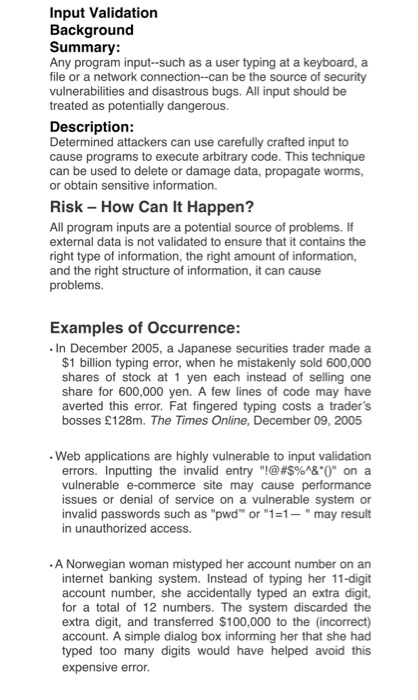
Input Validation Background Summary Any program input--such as a user typing at a keyboard, a file or a network connection--can be the source of security vulnerabilities and disastrous bugs. All input should be treated as potentially dangerous. Description Determined attackers can use carefully crafted input to cause programs to execute arbitrary code. This technique can be used to delete or damage data, propagate worms, or obtain sensitive information. Risk How Can It Happen? All program inputs are a potential source of problems. I external data is not validated to ensure that it contains the right type of information, the right amount of information, and the right structure of information, it can cause problems. Examples of Occurrence: In December 2005, a Japanese securities trader made a $1 biln typing error, when he mistakenly sold 600,000 shares of stock at 1 yen each instead of selling one share for 600,000 yen. averted this error. Fat fingered typing costs a trader's bosses 128m. The Times Online, December 09, 2005 A few lines of code may have Web applications are highly vulnerable to input validation errors. Inputting the invalid entry "!@#$%"&.0" on a vulnerable e-commerce site may cause performance issues or denial of service on a vulnerable system or invalid passwords such as "pwd" or "1 -" may result in unauthorized access. A Norwegian woman mistyped her account number on an internet banking system. Instead of typing her 11-digit account number, she accidentally typed an extra digit, for a total of 12 numbers. The system discarded the extra digit, and transferred $100,000 to the (incorrect) account. A simple dialog box informing her that she had typed too many digits would have helped avoid this expensive error
Step by Step Solution
There are 3 Steps involved in it

Get step-by-step solutions from verified subject matter experts
 Study Help