







Question: Insert a recommended PivotTable based on the Customers table as follows: a . Insert the Sum of Payment by State recommended PivotTable. [ Mac Hint:
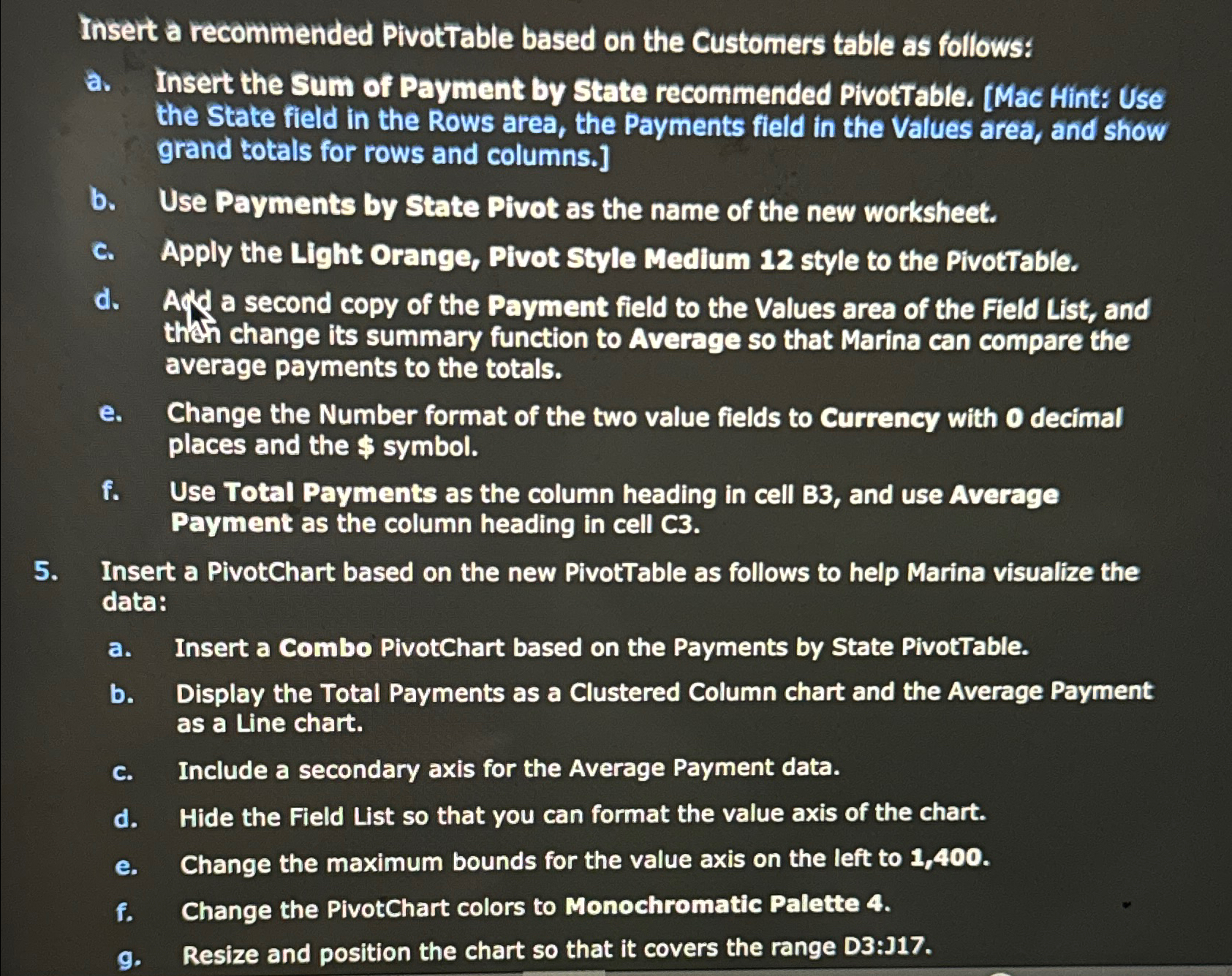
Insert a recommended PivotTable based on the Customers table as follows:
a Insert the Sum of Payment by State recommended PivotTable. Mac Hint: Use the State field in the Rows area, the Payments field in the Values area, and show grand totals for rows and columns.
b Use Payments by State Pivot as the name of the new worksheet.
c Apply the Light Orange, Pivot Style Medium style to the PivotTable.
d Ayd a second copy of the Payment field to the Values area of the Field List, and then change its summary function to Average so that Marina can compare the average payments to the totals.
e Change the Number format of the two value fields to Currency with decimal places and the $ symbol.
f Use Total Payments as the column heading in cell B and use Average Payment as the column heading in cell
Insert a PivotChart based on the new PivotTable as follows to help Marina visualize the data:
a Insert a Combo PivotChart based on the Payments by State PivotTable.
b Display the Total Payments as a Clustered Column chart and the Average Payment as a Line chart.
c Include a secondary axis for the Average Payment data.
d Hide the Field List so that you can format the value axis of the chart.
e Change the maximum bounds for the value axis on the left to
f Change the PivotChart colors to Monochromatic Palette
g Resize and position the chart so that it covers the range D:J
Step by Step Solution
There are 3 Steps involved in it
1 Expert Approved Answer
Step: 1 Unlock

Question Has Been Solved by an Expert!
Get step-by-step solutions from verified subject matter experts
Step: 2 Unlock
Step: 3 Unlock
 Study Help