







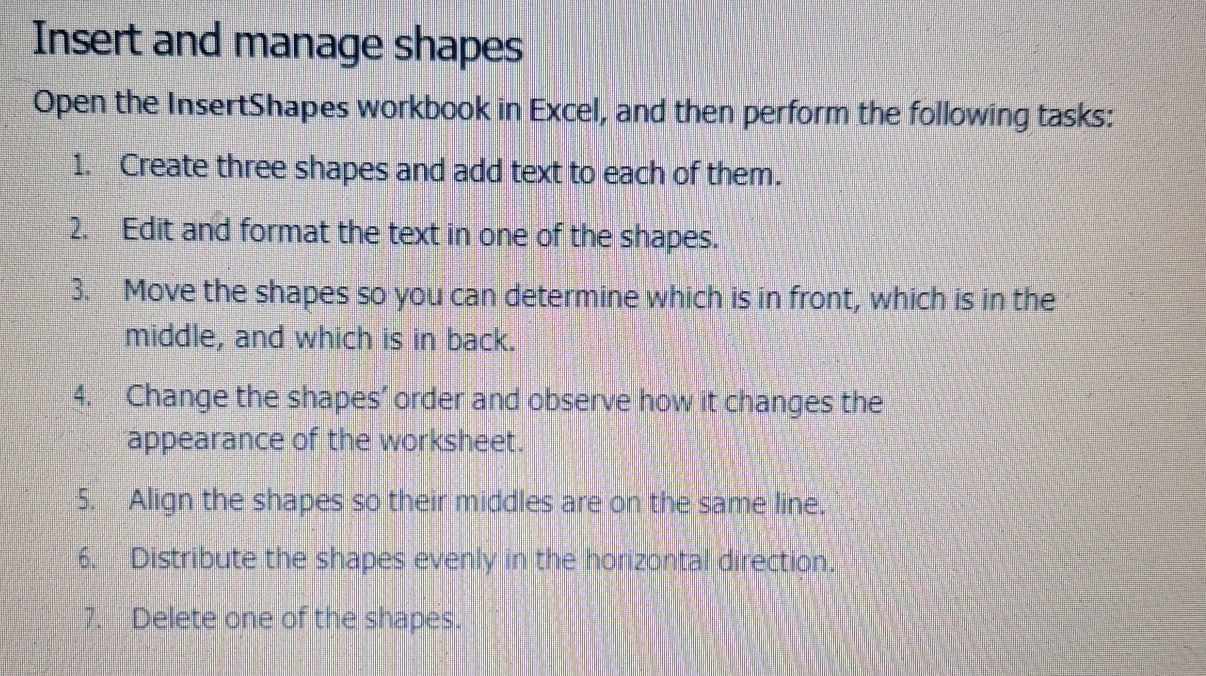
Question: Insert and manage shapes Open the InsertShapes workbook in Excel, and then perform the following tasks: Create three shapes and add text to each of
Insert and manage shapes
Open the InsertShapes workbook in Excel, and then perform the following tasks:
Create three shapes and add text to each of them.
Edit and format the text in one of the shapes.
Move the shapes so you can determine which is in front, which is in the
middle, and which is in back.
Change the shapes' order and observe how it changes the
appearance of the worksheet.
Align the shapes so their middles are on the same line.
Distribute the shapes evenly in the horizontal direction.
Delete one of the shapes.
Step by Step Solution
There are 3 Steps involved in it
1 Expert Approved Answer
Step: 1 Unlock

Question Has Been Solved by an Expert!
Get step-by-step solutions from verified subject matter experts
Step: 2 Unlock
Step: 3 Unlock
 Study Help