







Question: Insert the graph from Experiment #1 below Please make sure to label the axes of your chart! graph. In order to label charts in Excel
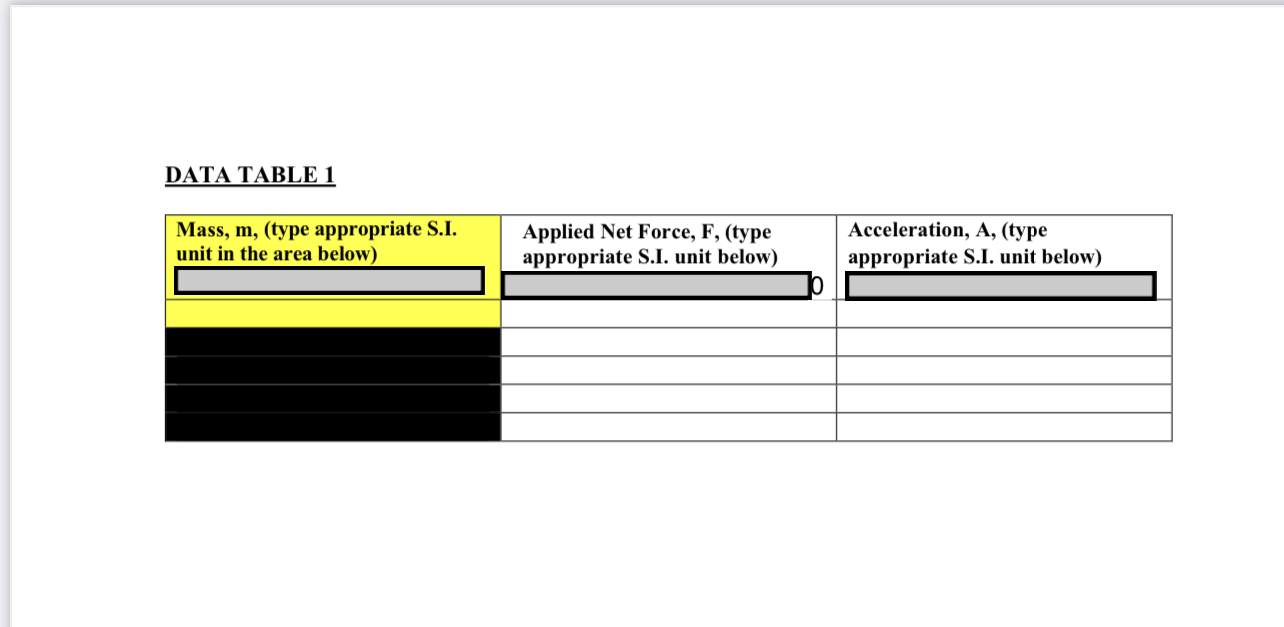
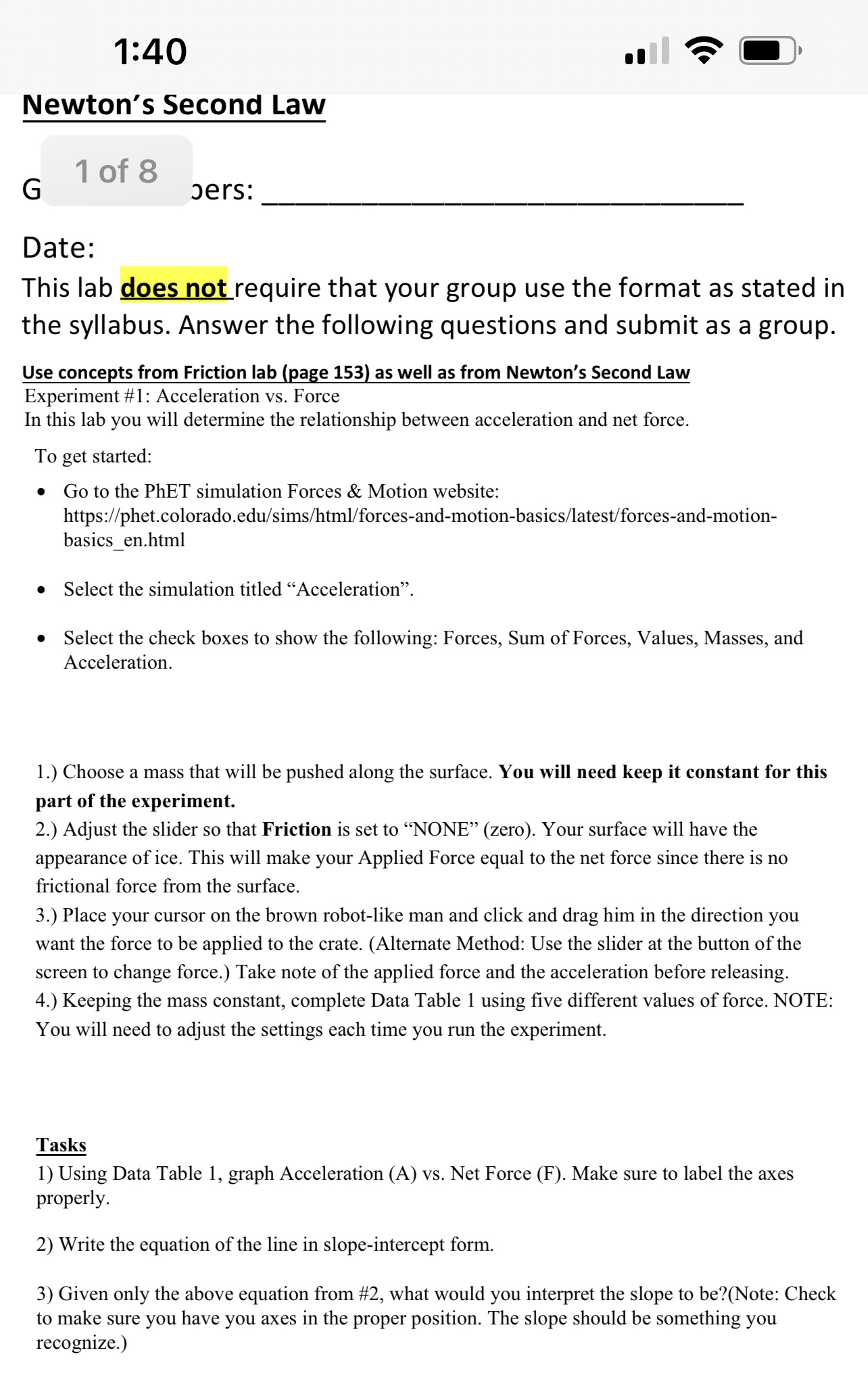
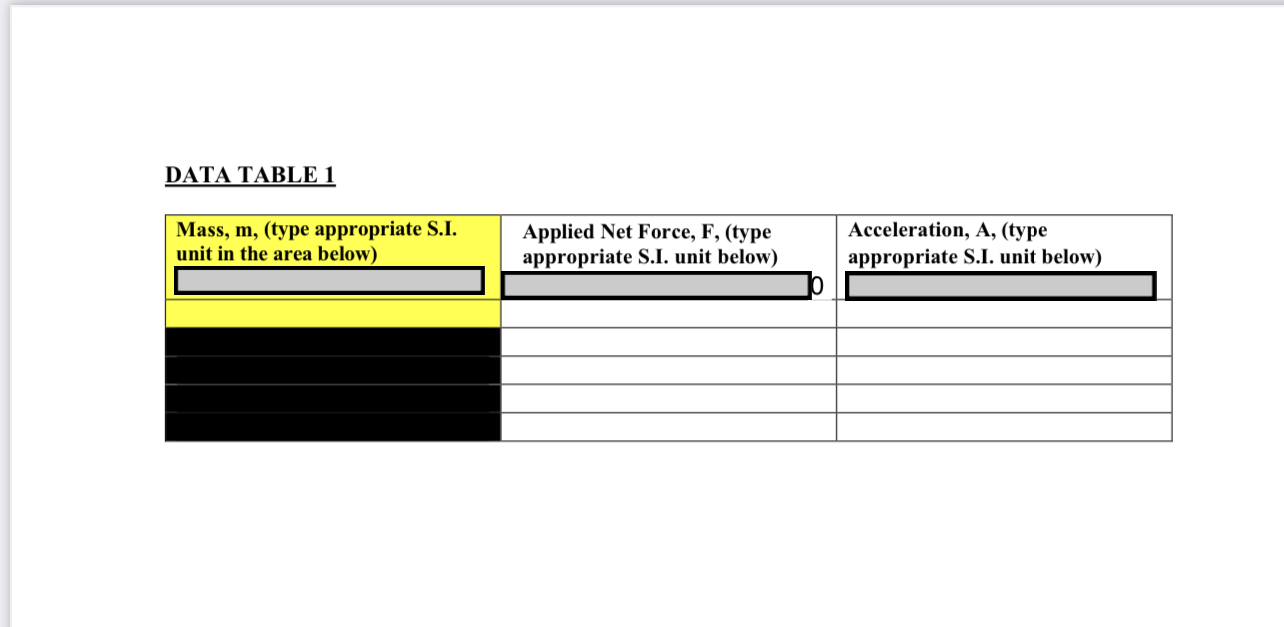
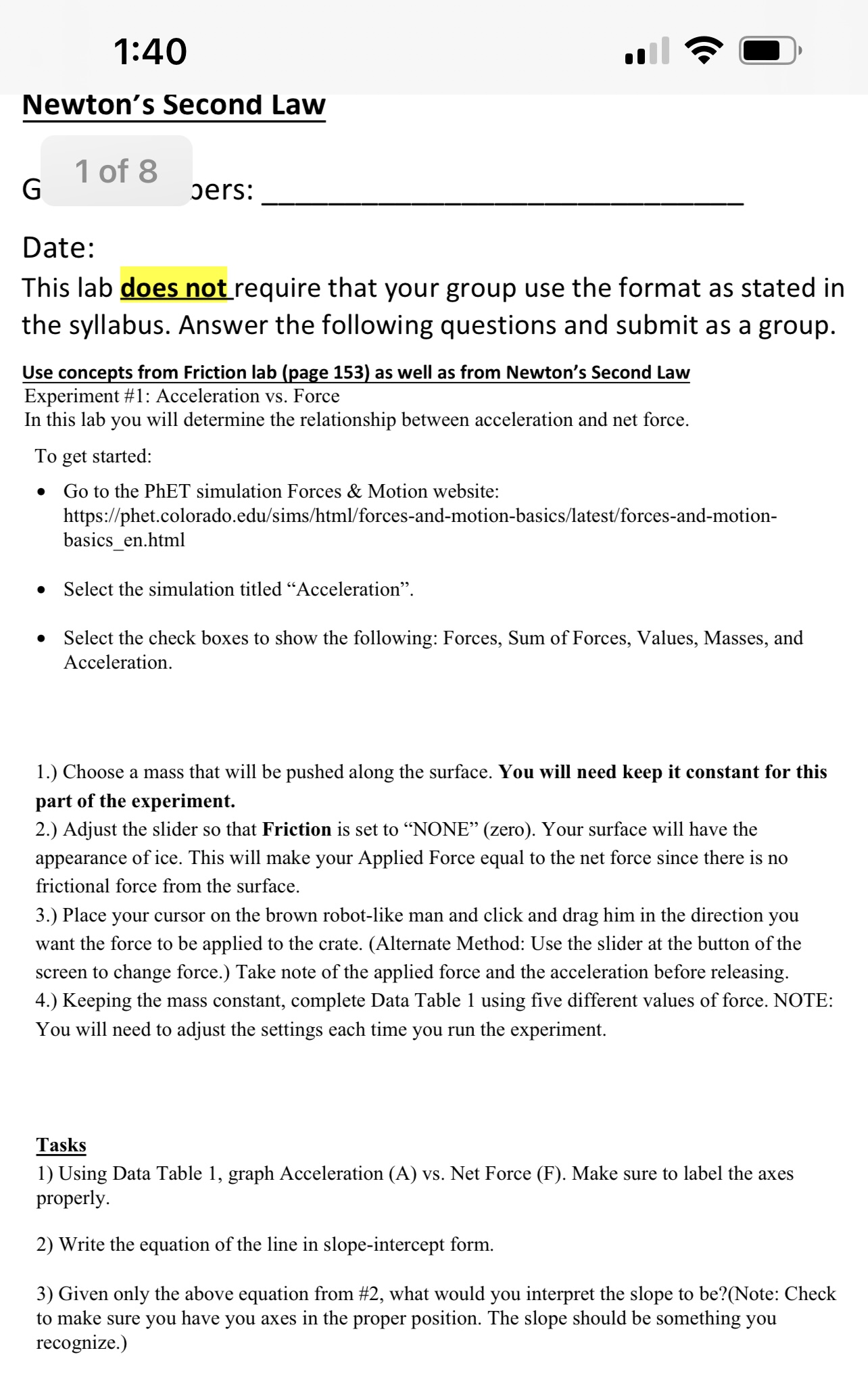
Insert the graph from Experiment #1 below Please make sure to label the axes of your chart! graph. In order to label charts in Excel you can follow these steps: 1. Select the chart you want to modify. 2. Click on the Chart Elements button in the upper-right corner of the chart. 3. Select "Axis Titles" from the drop-down menu. 4. Select "Primary Horizontal Axis Title" or "Primary Vertical Axis Title" and then select the position where you want the title to be placed. 5. Type in the title for the axis and hit "Enter" to apply the label. 6. lfyou want to format the title, you can right-click on the title and select "Format Axis Title." From there, you can change the font, size, color, and other formatting options. 7. Repeat the above steps for the other axis if you want to label both axes. DATA TABLE 1 Mass, m, (type appropriate S.I. Applied Net Force, F, (type Acceleration, A, (type unit in the area below) appropriate S.I. unit below) appropriate S.I. unit below)1:40 II I\"? @' Newton's SECOI'Id Law G 10f8 aers: Date: This lab Mrequire that your group use the format as stated in the syllabus. Answer the following questions and submit as a group. Use concepts from Friction lab (page 153! as well as from Newton's Second Law Experiment #1: Acceleration vs. Force In this lab you will determine the relationship between acceleration and net force. To get started: ' Go to the PhET simulation Forces & Motion website: https://phet.colorado.edu/sims/html/forcesand-motionbasics/latest/forces-and-motion- basics_en.html ' Select the simulation titled \"Acceleration\". 0 Select the check boxes to show the following: Forces, Sum of Forces, Values, Masses, and Acceleration. 1.) Choose a mass that will be pushed along the surface. You will need keep it constant for this part of the experiment. 2.) Adjust the slider so that Friction is set to \"NONE\" (zero). Your surface will have the appearance of ice. This will make your Applied Force equal to the net force since there is no frictional force from the surface. 3.) Place your cursor on the brown robot-like man and click and drag him in the direction you want the force to be applied to the crate. (Alternate Method: Use the slider at the button of the screen to change force.) Take note of the applied force and the acceleration before releasing. 4.) Keeping the mass constant, complete Data Table 1 using ve different values of force. NOTE: You will need to adjust the settings each time you run the experiment. Tasks 1) Using Data Table 1, graph Acceleration (A) vs. Net Force (F). Make sure to label the axes properly. 2) Write the equation of the line in slope-intercept form. 3) Given only the above equation from #2, what would you interpret the slope to be?(Note: Check to make sure you have you axes in the proper position. The slope should be something you recognize.)
Step by Step Solution
There are 3 Steps involved in it

Get step-by-step solutions from verified subject matter experts
 Study Help