







Question: install linux on your computer to do this assignment ITN 170 Project 3 Insert a usb drive into a port readable by your copy of
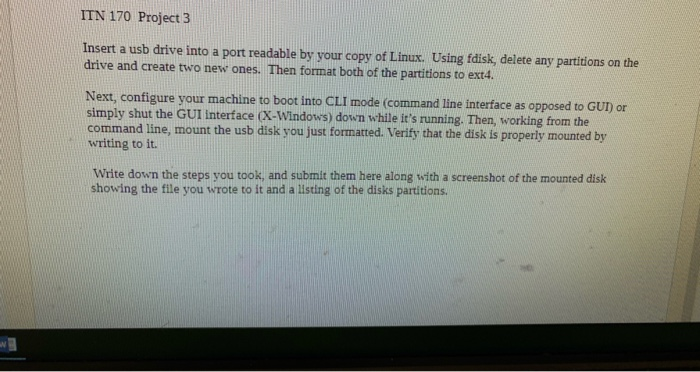
ITN 170 Project 3 Insert a usb drive into a port readable by your copy of Linux. Using fdisk, delete any partitions on the drive and create two new ones. Then format both of the partitions to ext4. Next, configure your machine to boot into CLI mode (command line interface as opposed to GUI) or simply shut the GUI interface (X-Windows) down while it's running. Then, working from the command line, mount the usb disk you just formatted. Verify that the disk is properly mounted by writing to it. Write down the steps you took, and submit them here along with a screenshot of the mounted disk showing the file you wrote to it and a listing of the disks partitions
Step by Step Solution
There are 3 Steps involved in it

Get step-by-step solutions from verified subject matter experts
 Study Help