







Question: Instructions Building the class library . Use the Project>Add New Item dialog to add a new class named Shape... Select Class and rename your class
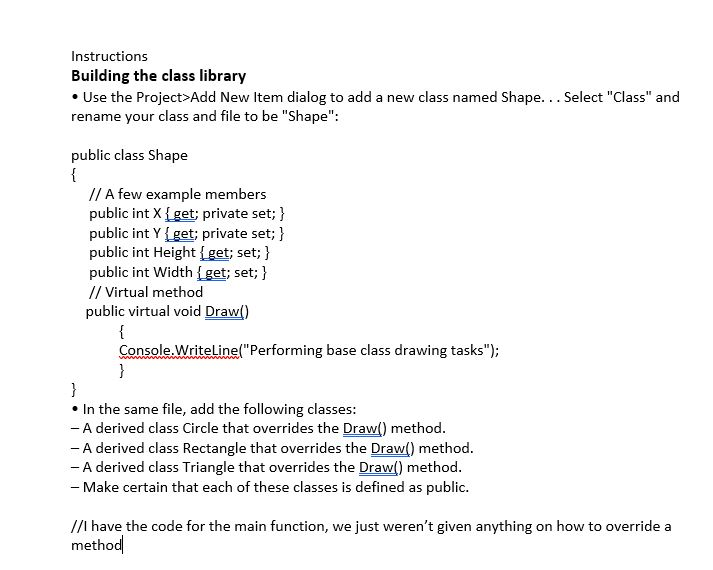
Instructions Building the class library . Use the Project>Add New Item dialog to add a new class named Shape... Select "Class" and rename your class and file to be "Shape": public class Shape A few example members public int X Iget; private set; public int Y get; private set; public int Height Iget; set; public int Width Iget; set; 1 // Virtual method public virtual void Draw() ConsoleWriteLine(" Performing base class drawing tasks" e In the same file, add the following classes: A derived class Circle that overrides the Draw() method - A derived class Rectangle that overrides the Draw) method - A derived class Triangle that overrides the Draw() method - Make certain that each of these classes is defined as public. //I have the code for the main function, we just weren't given anything on how to override a method
Step by Step Solution
There are 3 Steps involved in it

Get step-by-step solutions from verified subject matter experts
 Study Help